


Participant
May 14, 2025

Template options are not available when file is not currently open

  • May 14, 2025
  • 1 reply
  • 127 views

I noticed today that if you create a template through share with the document you would like to create a template from open, you have these template options available:
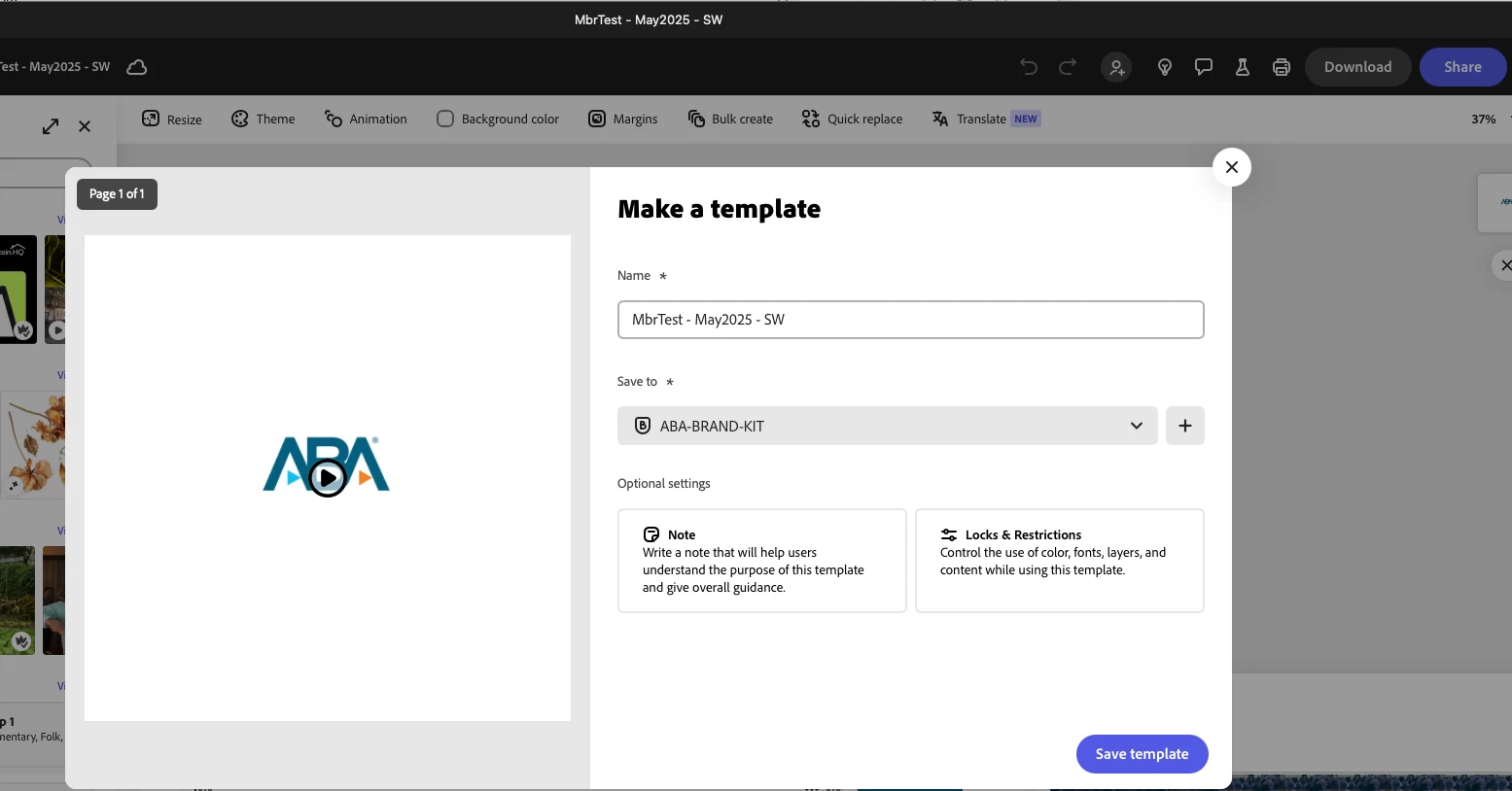
However, when you use the 3 dots without opening the file, you have lost the ability to create locks, etc.
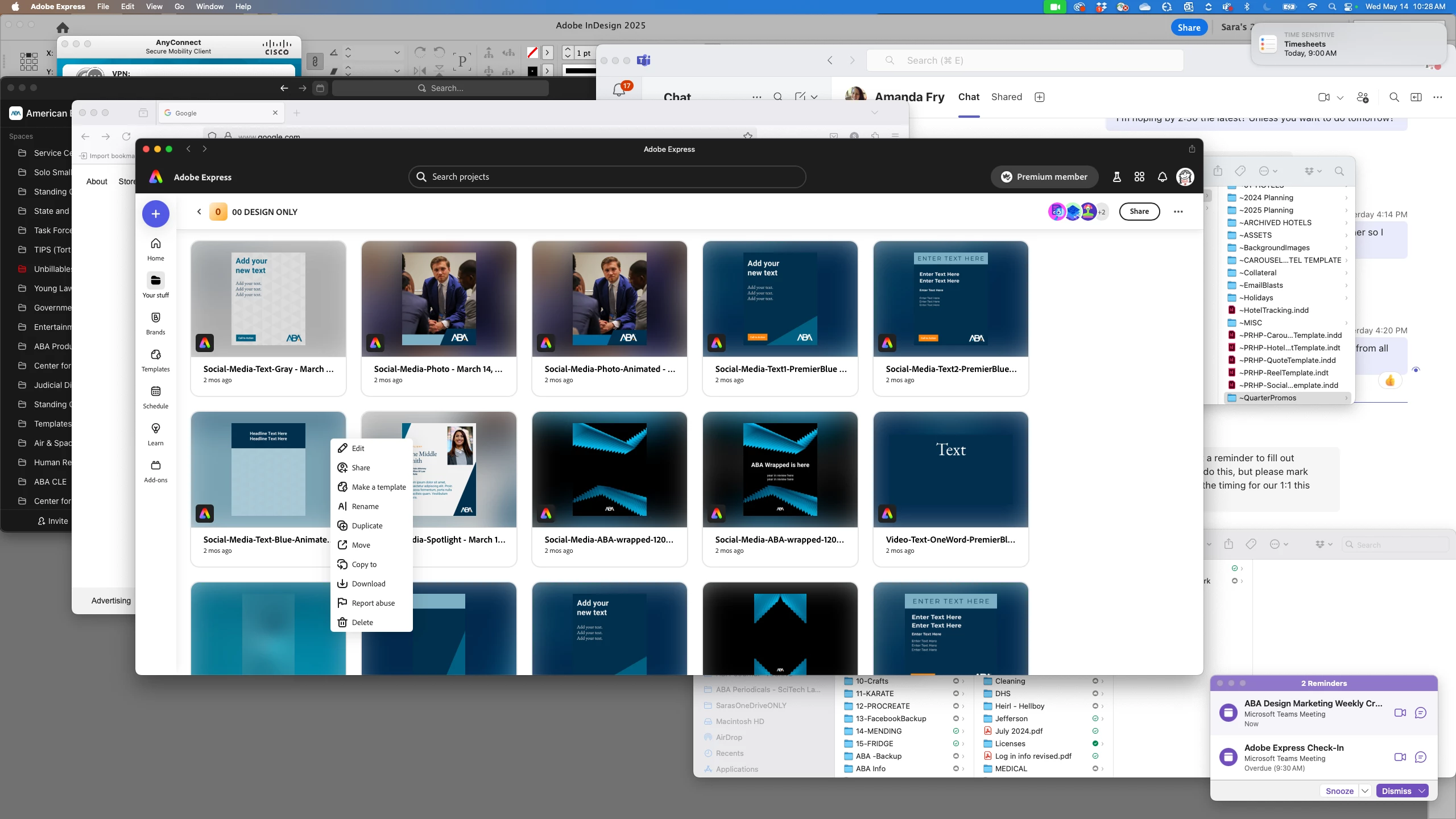
and you only have the following options:
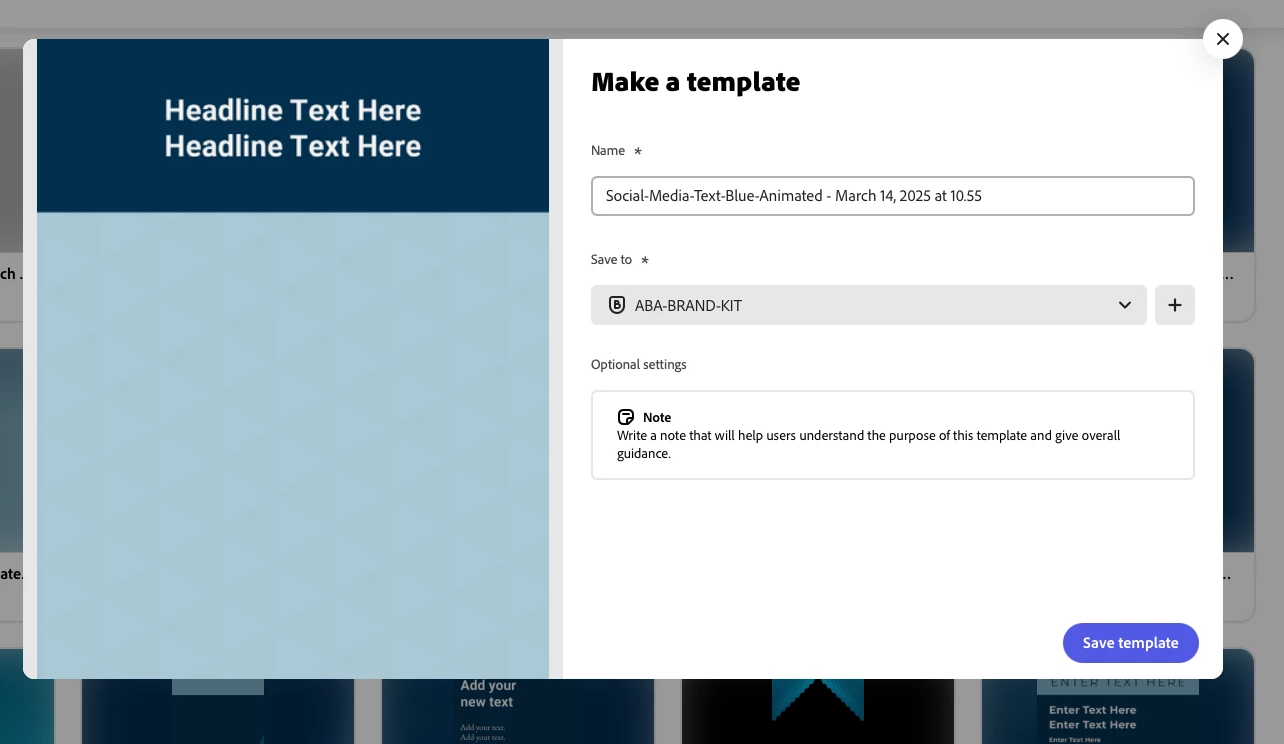
Shouldn't template options be the same in both areas of the app?

1 reply

Community Manager
May 15, 2025

Hello @Sara32370754p0fp!

Thank you so much for flagging this — you're absolutely right. When creating a template from an open file, you get access to options like Locks & Restrictions, but these aren't currently available when using the three-dot menu from the project view.

This discrepancy arises because the full range of template options requires the document to be open to ensure all elements and settings are correctly applied and previewed. The three dots menu provides a quicker, more streamlined set of options for users who need to perform basic actions without opening the document.

If you’d like to help prioritize this improvement, we’d encourage you to submit it as a feature request on Adobe Express UserVoice here: https://adobe.ly/3F2U7Qh. This allows our teams to track interest and keep you updated on progress. Thanks again for helping us improve Adobe Express!


Best,

Chaimaa