


Participant
May 13, 2025

Unable to edit my own text - all obvious reasons already checked

  • May 13, 2025
  • 6 replies
  • 424 views

I have a couple of documents in my account in Adobe Express. I duplicated one document and want to adapt it. I have this issue:


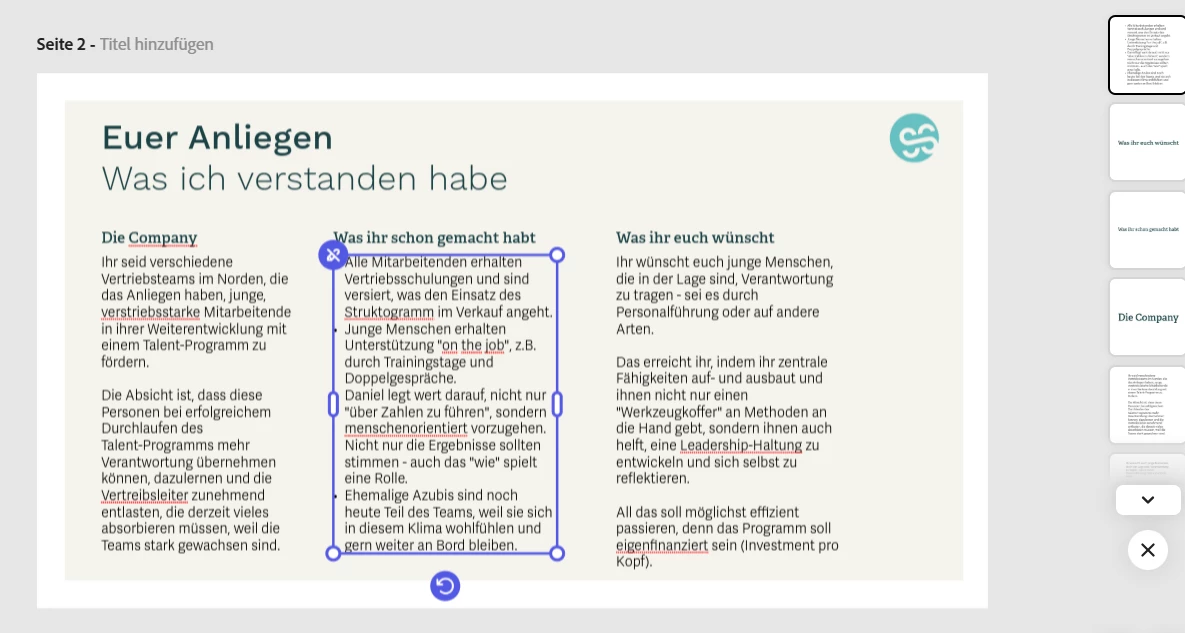
  • I cannot edit any of the text boxes. 
  • I tried double-clicking, does not work.
  • I tried right mouse click, does not give editing option, either. I can "rewrite with AI" but hat is not helpful here, I need entirely nex text.
  • I checked whether the boxes are grouped together with something - they are not.
    I checked wheter there is a layer on top - there isn't.
     

  • I am on a Windows PC, with Google Chorme Brwoser, updated to latest version.
  • I also have the same issue in the app.
  • I have the same issue in other documents as well all across my Adopbe Express Account.

Please help, I need to get a quote out to my client ASAP and this is driving me insane!

6 replies

Participant
October 23, 2025

I'm having this same exact issue trying to change text on my invoice. I've been using this template and font for over a year now and now I can't change the text. Text layer is already brought to the front. I have the full creative cloud plan.

Community Manager
October 24, 2025

Hi @Solange32505247xscx,


Thanks for reporting this. Could you share your browser and version, OS, and a short screen recording showing the issue? We’ve escalated your case to our engineering team for further investigation.


^MM

Adobe Employee
May 13, 2025

Hi @sonja_9461 


Could you try again now? We've attempted to resolve your account status on the backend.


Abhi G

Adobe Employee
May 13, 2025

Thanks for your patience @sonja_9461 

We are investigating.


Abhi G

Participant
May 13, 2025

Ah, now I see it. It even invites me to book an upgrade. But I am on the full plan already.

Can there be a bug in that this somehow doesn't register although I am logged in as myself?

Under "your subscription" it shows the full plan for 99,99 EUR per year.


Participant
May 13, 2025

Thanks for the swift reply.

I am trying to edit text in Adelle, wich is a Premium Font. I do have a full license and this font is even included in my branding that is stored in my Adobe Express account. I tried creating a new text box, this then uses "Source Sans 3" as default. 

I tried logging out and logging in again, this did not solve the issue. It is like the app and also on the browser does not recognize that I am on a full license. I checked if my bills had been pais and yes, that is the case. Next bill due next year in May.


Adobe Employee
May 13, 2025

Hi @sonja_9461 


Which font are you using; is it a custom font that you had previously uploaded?

Could you share a screenshot of the font picker when this text box is selected?


Thanks

Abhi G