

Participant
April 17, 2024

Unable to upload photos

  • April 17, 2024
  • 5 replies
  • 198 views

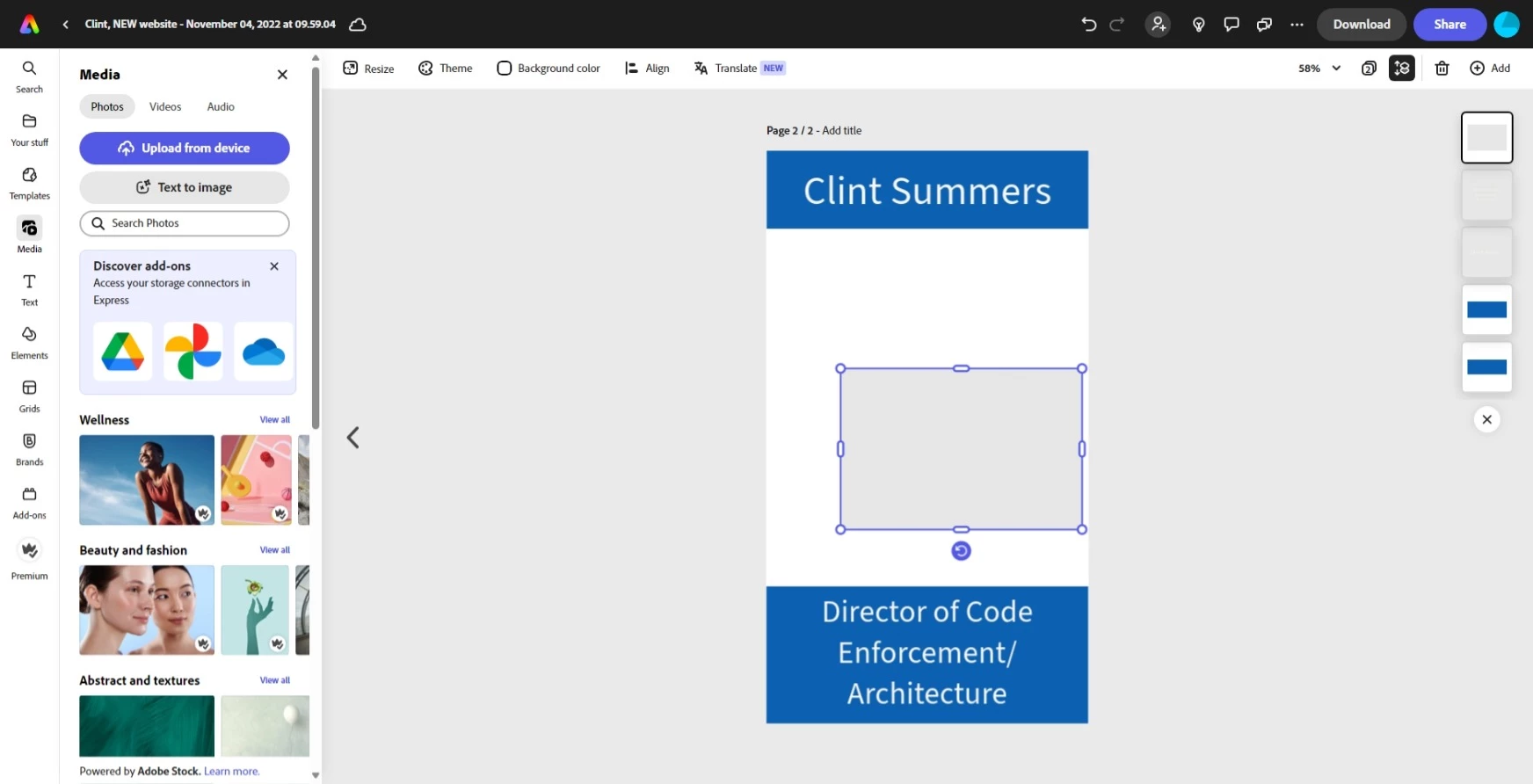
I cannot upload photos. When i drag and drop or use the upload from a device button the image just comes out blank. why is this happening all of the sudden. fix this please. 
5 replies

ada_mju
Known Participant
October 13, 2025

It happened again. However I found one of the reason. I use AdGuard app which is one of the security on my Mac (DNS etc). I had to turn it off in order for AE to work and upload picture, even if image is from within Adobe. If anyone has AG and the same problem, then just turn it off while workiing on AE. I hope it helps others.

ada_mju
Known Participant
October 6, 2025

Thank you for your reply and advice. Why didn{t I think before about it. Sign out and sign in back helped and pictures loads now without any problem. 

ada_mju
Known Participant
October 4, 2025

Tarun Saini
Community Manager
Community Manager
October 6, 2025

Hi @ada_mju,


Thanks for reaching out! We're sorry to hear about this. Please try signing out and signing back in again to see if that resolves the issue. If that doesn't help, can you share your Adobe ID with me via private message? 


Regards,

Tarun


ada_mju
Known Participant
October 4, 2025

Hello,


I have a problem as well. I use AE app on MacPro M1.
When I add image either from within adobe media or upload my own it ends up always with a red message: "unable to upload. please try again". It shows mini cloud on the image with exlemetion mark. See attached screenshot.  I tried direct in Browsers such as Safari, Brave, Vivaldi, Firefox. No changes. This problem doesn`t exist on iPhone app.  However, iPhone app became sluggish enough that it became difficult to fix there and then be back to AE on laptop again even though it solve the issue by going around like this. PLEASE FIX IT. 

I`ve read somewehere that this is ongoing problem that Adobe is aware of, but when are you going to fix it?

Thank you

Tarun Saini
Community Manager
Community Manager
April 19, 2024

Hi 

@Kayla Thomas

,


Thanks for your patience. , Have you tried using the other suggested browsers (Safari, Microsoft Edge, and Google Chrome) to see if it makes a difference? Try clearing the browser's cache and cookies, and let us know if that helps. You may also check this link for more info on how to clear cache and cookies- https://adobe.ly/4d14QH3


Regards,

Tarun
