


[URGENT] Cannot open existing Adobe Express files - "Something went wrong" - Work blocked
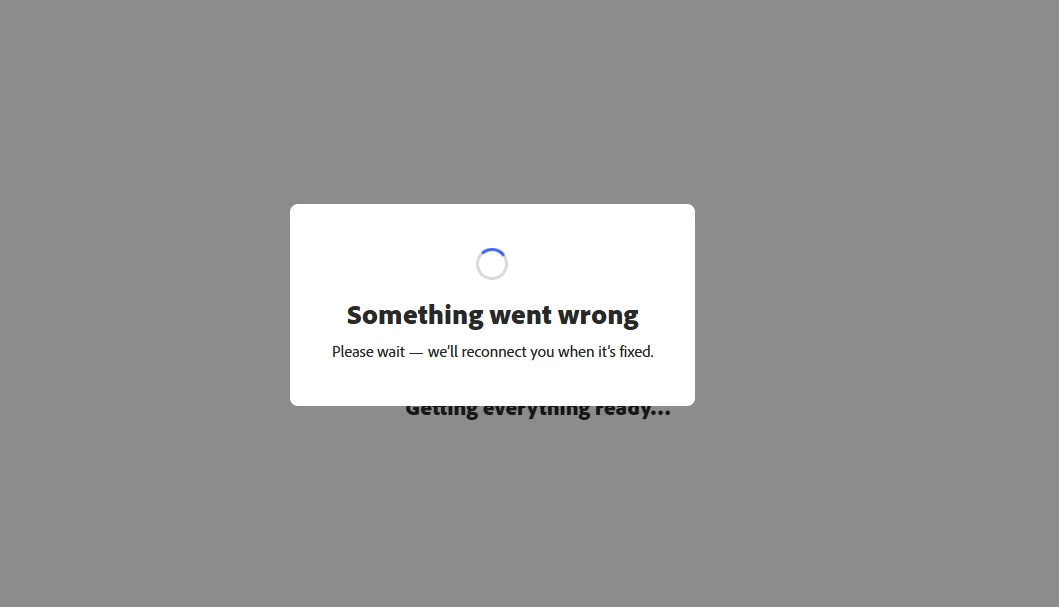
Hi Adobe Team, I've been unable to access my existing projects in Adobe Express for the past 2 weeks. When I try to open any previous file, I get: "Something went wrong. Please wait — we'll reconnect you when it's fixed." The error persists indefinitely, NO MATTER what kind of Browser I use. I’m not on any VPN Connection and have already tried getting to my files on my mobile device. Nothing works. I’ve already also tried signing in, deleting cache etc.
✅ What works: General account access
❌ What doesn't work: Opening, editing, or downloading ANY of my existing files, creating new files.
This is blocking my work deadlines and I need URGENT ASSISTANCE. I am on a premium corporate account and can share my account email and file links via private message for security.
Please advise or escalate to a support agent. Thank you! Screenshot of error message attached.
 AdChoices