


Participant
November 24, 2024

Web App is nonfunctional

  • November 24, 2024
  • 1 reply
  • 103 views

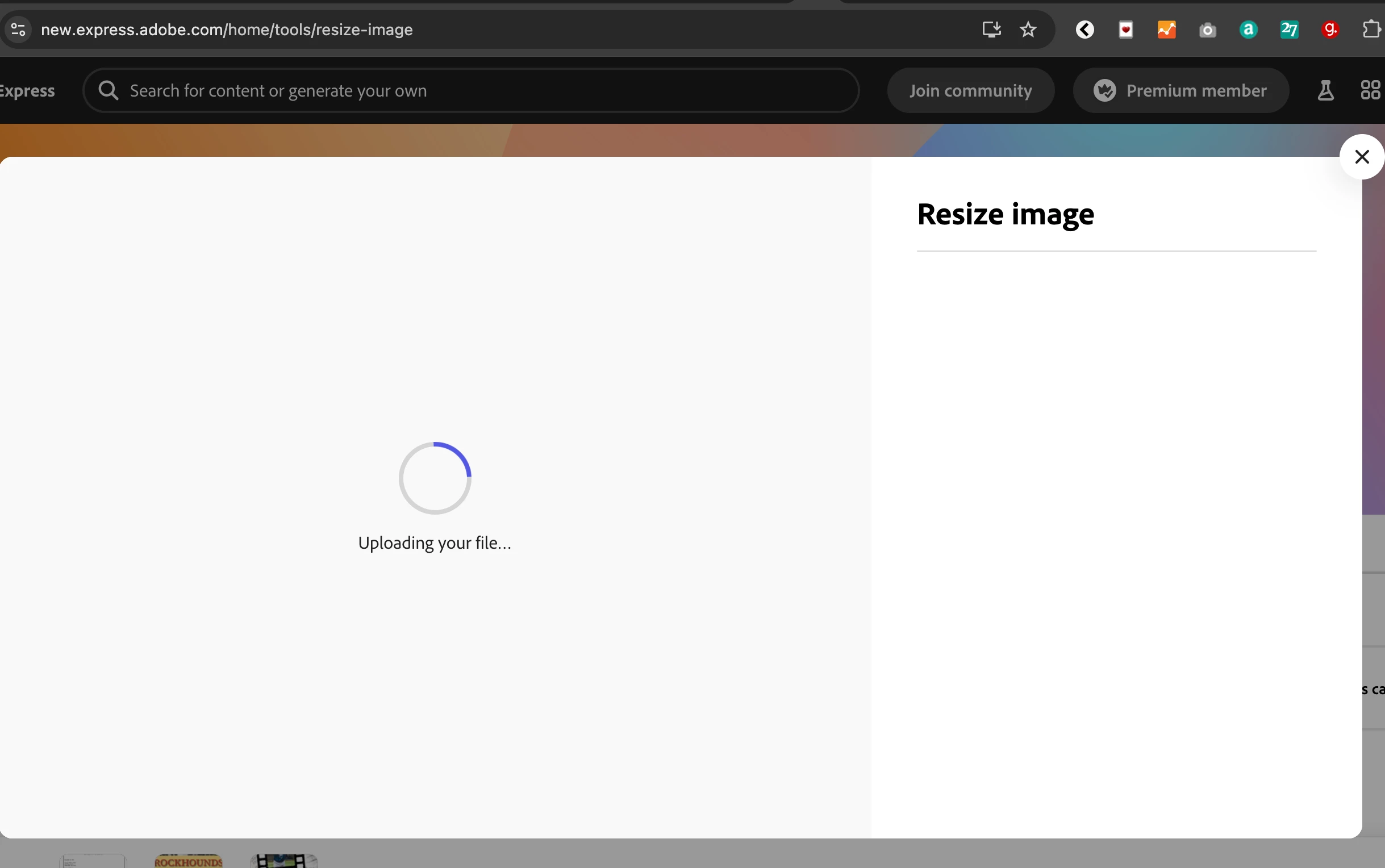
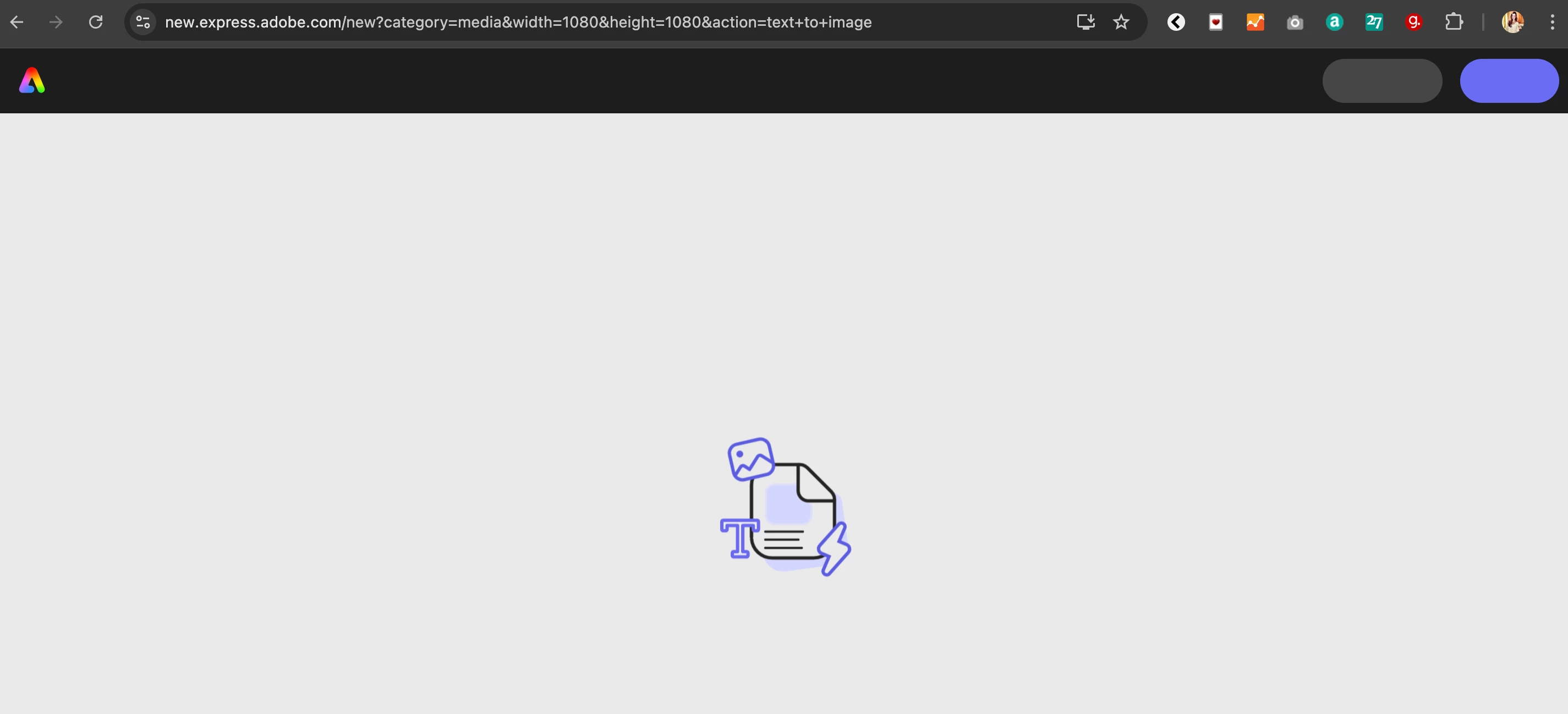
I just signed up for Adobe Express and most things don't work, it's actually stunning how bad this is. All I'm getting is blank screens and spinning animations. It just spins and spins for hours. 


I'm on Mac Sonoma 14.6.1, Chrome Version 131.0.6778.86 (Official Build) (x86_64).


This is what I see when I click on Templates:

 

This is what I see when I click on Resize Images, after I drag in a file:
 

This is what I see when I click on Resize Images: 


1 reply

Tarun Saini
Community Manager
Community Manager
November 25, 2024

Hi 

@whitney_6788

,


Welcome to the community! We're sorry to hear about this. Are you still encountering this issue? If so, did you try using the other suggested browsers (Safari, Microsoft Edge, and Google Chrome) or incognito mode to see if it makes a difference?


If you recently installed any pop-up blockers or third-party Extensions or plugins, try disabling them and checking again.


Also, you can try clearing the browser's cache and cookies, restart the browser and check again. For more information on how to clear cache and cookies check this link- https://adobe.ly/4i5SP5O. 


Please make sure that the network endpoints listed on https://helpx.adobe.com/enterprise/kb/network-endpoints.html are allowed.


Regards,

Tarun