
Known Participant
September 10, 2024

WHAT IS GOING ON!! Templates I share are then locked from me in the original file too

  • September 10, 2024
  • 7 replies
  • 778 views

Hi,


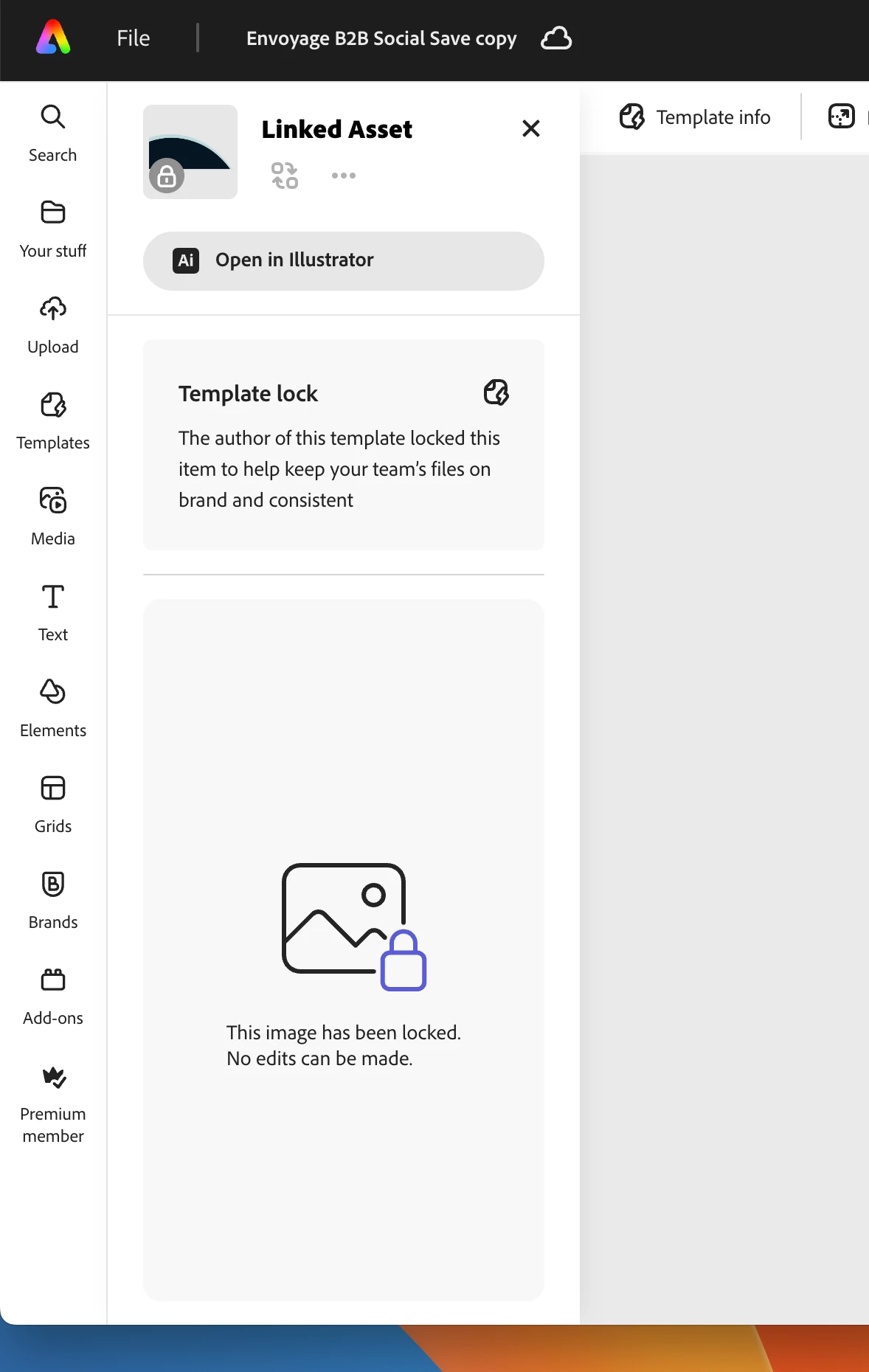
I have posted about this already but have no solution. I am creating templates in my Stuff  and then I 'share' the template with restrictions like layers locked etc to a brand folder for others to use (but not mess them up). But when I go back to the file in my stuff  it has also become a locked template stating 'the author that created this template has restricted it' but the aithor is me!!


It means I have no way of making any adjustments to the files I have created if needed and I often do as things do change as we all know. This is a huge issue for me as I had built a library of files that have templates created from then but they are locked on boths side, in my stuff and in the shared brand folder.


Where is this going wrong
Step 1 - I create a new file and add all my assets to it

Step 2 - I lock elements and layers and allow restricted editing to text and images

Step 3 - I hit the share button and push it to templates with restrictions like  "don't allow any user to unlock layers"

Step 4 - A duplicate file then appears in the brand templates folder ready to be used with restrictions

Step 5 - the original file in my stuff then also becomes a restricted template that I can make no edits too even though i am the author!!!

This is driving me crazy as I am having to recreate files to be able to move anything around, surely its not just me experiencing this?

HELP
7 replies

Participating Frequently
May 23, 2025

I realize there are other ways to make templates from My Stuff but, as I've seen confirmed in other user chats, choosing "Share" is the only place where options are offered to the creator to restrict permissions to access background color and themes.

Known Participant
May 22, 2025

Same, I have started duplicating the files too - its getting messy having so many files to compensate, hopefully it gets sorted...

Participating Frequently
May 22, 2025

Thanks for the advice but I was doing just that, going back to my file and not the template. It is hit or miss. I think it might have to do with choosing "share" when making a template from a file under My Stuff. I now always make a copy of the file and name it Original before turning the other into a template in case that happens. 

Participant
May 22, 2025

Thats becaue  you have to go back to your stuff and open the orginal file and you can turn the lock off and on. If you are going to the version under your templates in the brand they you are not opening the orginal file.

Known Participant
May 18, 2025

Unfortunately not, sometimes deleting the locked template version seems to release the "Master" in my stuff and lets you edit and republish but not always - very annoying

Participating Frequently
May 16, 2025

This is happening to me too. Has there been an update or fix since this post?

Tarun Saini
Community Manager
Community Manager
September 20, 2024

Hi 

@RachelMata

,


Sorry for the delay. Could you please share the project URL with us to investigate further? Did you try using the other browser to check if that helps?


Regards,

Tarun