If your scheduled posts to X are failing in Adobe Express Content Scheduler, the issue may be related to the connection between Express and your X account.
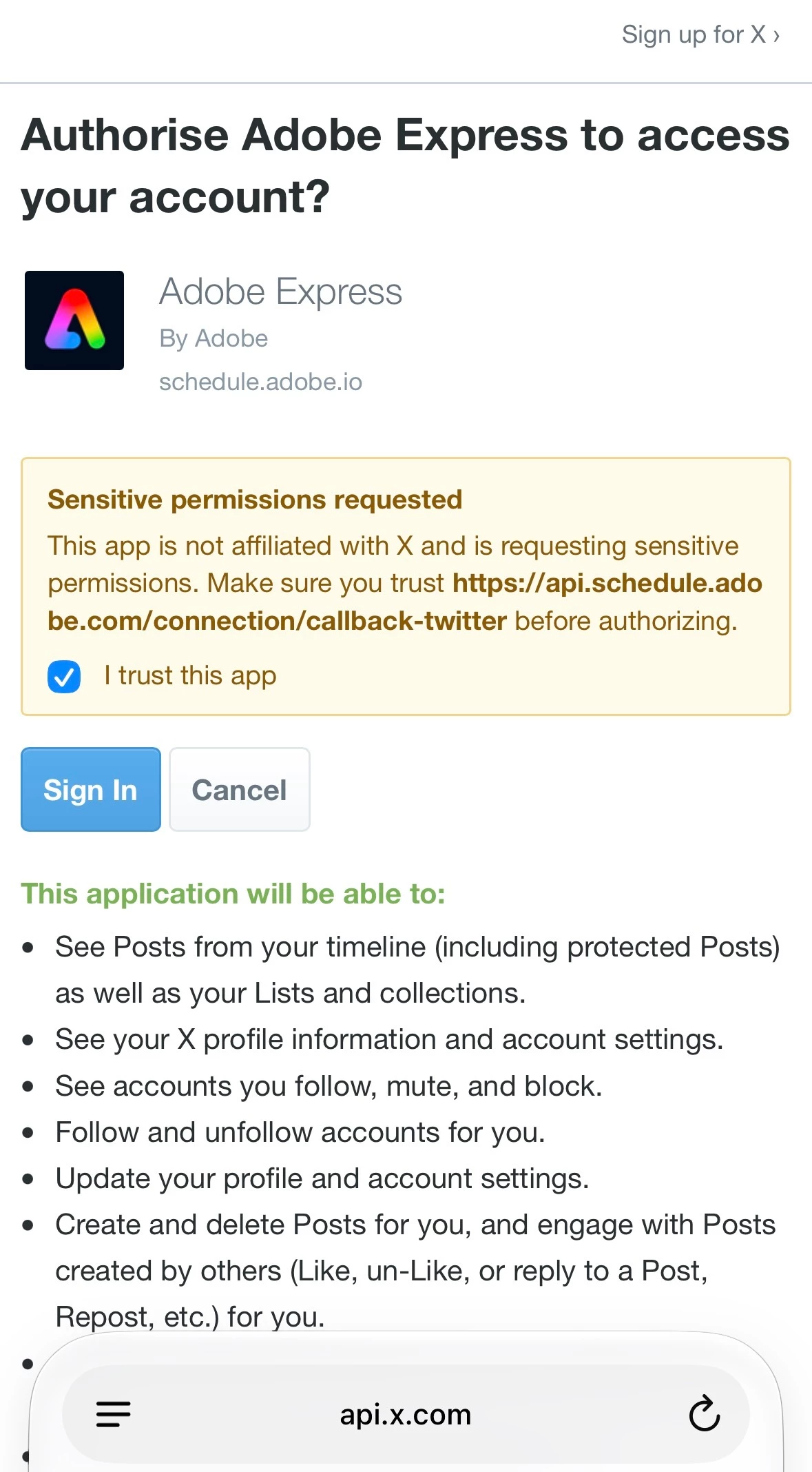
As a first step, try disconnecting your X account under Content Scheduler → Connected Accounts, then reconnect it and reauthorize the requested permissions.
You can also try:
Using Post now instead of scheduling to see if the post goes through.
Testing another connected platform, such as Instagram or LinkedIn, to check whether the issue is specific to X.
Checking that your post meets X’s content and media limits, including character count and image requirements.
Do share your observations so we can investigate this issue further.




 AdChoices