


Participant
May 14, 2025
Open for Voting

“Your storage is full”… 🤨 No it’s not
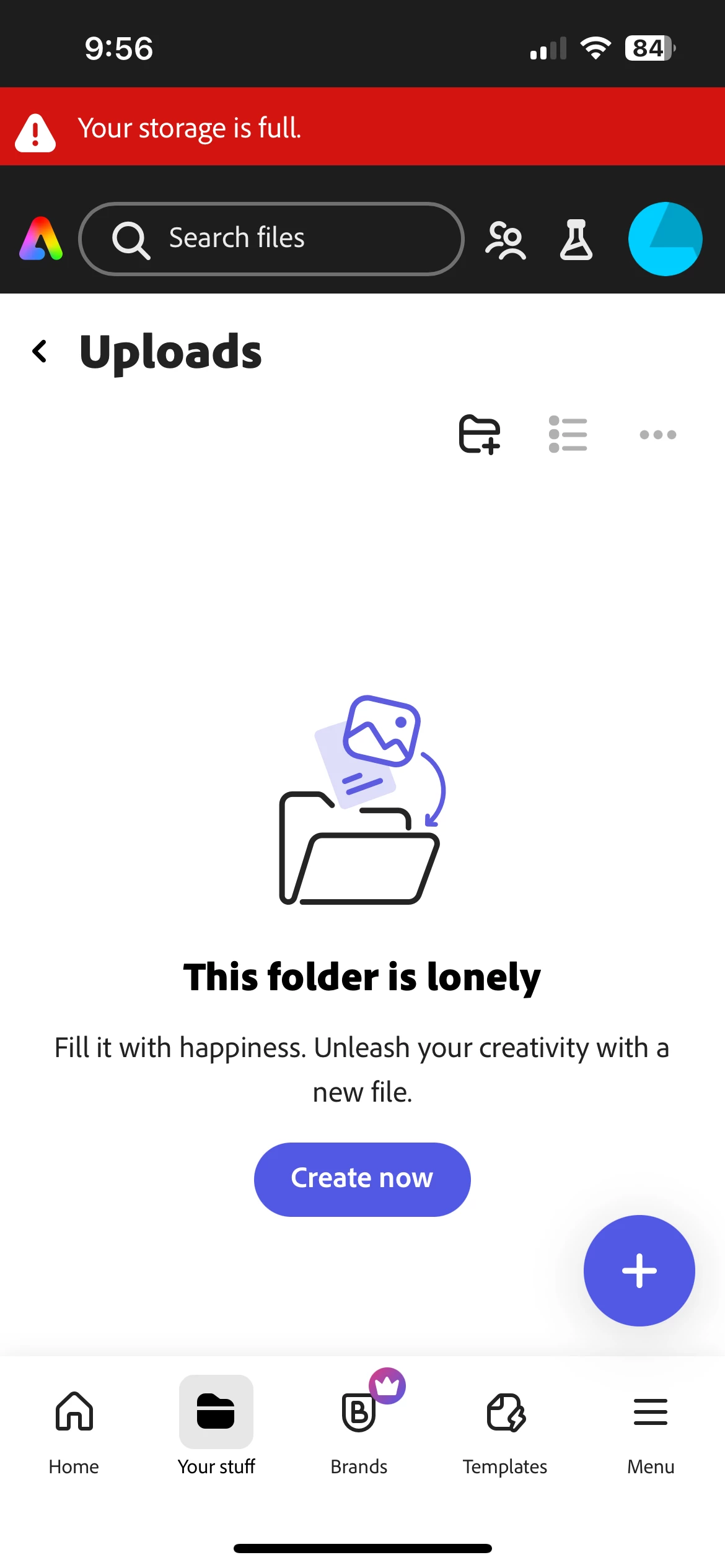
 I cleared out my storage so that I could continue without paying. 🤔 🤔

I don't actually NEED to use the app, but I do to depic my thoughts to my family via text.

🤨  Do I really need to purchase to continue using this app? 

3 replies

Amitej S
Community Manager
Community Manager
May 14, 2025

Hey @$@61?, Welcome to our Adobe Express Community. Thanks for reaching out!


You would need to permanently delete projects from https://www.adobe.com/files/ in order to get some free space. Once you delete enough files the pop-up would go away.

Let us know how it goes.


Best,

Amitej

Translate
shannonh37129338
Participant
September 14, 2026

I have the same error, I’ve deleted files, reviewed my storage and I have alot of storage. 

Translate
Rose DV
Community Manager
Community Manager
September 14, 2026

Hi ​@shannonh37129338,

That's frustrating - if you've cleared files and confirmed you've got space, then "storage full" is telling you something that isn't true, and deleting more isn't the answer.

A few things that sometimes cause a false "full" message:

  • Check your storage at https://adobe.ly/4h5xMk1 - does the used/available number there match what you'd expect, or does it look wrong too?

  • If you've deleted files recently, check whether they're still sitting in Deleted/Trash there - items in trash can still count against your quota until it's emptied

If the storage number itself looks wrong (says full when you know it isn't), that points to a display/sync issue on our side rather than anything you can fix by deleting - tell me what the number shows.

Rose

Translate