20 replies

Participant
June 11, 2025

No, still not working.

Amitej S
Community Manager
Community Manager
June 11, 2025

Can you confirm, if it works on incognito/private browsing mode? 

Participating Frequently
June 11, 2025

Still an issue.

Participant
June 11, 2025

same for me..... thats why im here. My work around is that i used my phone to access my folders and files, ill access the file i needed to edit, in turn this will appear in the "recent files" at the bottom of the web app. Hopefully this will get fixed ASAP!!!

Amitej S
Community Manager
Community Manager
June 11, 2025

Hi all, Our team worked on resolving this issue. Can you all please check and confirm here, if it works fine for you now?

Please ensure you've cleared the cache/cookies of the browser you're working on. 


Thanks!

Participant
June 11, 2025

Thank you for posting the files link.  I found all my files there! Not sure why it's not allowing me to access it from the new version though? 

Participant
June 11, 2025

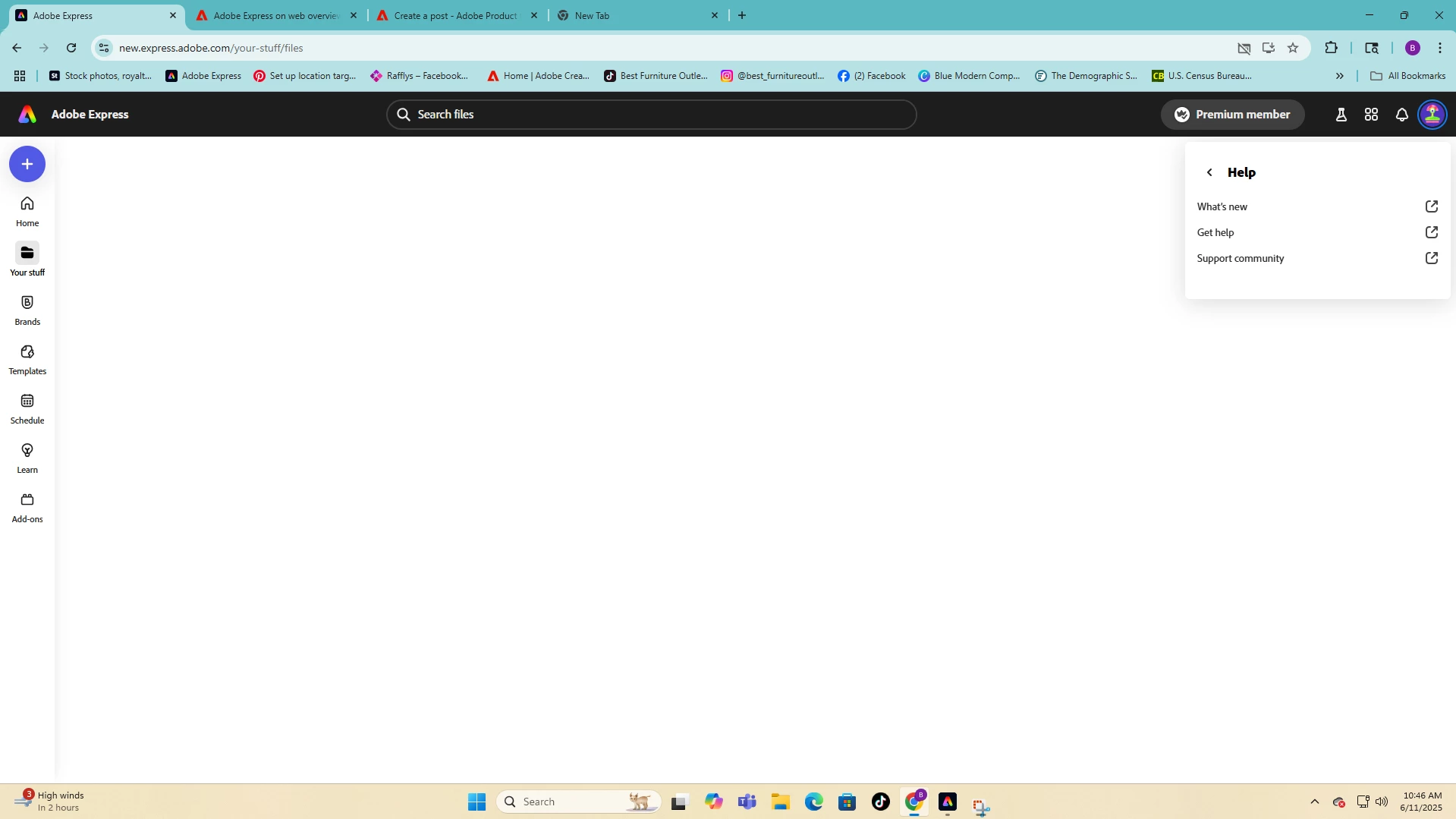
Los archivos recientes no cargan en la biblioteca "Tus cosas" y no puedo acceder a ellos para editarlos.


Community Manager
June 12, 2025

Hi @Lonchito,


Thanks for your message. This issue was resolved yesterday, so we’d love to confirm—are you still experiencing the same problem with files not uploading to your "Your Stuff" library?

If so, please try signing out and signing back in, and also clear your browser/app cache, as this might help refresh the connection.

If the issue continues, feel free to get back to us and we’ll be happy to assist further!


Best regards,


^MM

Participant
June 11, 2025

Having this issue right now. Has been off and on for the last week.

Participant
June 11, 2025

Yep--not working for me either. I can't access any of the webpage files that I'm trying to edit--just get a blank screen. I can view previously published webpages, but I can't edit them.

Participant
June 11, 2025

Yes, I am as well! 


Not sure what is going on... 

Participant
June 11, 2025

Thank you! Much appreciated.

Participant
June 11, 2025

I saw someone said they can access their files through this link, It is true I was able to get mine to edit it 
https://www.adobe.com/files/

Participant
June 11, 2025

I am having the same problem! So frustrating.