


Participating Frequently
October 10, 2024

File upload in progress

  • October 10, 2024
  • 12 replies
  • 1335 views

Hi, I'm upgrading adobe express embed from v3 to v4.

Things seem straight forward except for exporting a file. I initiated the project with a asset video url, bellow is how I did it:


ccEverywhere.editor.createWithAsset(
					{
						...docConfig,
						asset: {
							type:'video',
							dataType: 'url',
							data: dataUrl, //url to video file
						},
					},
					appConfig,
					exportOptions,
					containerConfig
				);


The video is loaded successfully into the canvas but when export it, the exporting modal keep showing File upload in progress but nothing is being upload.
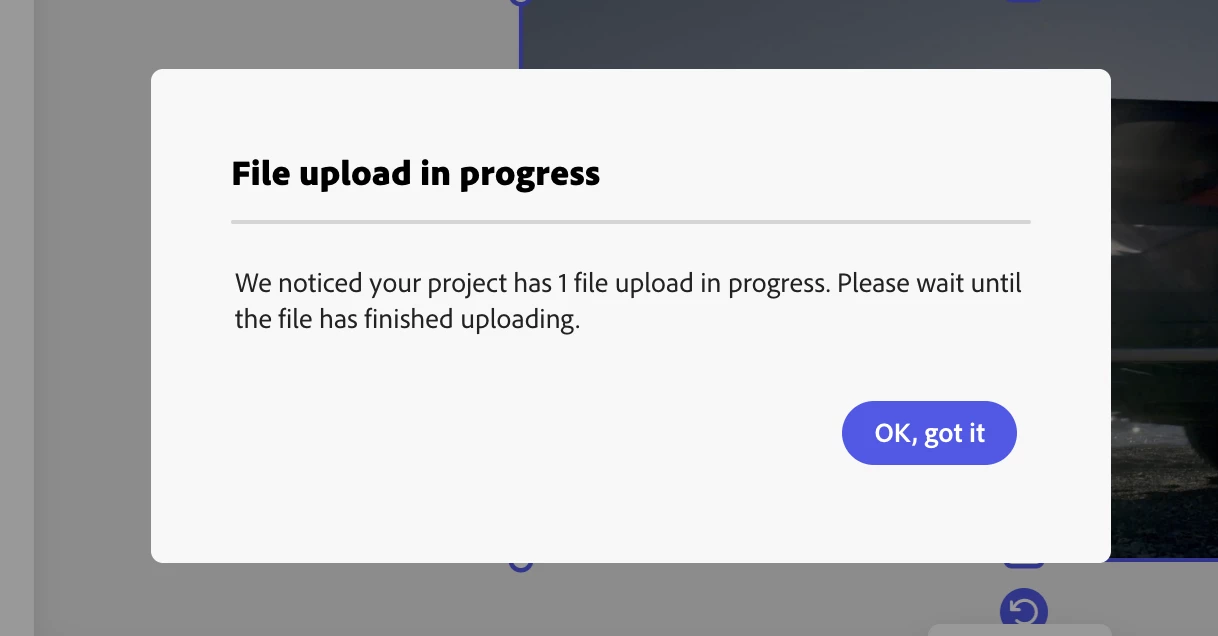
I also notice that in browser console there are some warning log about 'Resource is missing for node'.
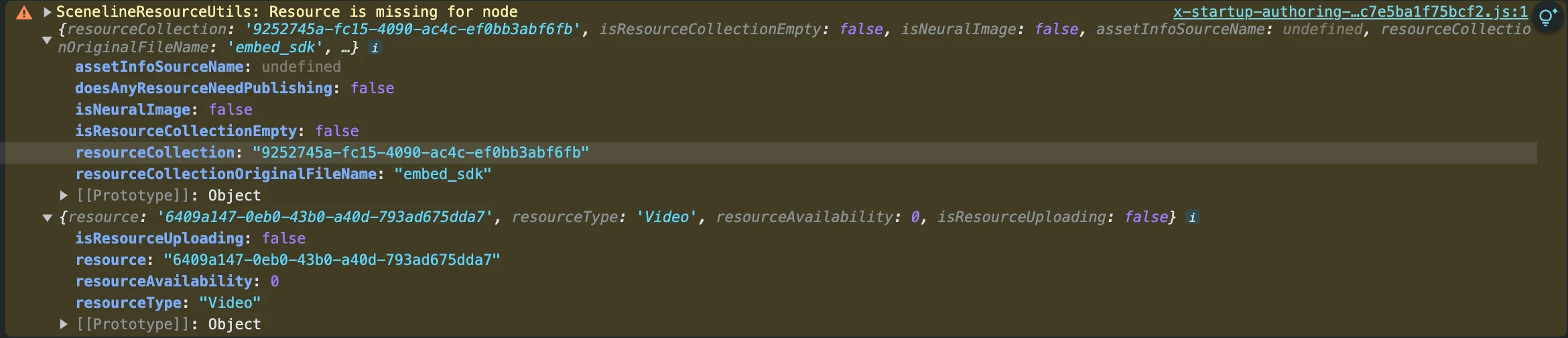
This was working nicely in v3. So any helps would really appreciate.


  • Platform and OS version: MacOS sonoma v14.1.1, Chrome Browser v129.0.6668.90
  • Expected result and actual result: Should be able to export the project.

12 replies

Community Manager
April 8, 2025
Nimitha | Adobe Community Moderator
Participant
April 8, 2025

Hi @Nimitha_J Still we are facing the error, are we doing something wrong please guide us

freked
Known Participant
January 23, 2025

Hey, @Barranca release getting any closer on this one? Any indication would be extremely appreciated 🙂

freked
Known Participant
January 13, 2025

Hey @Nimitha_J any new updates on this one?

freked
Known Participant
November 22, 2024

Hey again @Nimitha_J It’s been a few weeks now, any new word on the official fix? The workaround is still not working for us, but we are very happy to try it again if you've made any tweaks since last week?

freked
Known Participant
November 6, 2024

@Nimitha_J Big thanks for the update, I've sent you some details regarding the workaround!

Community Manager
November 6, 2024

Hello, 

We are actively working to resolve this issue and will provide an update within one to two weeks. We appreciate your patience and are also developing a temporary workaround. 

Nimitha | Adobe Community Moderator
freked
Known Participant
November 5, 2024

Hey again @Nimitha_J any new updates on the fix? Or just some time frame, are we days or weeks away? Thank you in advance!

Participating Frequently
October 28, 2024

That awesome! Thank you for your update. Can't wait for the next release. 🙂

freked
Known Participant
October 22, 2024

That is fantastic news! Thanks for the update, eagerly awaiting the fix!