


Open for Voting
Substance 3D Assets Library missing from Creative Cloud Desktop App (Windows 10/11 and macOS 13.2)
I have had an ongoing issue where I can't see Substance 3D assets in the CC Desktop app on either my Mac or my Windows (was 10, now 11) PC.
I have been in contact with Adobe Support. Still, they can't rectify the issue even after using a remote control to try many things, including complete clean installs and Registry Edits to purge anything from Adobe.
It should look like this: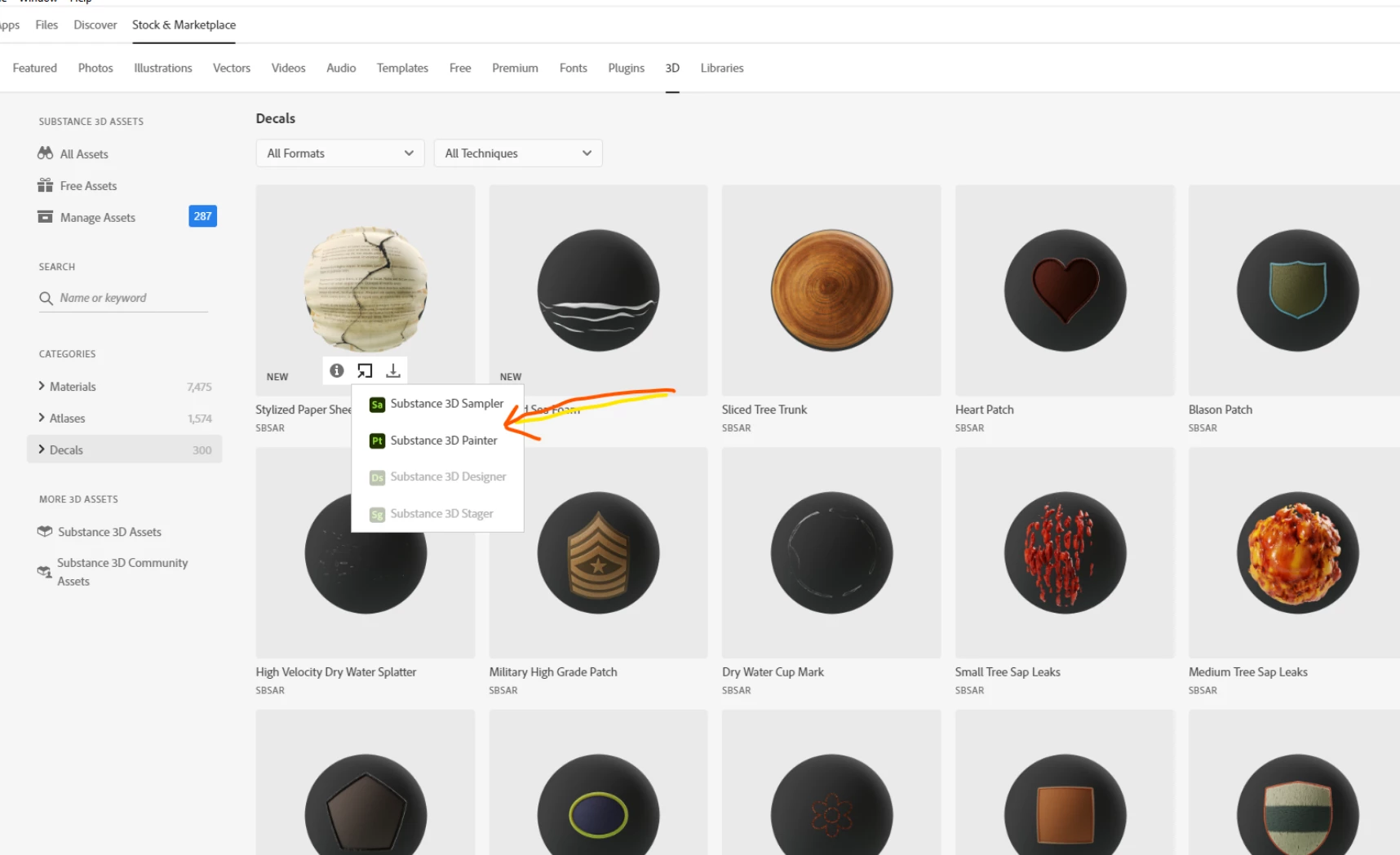 (from another user support post)
But instead, I see this:
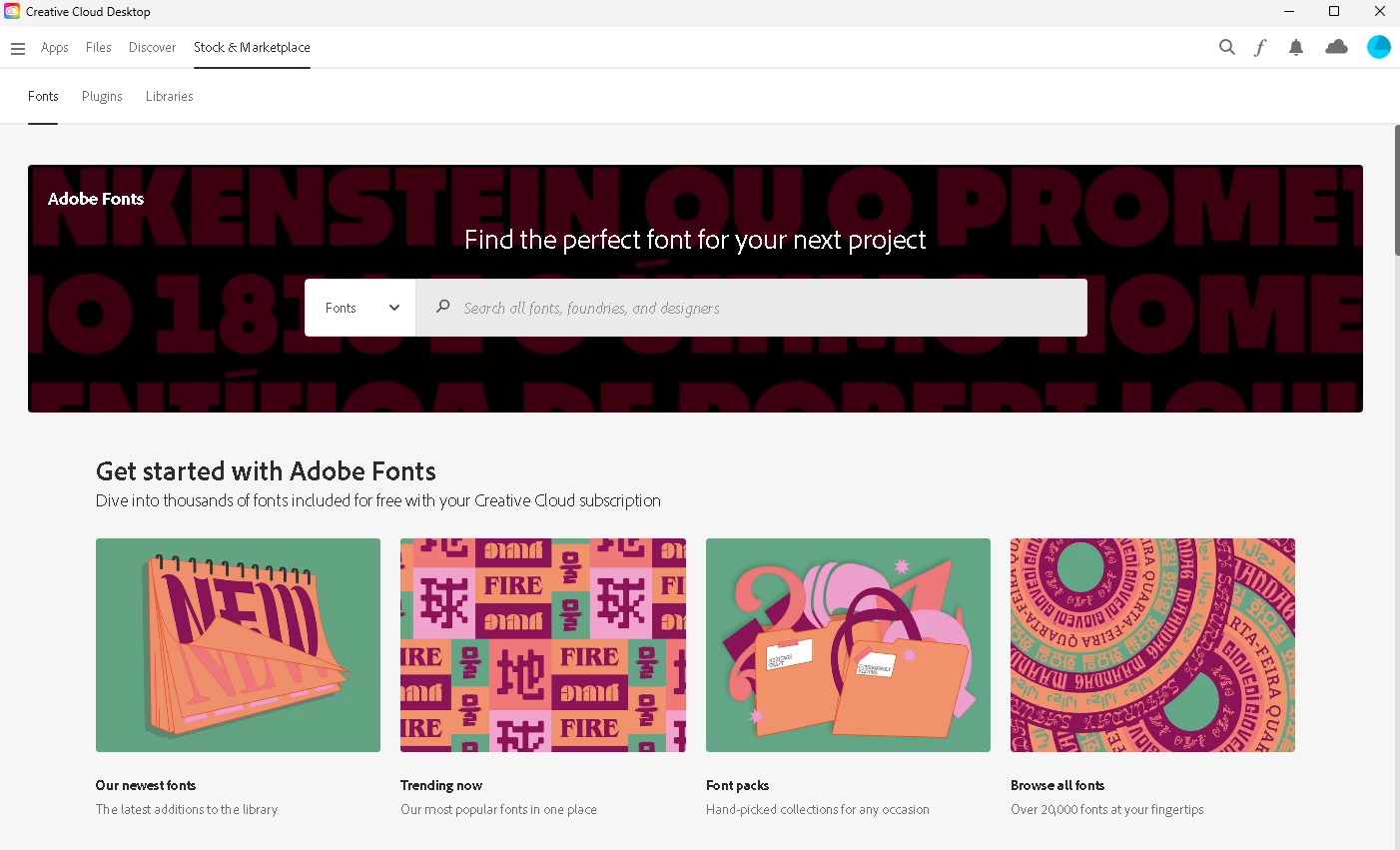 (Screen Cap)
Support said they would contact someone else in the back end, but I thought I'd also post this here.
Hopefully, it is cleared up because using the web substance 3D asset store via the web launcher is really frustrating.
Cheers,
Sean
 AdChoices