


Open for Voting
About P4 version control settings and operational issues
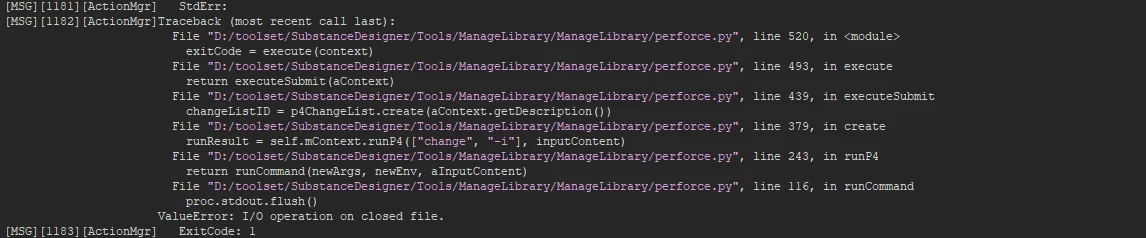
I set up the P4 version control script path according to the official technical documentation. After that, I added and submitted the package file. During the submission process, I always reported an error. The error message is as follows:
[MSG][1182][ActionMgr]Traceback (most recent call last):
                        File "D:/toolset/SubstanceDesigner/Tools/ManageLibrary/ManageLibrary/perforce.py", line 520, in <module>
                          exitCode = execute(context)
                        File "D:/toolset/SubstanceDesigner/Tools/ManageLibrary/ManageLibrary/perforce.py", line 493, in execute
                          return executeSubmit(aContext)
                        File "D:/toolset/SubstanceDesigner/Tools/ManageLibrary/ManageLibrary/perforce.py", line 439, in executeSubmit
                          changeListID = p4ChangeList.create(aContext.getDescription())
                        File "D:/toolset/SubstanceDesigner/Tools/ManageLibrary/ManageLibrary/perforce.py", line 379, in create
                          runResult = self.mContext.runP4(["change", "-i"], inputContent)
                        File "D:/toolset/SubstanceDesigner/Tools/ManageLibrary/ManageLibrary/perforce.py", line 243, in runP4
                          return runCommand(newArgs, newEnv, aInputContent)
                        File "D:/toolset/SubstanceDesigner/Tools/ManageLibrary/ManageLibrary/perforce.py", line 116, in runCommand
                          proc.stdout.flush()
                      ValueError: I/O operation on closed file.
[MSG][1183][ActionMgr]   ExitCode: 1
Thanks for the official reply
Substance designer version: 12.1.1 build 5825 commit 9adecf0b Release (2022-05-31)
Python Version: sys.version_info(major=3, minor=7, micro=9, releaselevel='final', serial=0)
Operation System Version: Windows10 22H2
 AdChoices