


Community Assets
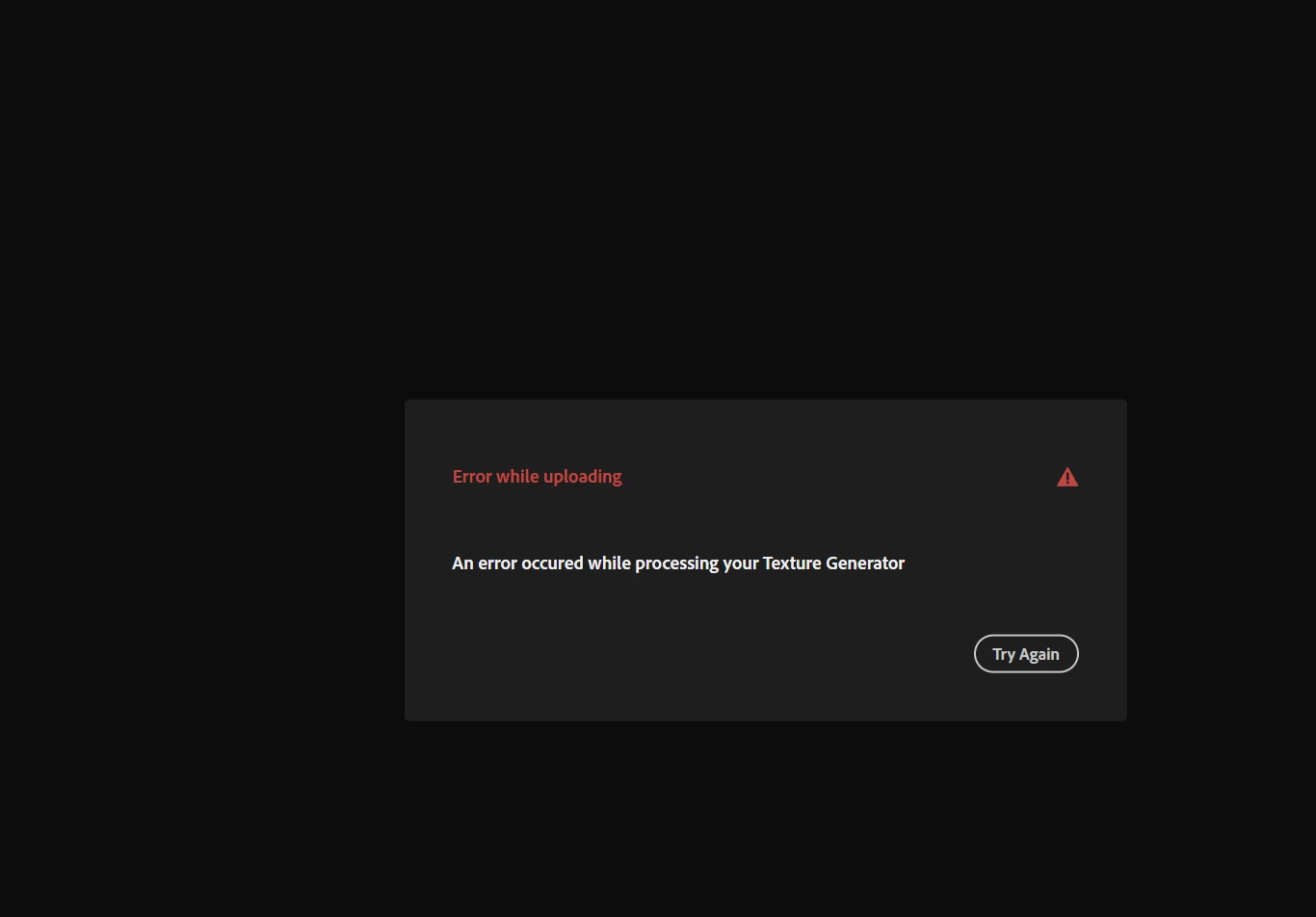
Hi, every timeI try to post my material in the community assests, I get this message. No other information.
The reason why I want to upload it is because I discovered the Substance Plugin for Unreal, which lets you have a faster workflow between apps. In a tutorial on how to use this plugin, an Adobe employee responded that if you want to be able to use the exposed parameters made in Designer in Unreal, you should first upload the material on the community assets. Then you can follow his steps (which was downloading the material, adjusting its parameters in Unreal).
So I have two questions:
1. Is it really necessary to upload the material to the community assets?
2. How can I use my exposed parameters (made in Designer) in Unreal? Because it's a lot of back and forth just for tweaking a color or a value in Designer and then reimporting it, and so on.
Thanks!
 AdChoices