Participant
June 7, 2023

Nodes broken since update

  • June 7, 2023
  • 7 replies
  • 499 views

Already sent a bug report specifically for triplanar nodes, but I noticed several other nodes are also not working so I though why not make a public post here too.

Since updating this morning a lot of nodes in my project stopped outputting properly.

These nodes not working means that i cannot continue working on these materials, which is a huge issue for my team's production workflow. 

Here's an example of the outputs im getting
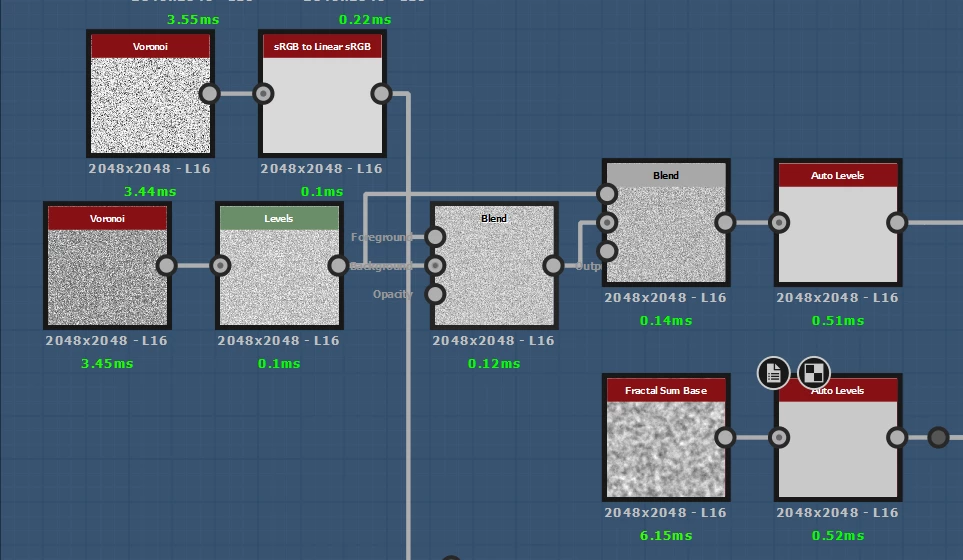
 

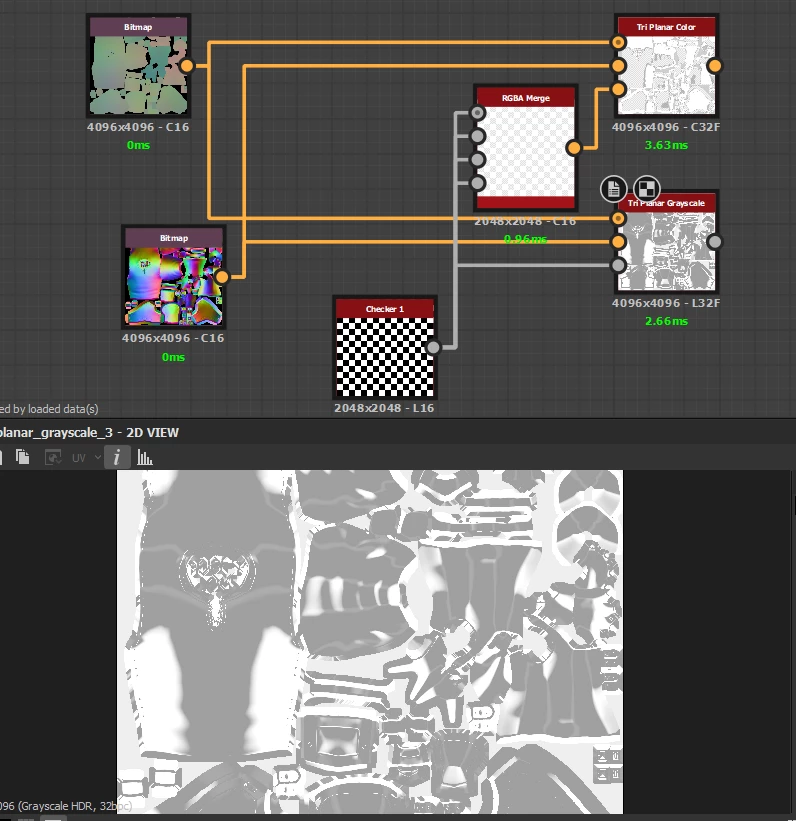
all clearly wrong, so far ive noticed srgb/linear conversions, auto levels, triplanar, fxaa, and normal combine not working, but im sure the list goes on.


7 replies

Luca Giarrizzo
Community Manager
Community Manager
June 7, 2023

Thank you for the update, I am glad the issue is now solved!

I have made a note of your system GPU in case other users experience the same problem.


Have fun using Designer!

Luca Giarrizzo | Quality Engineer - Substance 3D Designer | Adobe
Carlm2hAuthor
Participant
June 7, 2023

Found out my GPU drivers were one version out of date (thought i had auto updates turned on), this seems to have brought the broken nodes back to live on the D3D backend too. Thank you @Luca Giarrizzo for the swift help though, my apologies for the uproar. 
For reference i'm on an AMD graphics card, RX 6700 to be exact.

Carlm2hAuthor
Participant
June 7, 2023

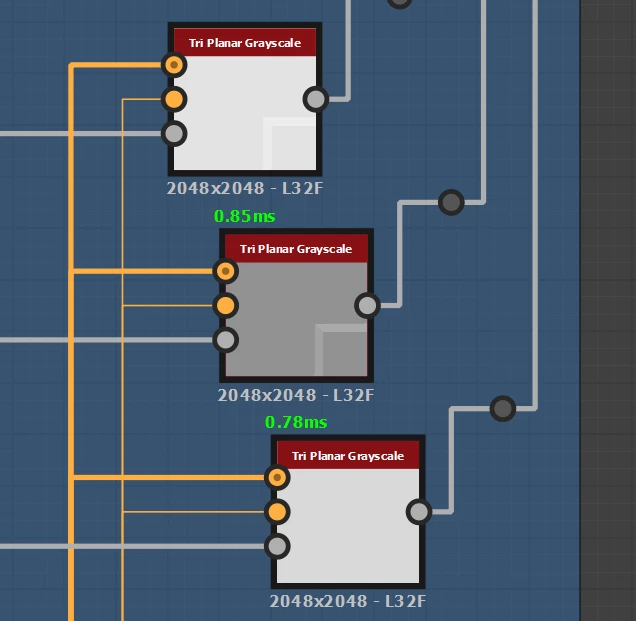
This was my engine preferences, I cant remember if it was already set to Direct3D onthe previous version of Designer or not.  


Switching to SSE2 did indeed fix the node outputs, but calculation times are abysmally slow now compared to D3D and yesterday's version. Is there a way to somehow improve the speed of the SSE2 engine? 


D3D calculation time


SSE2 calculation time


Calculation times on the previous version were definitely closer if not the same as the D3D calculation times im getting on the current version.

Luca Giarrizzo
Community Manager
Community Manager
June 7, 2023

Hello,


Thank you for your swift reply and providing a helpful test package!

All node output the expected result and I could not observe any obvious issue.


There are other possible causes we can explore: please press F9 in Designer to display the list of Substance engines available and send me a screenshot of that window.

Then, switch to the SSE2 engine and to try to compute the nodes again and let me know about the results.


Best regards.

Luca Giarrizzo | Quality Engineer - Substance 3D Designer | Adobe
Carlm2hAuthor
Participant
June 7, 2023

I made a test graph with most of the nodes that are broken for me, hope this helps.

https://drive.google.com/file/d/1TUNB7Z_VssmuU3pgzC9tSYJDbvbBnNbg/view?usp=sharing


Luca Giarrizzo
Community Manager
Community Manager
June 7, 2023

Hello,


Thank you for reporting this issue. I cannot reproduce these results during my testing.


May you share an SBS file in which the problem occurs? In Designer, right-click on the package and select the Export with dependencies option to create a self-sufficient directory containing all dependencies required to properly load that package.


Thank you for your patience!


Luca Giarrizzo | Quality Engineer - Substance 3D Designer | Adobe
Carlm2hAuthor
Participant
June 7, 2023

Adding 3d linear gradient and all 3D noises to that list. Tried reinstalling designer to maybe forcefully update the library, but everything's still broken.