Participant
Oct 29, 2026 11:13 PM UTC
Open for Voting

Substance Designer Crash at Startup
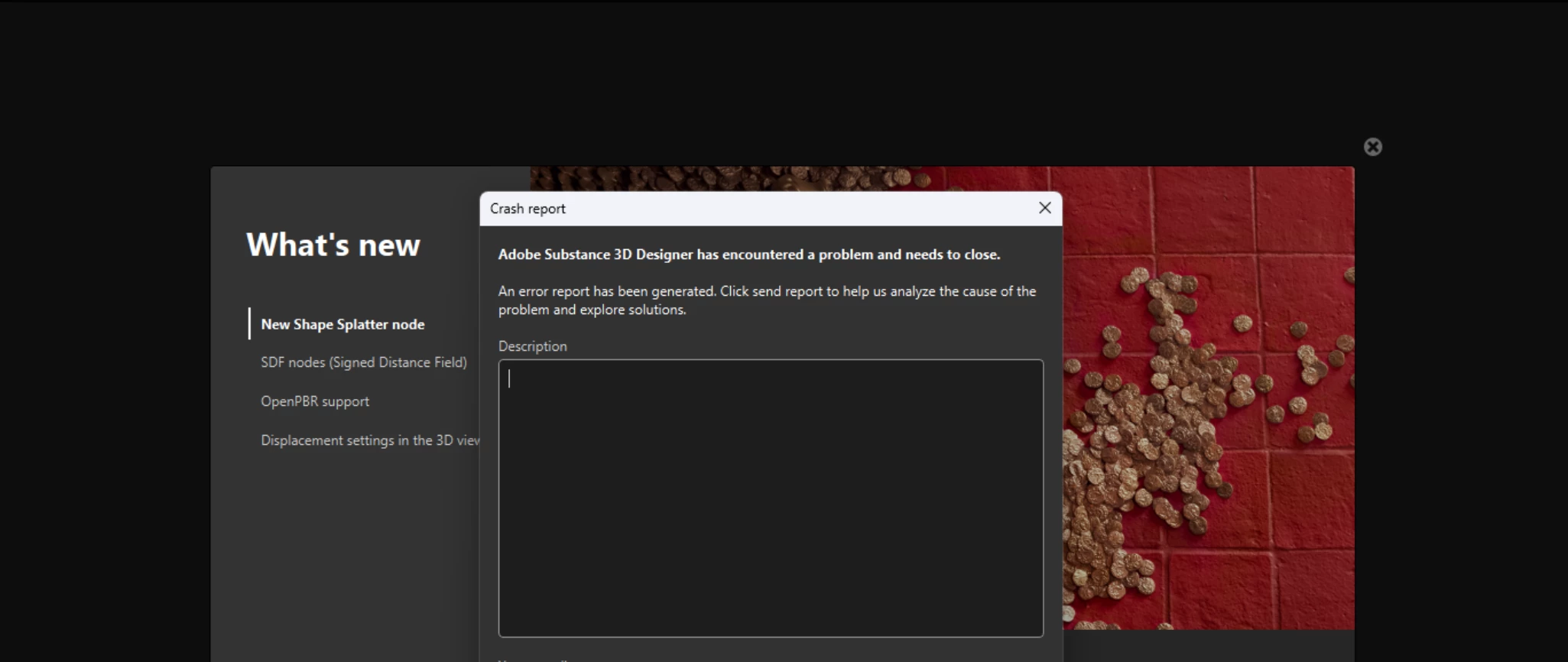
version 16.0.7
Nvidia driver 621.01

Any ideas?
Ive tried downgrading versions as well as downgrading video drivers.

    2 replies

    davescm
    Community Expert
    Community Expert
    Oct 30, 2026 3:53 PM UTC

    I am using v16.0.7 on Windows 11 with RTX3090 and NVidia Studio driver 610.88 without issue. 
    Do you get a message on the crash?
    Does your system meet the recommended requirements?
    https://experienceleague.adobe.com/en/docs/substance-3d-designer/using/getting-started/system-requirements


    Dave

    Translate
    Participant
    Oct 30, 2026 5:55 PM UTC

    Reached out to homies at Adobe.

    Solution was here.


    works with any version and latest nvidia drivers

    1. goto C:\Users\xxx\AppData\Roaming\
    2. delete the com.adobe.dunamis folder

    it's a known bug that affected previous version, but it's supposed to be fixed..

    you may have to delete this folder everytime you want to launch SD

    Translate