


Open for Voting
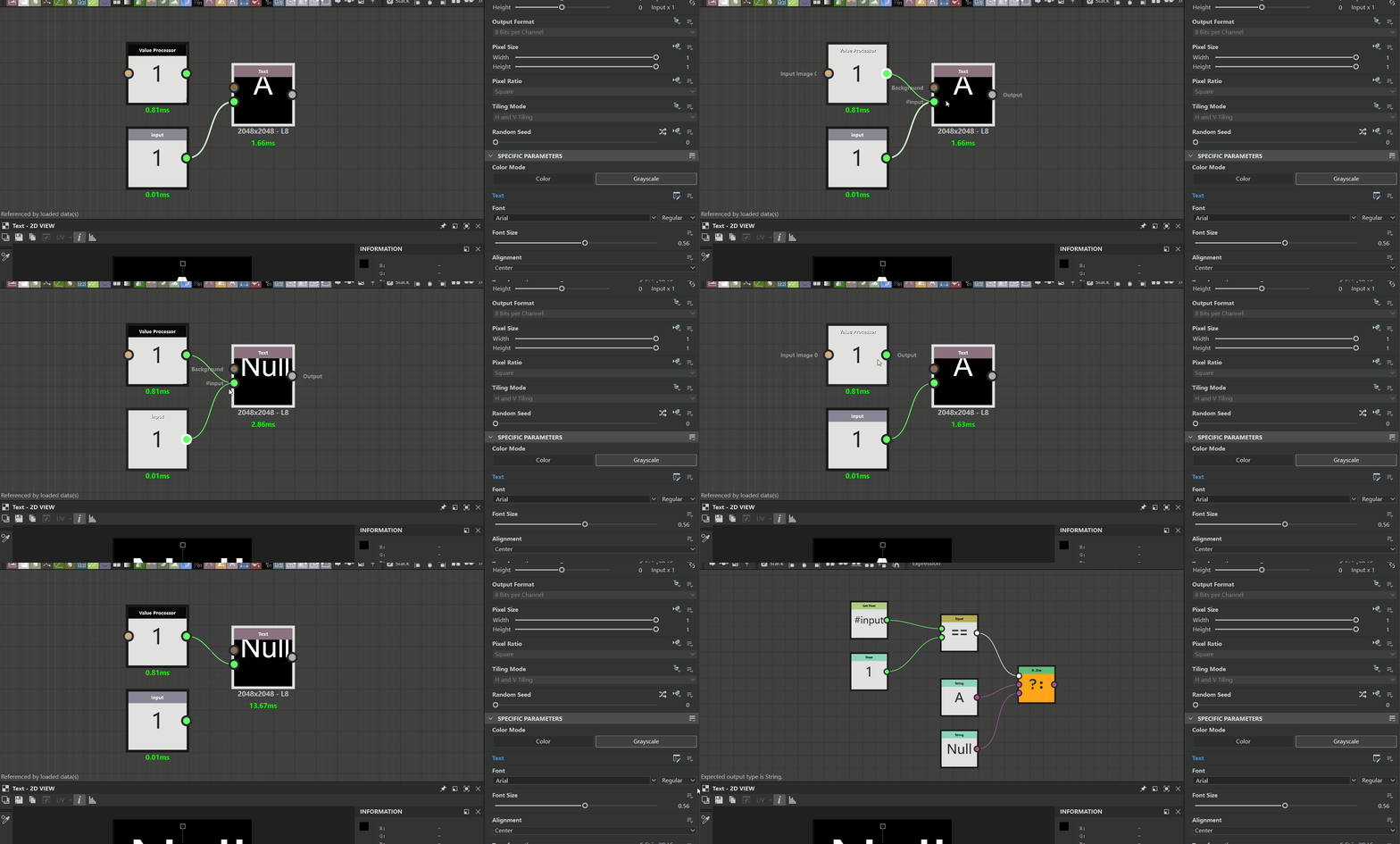
The Value Processor input into the text node cannot correctly obtain the input value
Hello,
This issue seems to exist only in the text function panel, as other settings like font size and font color can still be correctly recognized.
Interestingly, if I use the input value node, it can recognize the input value.
I also attempted to change the data type to integer or boolean, also tried packaging the text node into a new node.but it still didn't work.
 AdChoices