


Participating Frequently
August 30, 2026

Showing black screen when added more than 1 image

  • August 30, 2026
  • 4 replies
  • 28 views

1)After adding two images, the second image suddenly appeared as a completely black screen in the video. I was unable to see the actual image, even though it had been added successfully. The issue made it impossible to properly preview or edit the second image.
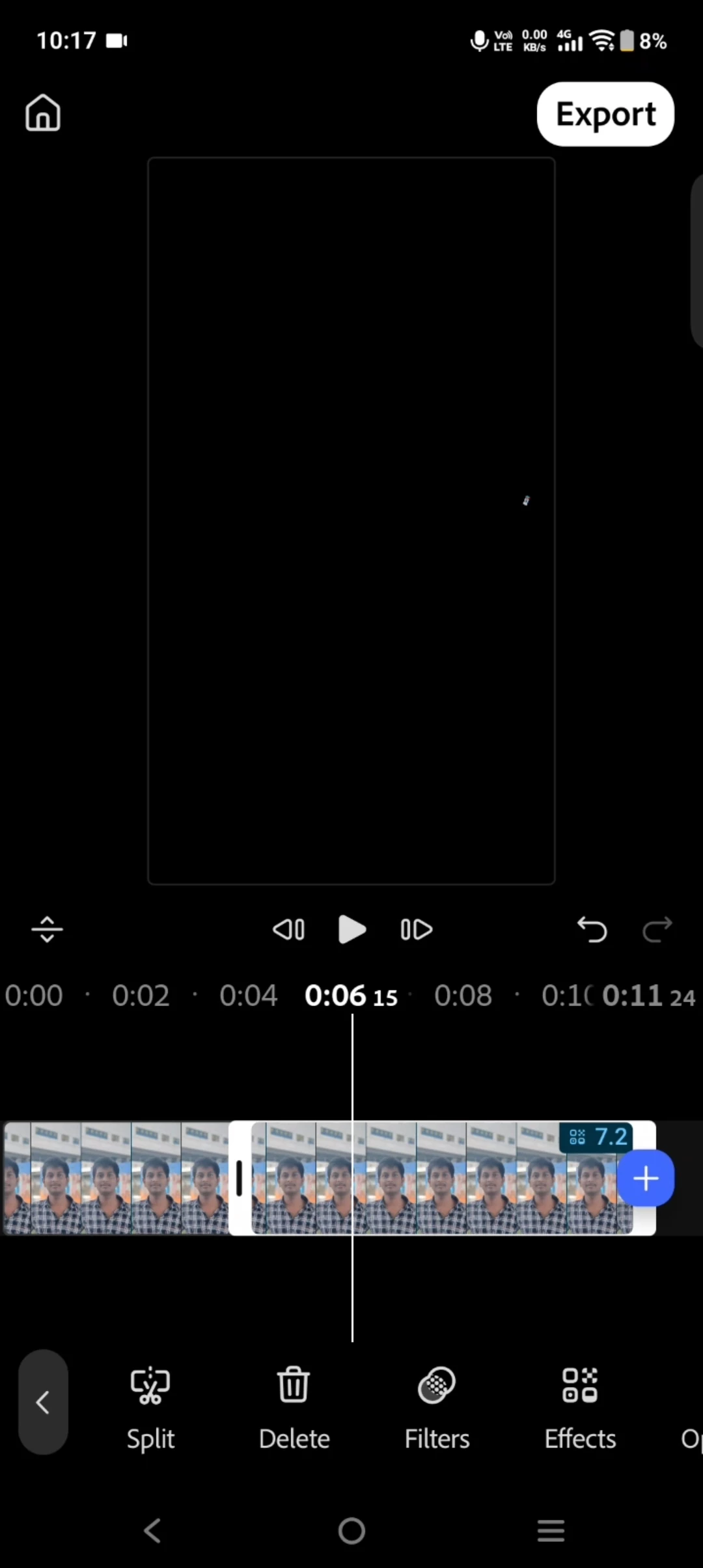
2)The zoom in zoomout was not working properly while editing


On the home page, I clicked the “+” button and added two images. After adding them, the zoom in and zoom out of the image did not work properly. The controls eventually got stuck and stopped responding completely. And working after some time

    4 replies

    Participating Frequently
    September 2, 2026

    Hii,I’m using the vivo V2355.

    Adobe Employee
    August 31, 2026

    Hi! Thanks for the feedback, for the first issue that bug should be fixed. Can you try updating to a newer build and see if the issue is resolved? I’m unable to reproduce on my end currently. For the second issue Im assuming you’re referring to the direct manipulation using pinch to zoom in the monitor of a selected clip? Thats currently working for me as well but can you tell me what kind of media you are using? i.e. 1080p, 4k? Thank you very much!

    Participating Frequently
    September 1, 2026

    Hi! I updated to the latest build and tested the first issue again. I can confirm that the issue has been resolved. Thank you!


    For the second issue, yes, I’m referring to the pinch-to-zoom direct manipulation on a selected photo in the monitor. I’m experiencing a noticeable delay when pinching to zoom—the response happens a little late rather than being smooth and immediate.


    I was testing with photos at 1080 × 2408 (1080p) resolution. I’m using the latest updated build.

    Adobe Employee
    September 1, 2026

    Thank you! I’m not seeing that lag. Can you tell me what device you are using?