

Not Prioritized
Won’t export
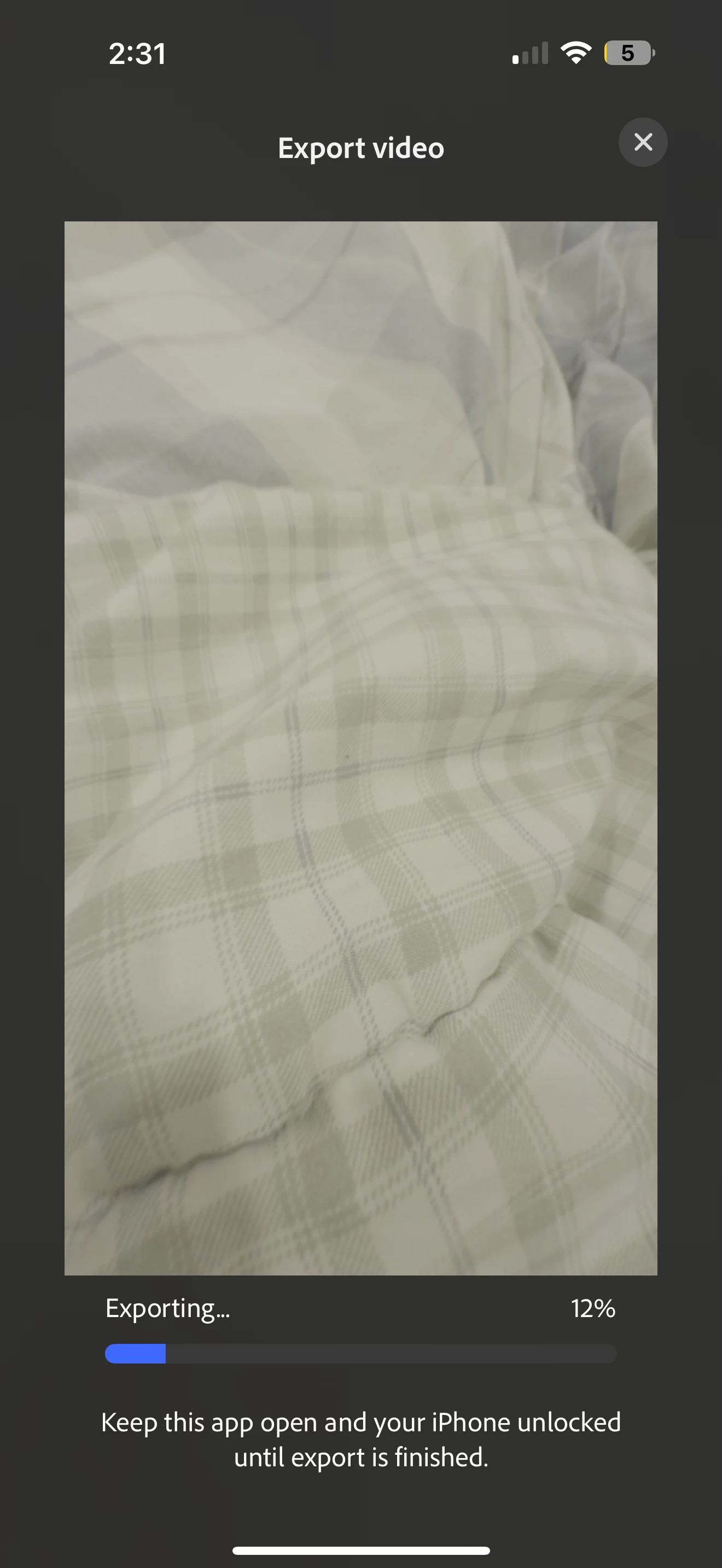
I'm on the latest adobe app version on my iPhone 16 pro max 25.6.1 and it always stops at 12% for hours and hours, I can't export and it's only 2min long I have so much storage available. Why is it doing this

I'm on the latest adobe app version on my iPhone 16 pro max 25.6.1 and it always stops at 12% for hours and hours, I can't export and it's only 2min long I have so much storage available. Why is it doing this
Already have an account? Login
Enter your E-mail address. We'll send you an e-mail with instructions to reset your password.
 AdChoices