


Participant
March 19, 2025

Adobe Media Encoder has encountered an unexpected error and cannot continue

  • March 19, 2025
  • 7 replies
  • 311 views

Hi everyone,

I'm having issues opening Adobe Media Encoder v25 and 25.1 on my MacBook Pro (M2 chip series). A few seconds after launching, I get the following error message: "Adobe Media Encoder has encountered an unexpected error and cannot continue."
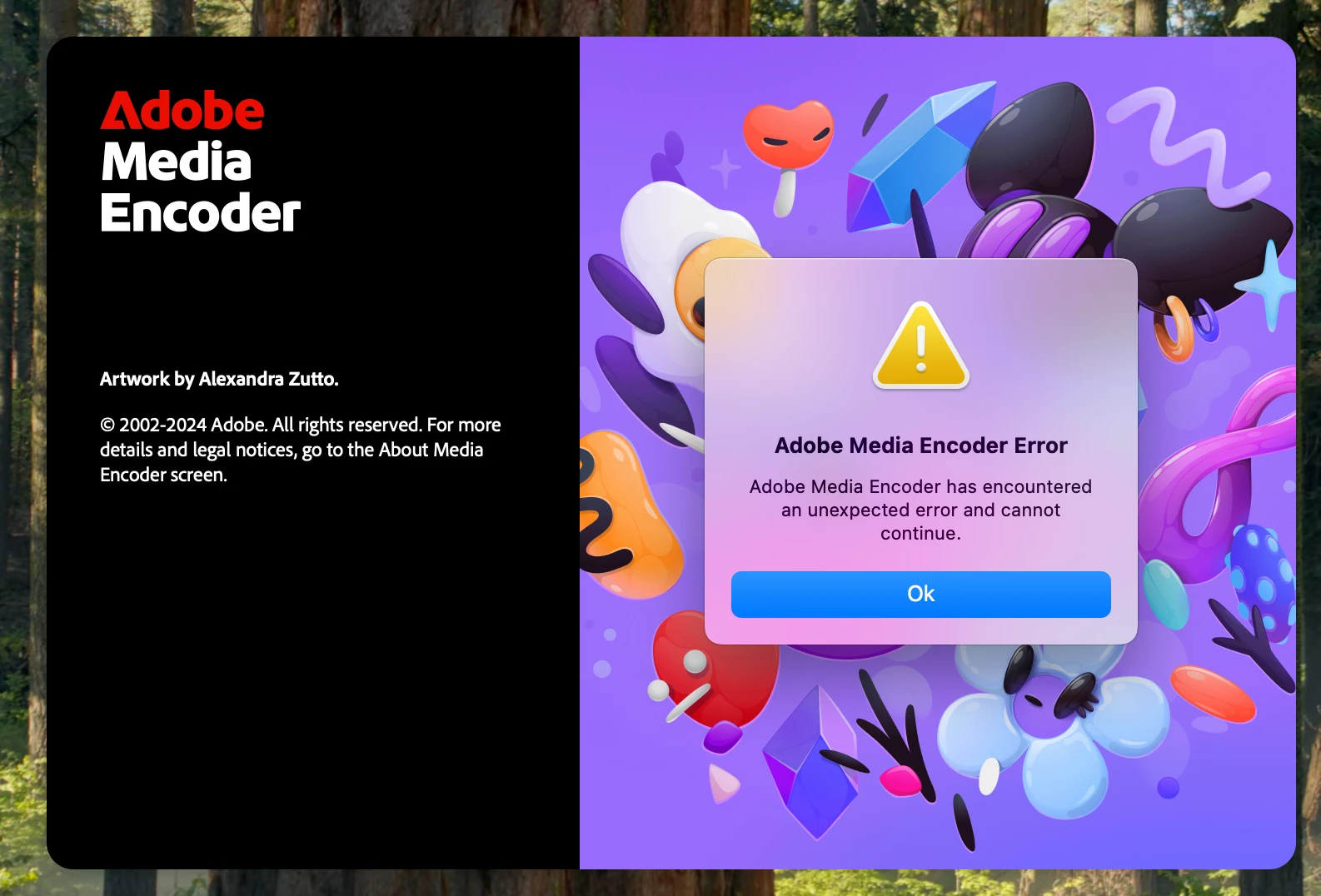


The application then closes automatically before even reaching the interface.


  • All necessary file and folder permissions have been granted.
  • As a workaround, I’ve installed v24.0, which is working fine for now.
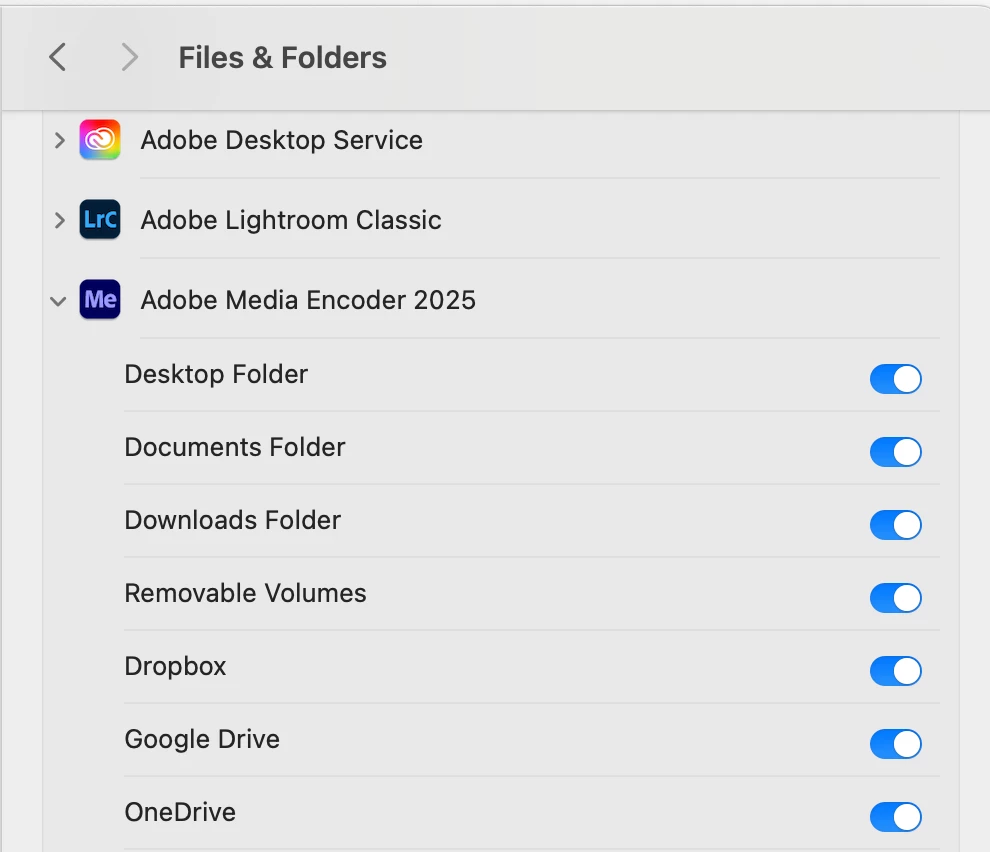


Has anyone else experienced this issue with the latest version? Any solutions or workarounds would be greatly appreciated.


Thanks!

7 replies

Participant
May 15, 2025

No nothing like that

EckiAME
Community Manager
Community Manager
April 27, 2025

Do you have any system security software such as AntiVirus installed?

Participant
April 26, 2025

Hi again - this is still in issue for me even after all the latest updates. Is there a soloution to this you can think of? Would removing the entire adobe package and reinstalling it help? Bit out of ideas...

Participant
March 21, 2025

No 3rd Party audio or video plugins. Just tried with each shift key multiple times and still can't get any further than the intro screen.

ChWard
Community Manager
Community Manager
March 20, 2025

Thanks James, are you by chance using 3rd party audio- or video plug ins? Could you try launching the App by holding the shift key? We are actively looking for the root cause for this and will let you know asap.

Participant
March 20, 2025

Hi,

I'm running 15.3.2 (24D81) Sequoia. No I don't think AME was running even from 25.0.

Thanks.

ChWard
Community Manager
Community Manager
March 19, 2025

Hi, 

what OS version are you running. Was AME launching fine before or did the first launch of 25.1 fail already?