


Participant
August 22, 2022

AME Error - App will not Open (PC)

  • August 22, 2022
  • 1 reply
  • 55 views

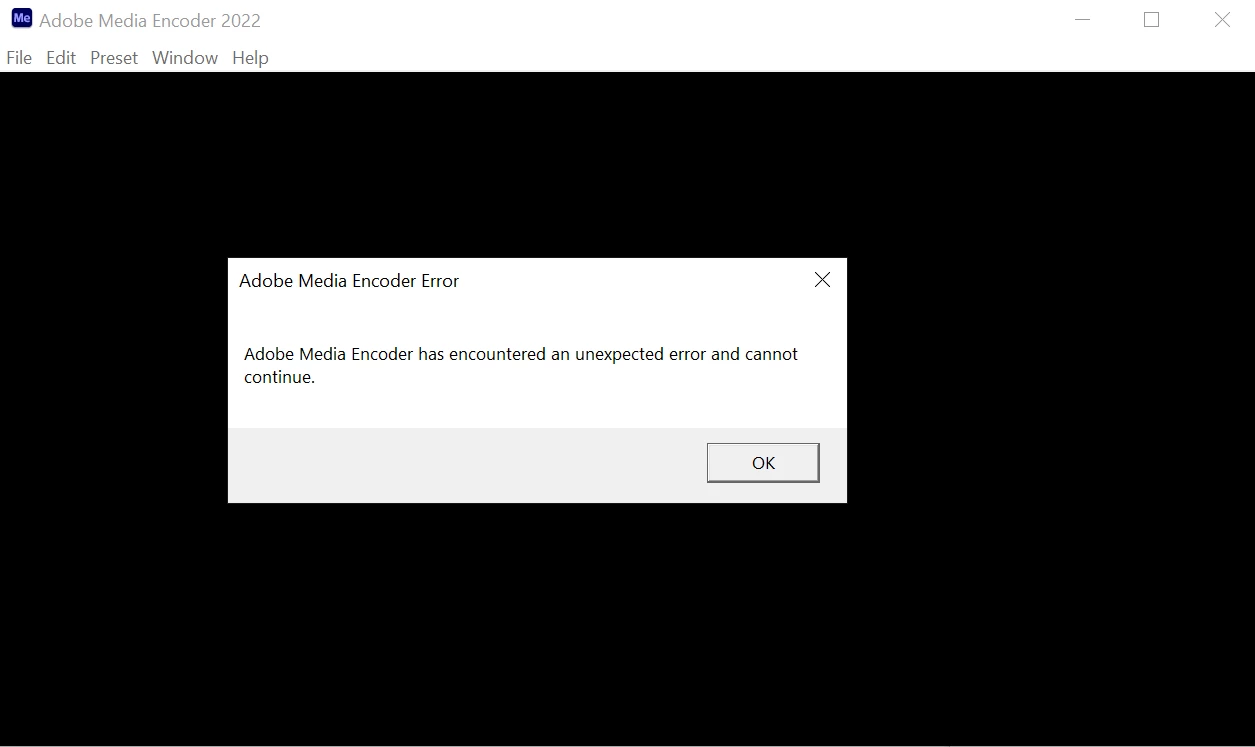
ADOBE, WTF?!?!? AME will not launch and I NEED it to work so I can render multiple files at once. My IT department has tried everything to help with NO success. 

AME 22.6

Just launch the app and it will tell you it encountered an error and can't proceed. 

Lenovo Think Pad
Processor Intel(R) Core(TM) i7-8665U CPU @ 1.90GHz 2.11 GHz
Installed RAM 32.0 GB 
System type 64-bit operating system, x64-based processor
 

1 reply

Warren Heaton
Community Expert
Community Expert
August 22, 2022

Sorry to hear that you are having trouble.


In troubleshooting this issue, it's common to reinstall Adobe Media Encoder.


Another common troubleshooting step is to try the prior version (with the corresponding prior versions of whichever Adobe application(s) is being used with it, be it Premiere Pro, After Effects, Animate, etc.).

If you were sending a Premiere Pro Sequence, try exporting directly from Premiere Pro.  Yes, there's no batch option on the Premiere Pro side so you will have to repeat this as many times as necessary for each type of output.  


It can also be worth using the Chat bubble on the Adobe support pages to start a support chat with Adobe support agents who can verify that Media Encoder is installed correctly such that it should function as expected.

If you were sending an After Effects Composion, try using the After Effects Render Queue.  Depending on the required file format, you may be able to queue up all the varitions on the After Effects side.


22.6 is the beta version, correct?  Try to keep the current release 22.5 and the beta installed at the same time.