


Participant
November 1, 2024

Apple ProRes MXF OP1a/ProRes 422 LT export adding inaccurate display aspect ratio

  • November 1, 2024
  • 2 replies
  • 66 views

ME version: 24.6.3 (Also tested on 25)

OS: MacOS Sonoma 14.4.1


When exporting the Apple ProRes MXF OP-1a, ProRes 422 LT codec, the metadata of the exported file includes a display aspect ratio that is incorrect and affects the display of the exported video.


MediaInfo Export Settings Used:

  • Apple Pro Res MXF OP1a
  • Apple Pro Res 422 LT
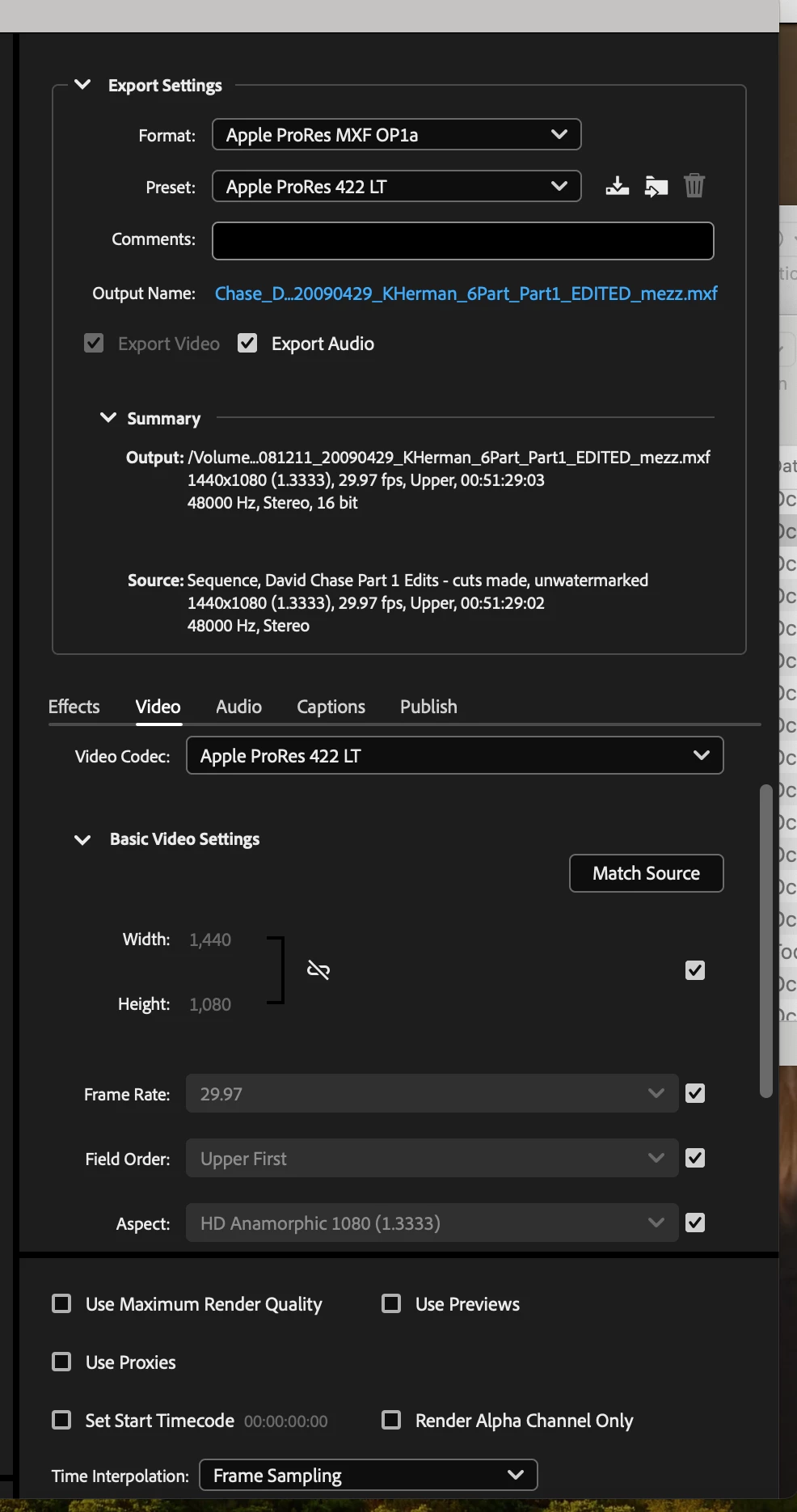
  • all other video settings are default, with no space to input a display aspect ratio
  • "Match Source" does not change default settings for preset. Pixel aspect ratio is consistent with source file and the "Compare tab" illustrates no difference between the aspect ratio of the source and output
  • "Source scaling: Change Output Size to Match Source" has had no effect


Example 1 source file media info:
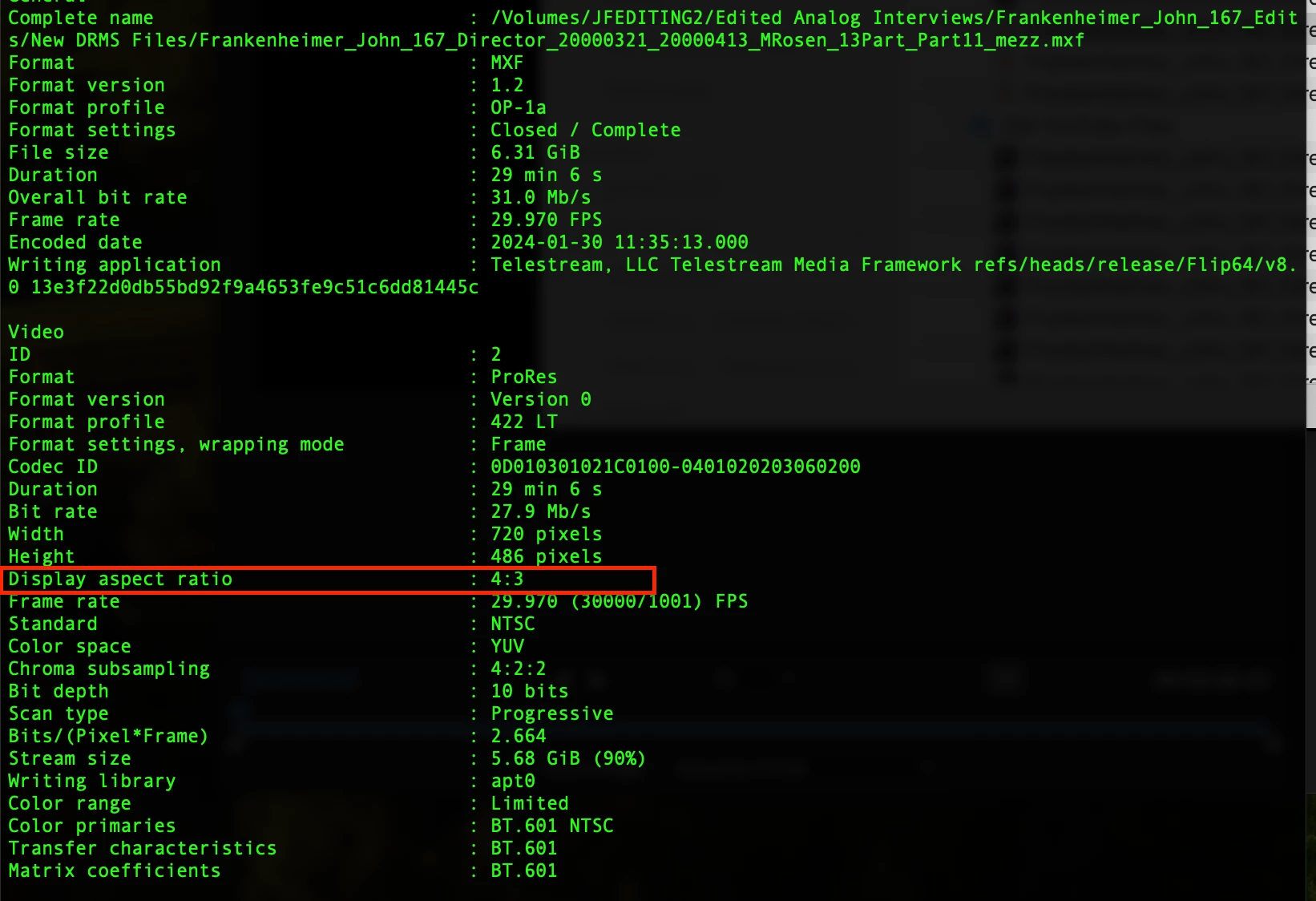
 

Example 1 export file media info:
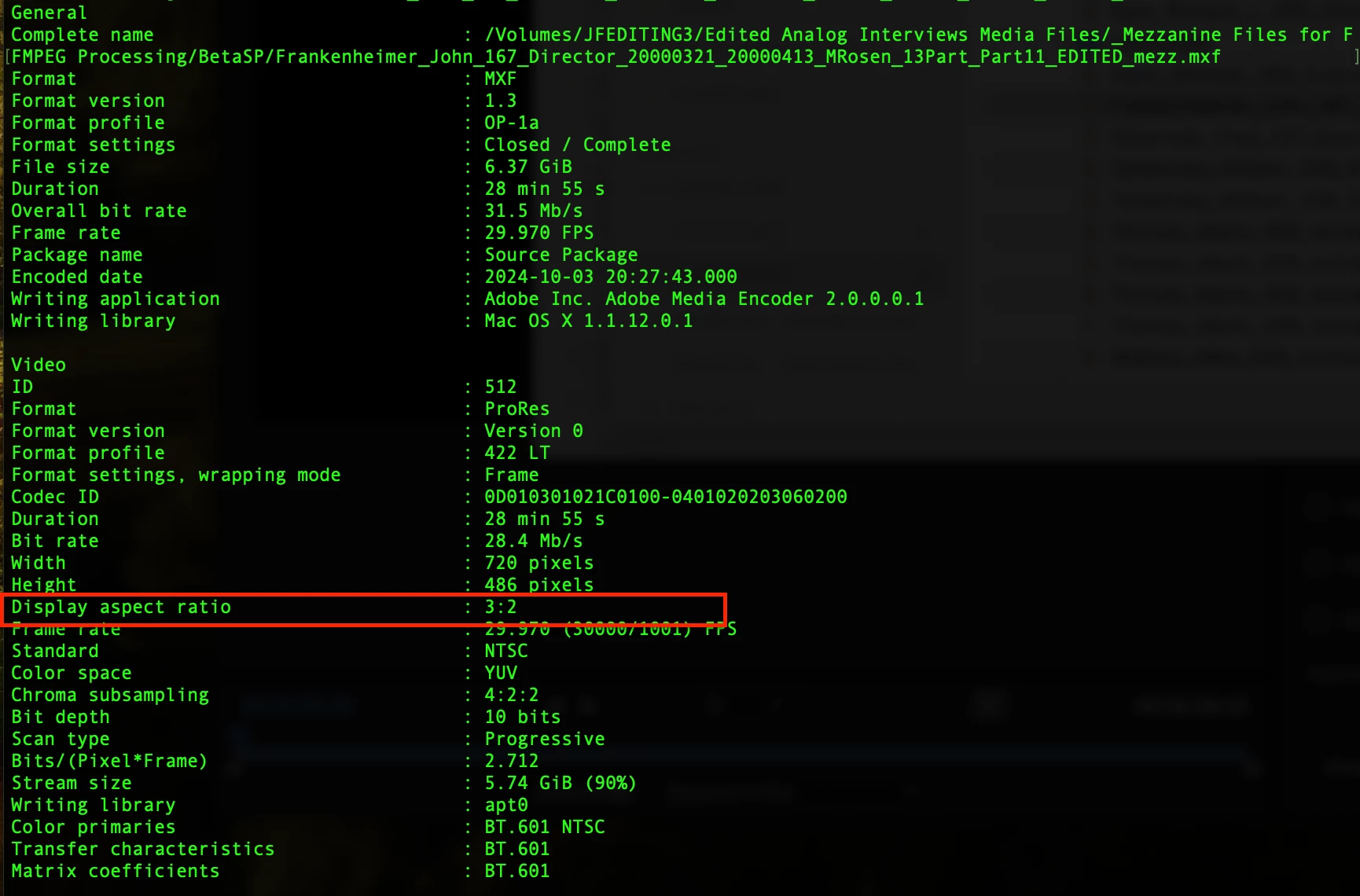
 

Example 2 source file media info:
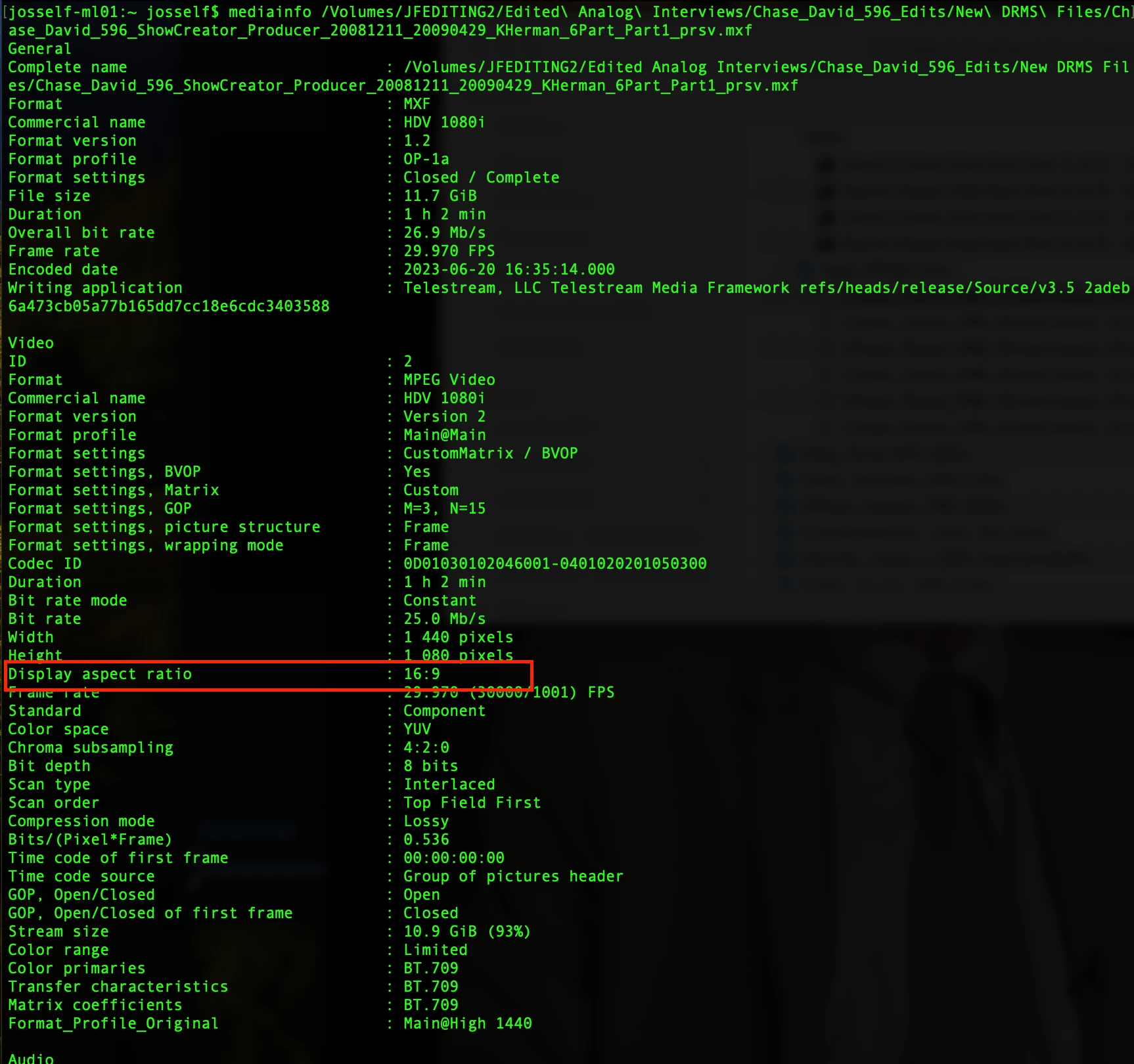
 

Example 2 export file media info:
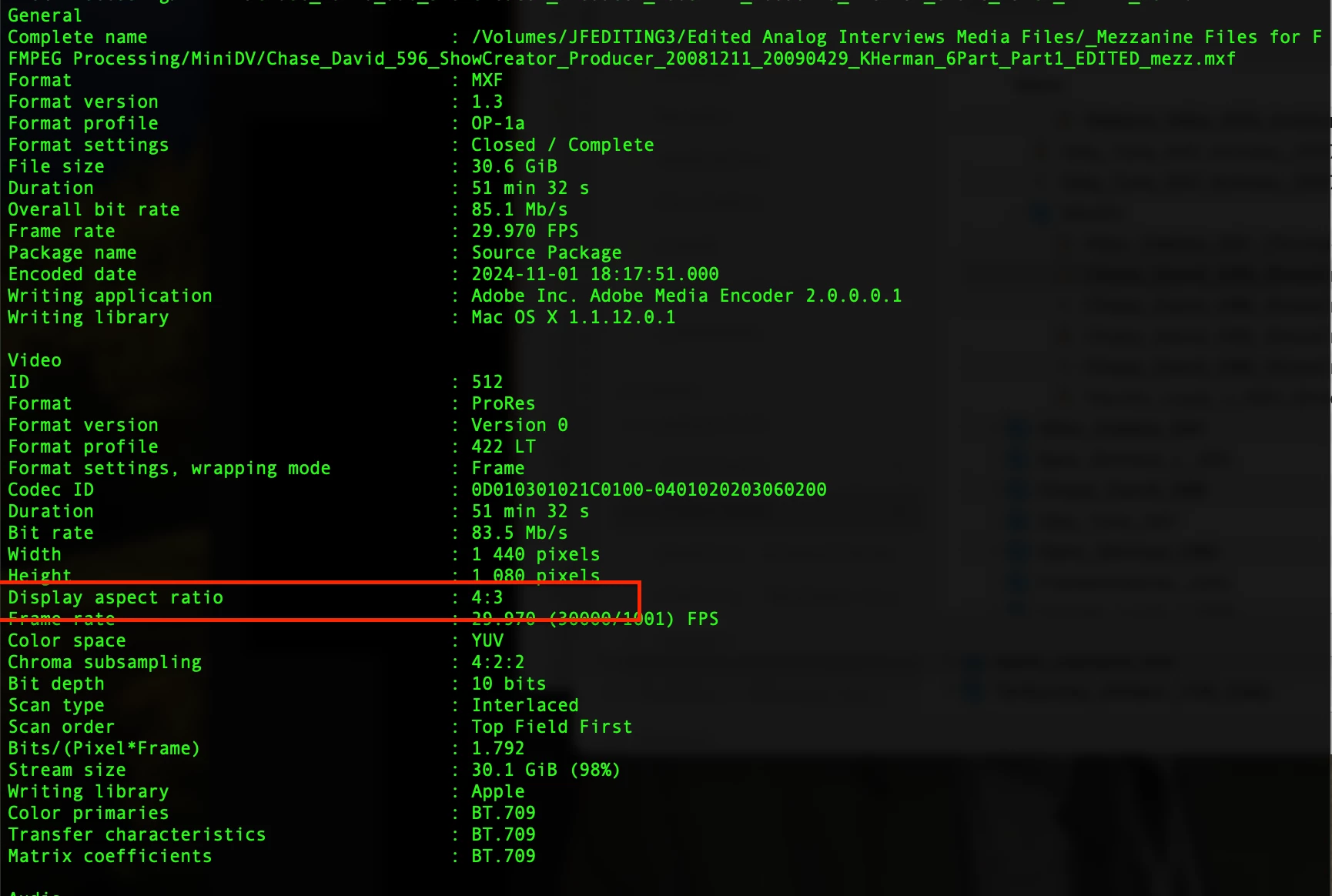
 

Example 2 Export Settings Window


2 replies

Participant
November 6, 2024

This is helpful, thank you. The goal for this project is to match the specs of the original source file as closely as possible. Is there anything that can be done for the display aspect ratio on export as Apple Pro Res 422 LT MXF OP1A? I do not have this issue when exporting as H.264, the original display aspect ratio of 16:9 (for Example 2) is maintained, and am hoping the same could be applied for the MXF files


Warren Heaton
Community Expert
Community Expert
November 2, 2024

It looks like you are working at a frame aspect ratio of 16 by 9 with a 1.33 pixel aspect ratio (PAR), or 1080 (1.33).


Going by frame size in pixels without accounting for the PAR, it is 4 by 3 (1440 pixels by 1080 pixels in this case).


As long as footage with a 1.33 PAR is opened in applications that recognize that (like Premeire Pro, After Effects, and Photoshop), it will display proportionally correct (that is, 1440 pixels by 1080 pixels will be scaled 133% along the horizontal to appear to be 1920 by 1080).  


If the footage is opened in something that does not recognize the PAR, it will look like 16 by 9 artwork squeezed into 4 by 3. 

You are likely to see this file show as having a 4x3 frame size with a 16x9 display size.


If there's an application in your workflow that does not honor the PAR value, I would conform the footage to square pixel (PAR 1.0) 16x9 so that the frame size and display size match.  In this case, that would be 1080 (1.0).