


Inspiring
October 24, 2022

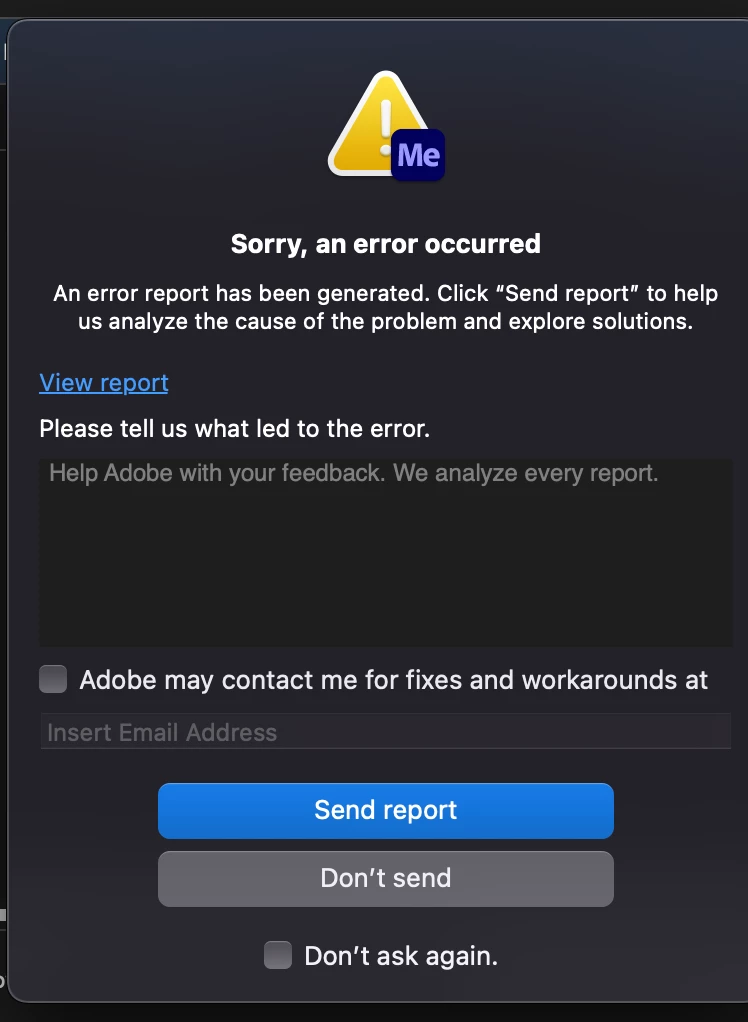
Media Encoder error message when starting to encode videos from external harddrive source

  • October 24, 2022
  • 3 replies
  • 78 views

Hello, I have recently upgraded my Mac OS to Monterey, and I get an error message when starting to encode ProRes (mov) videos from an external harddrive source in Media Encoder.
This used to not be an issue and no problems in the past.
Could we please accomodate to have this bug fixed? Thank you
3 replies

ExxoStackAuthor
Inspiring
October 24, 2022

P.S. no other third party plugins installed.

I edit in Final Cut Pro, and my source files are ProRes mov videos that came from Final Cut Pro

(This was never an issue before)


Thanks!

ExxoStackAuthor
Inspiring
October 24, 2022

Hi,

This is a new issue for me since I have not had this problem while on Mac Catalina.

The issue started after updating to Mac Monterey.

I use a Macbook Pro 2019 (16-inch, Intel).

Source files are from an external G-Drive, and they are ProRes mov video files.

I use Match Source as preset, but use Variable bit rates, render at max depth.


I used to not have this issue before until now, when I press the green button on the top right corner, to start the encoding process.

However, the current workaround would be to copy the files to my Mac, and then use those source files instead of from the external G-Drives.

But like I have mentioned, this used to not be an issue for a very long time.

Adobe Employee
October 24, 2022

Hi default9vrfpofji3uq, this is Ecki from the AME Team. We are not able to reproduce your issue yet. Can you add more specifics? Which hardware are you using? Which source media formats? Do you use custom presets? Do you have any external plug-ins installed? Can you share media for a simple repro? Sorry, a lot of questions.