İSKENDER269713945q5z
Known Participant
June 27, 2023

Wrong Output / Export Issue

  • June 27, 2023
  • 3 replies
  • 262 views

Hello there

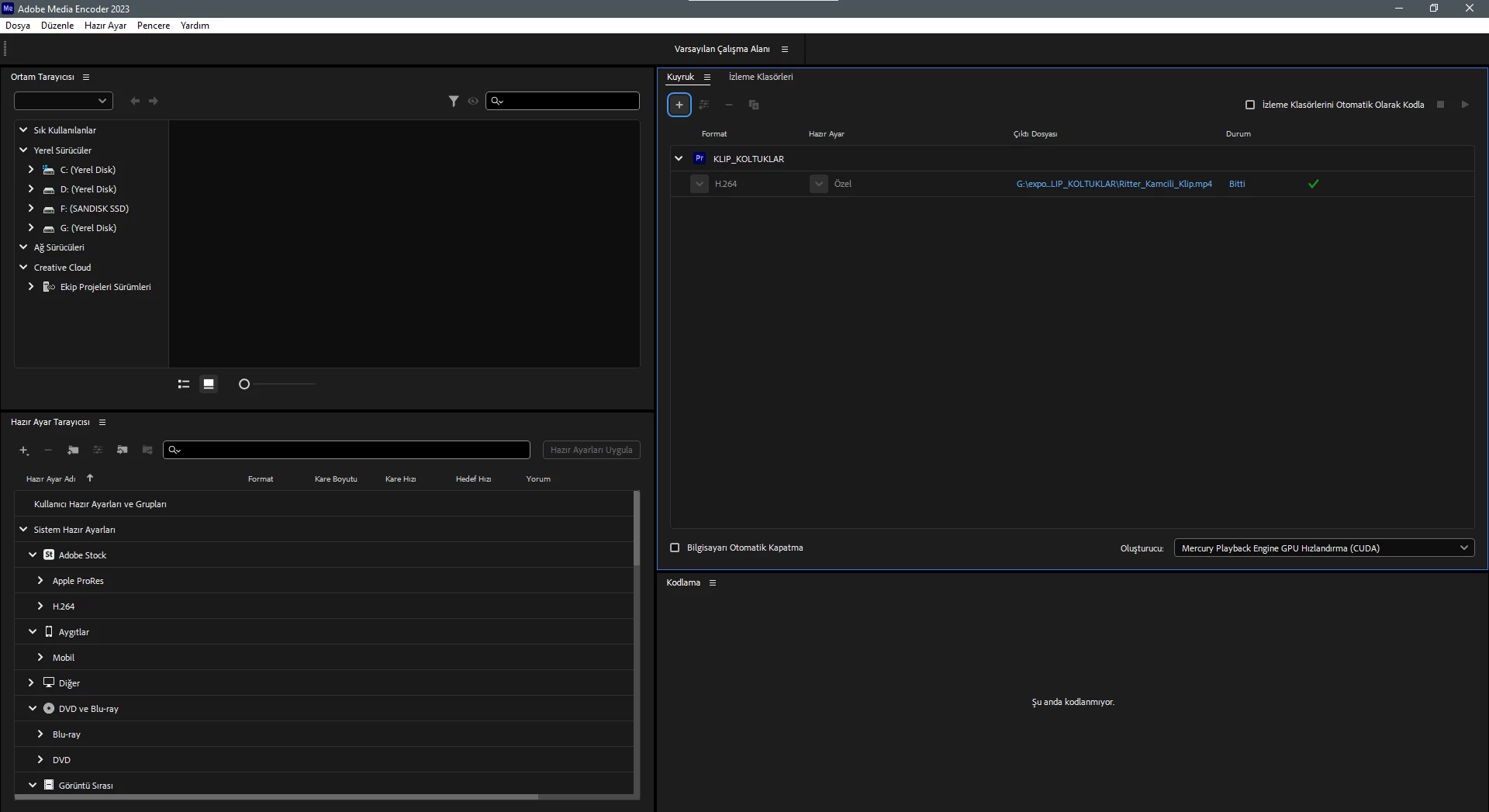
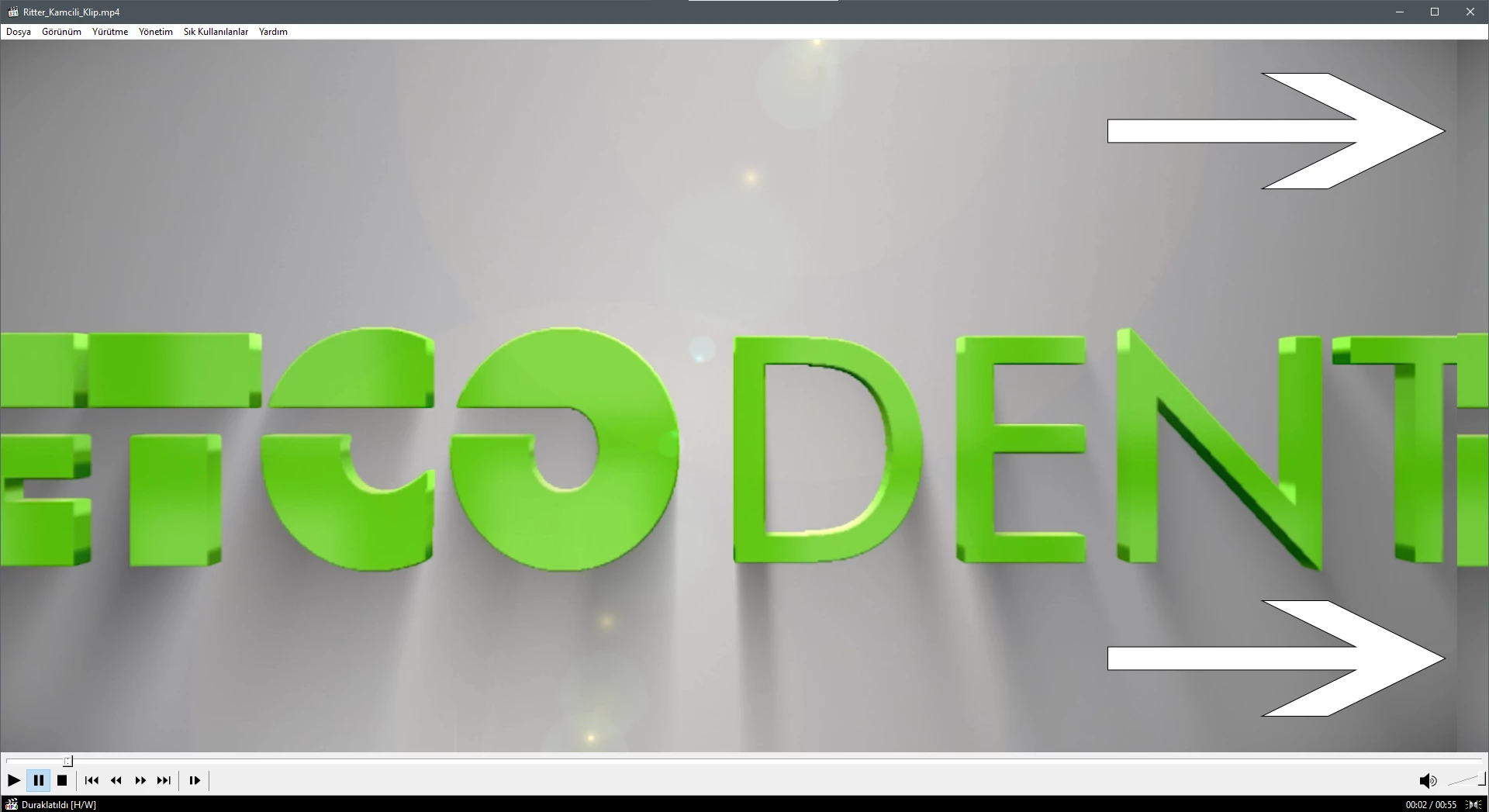
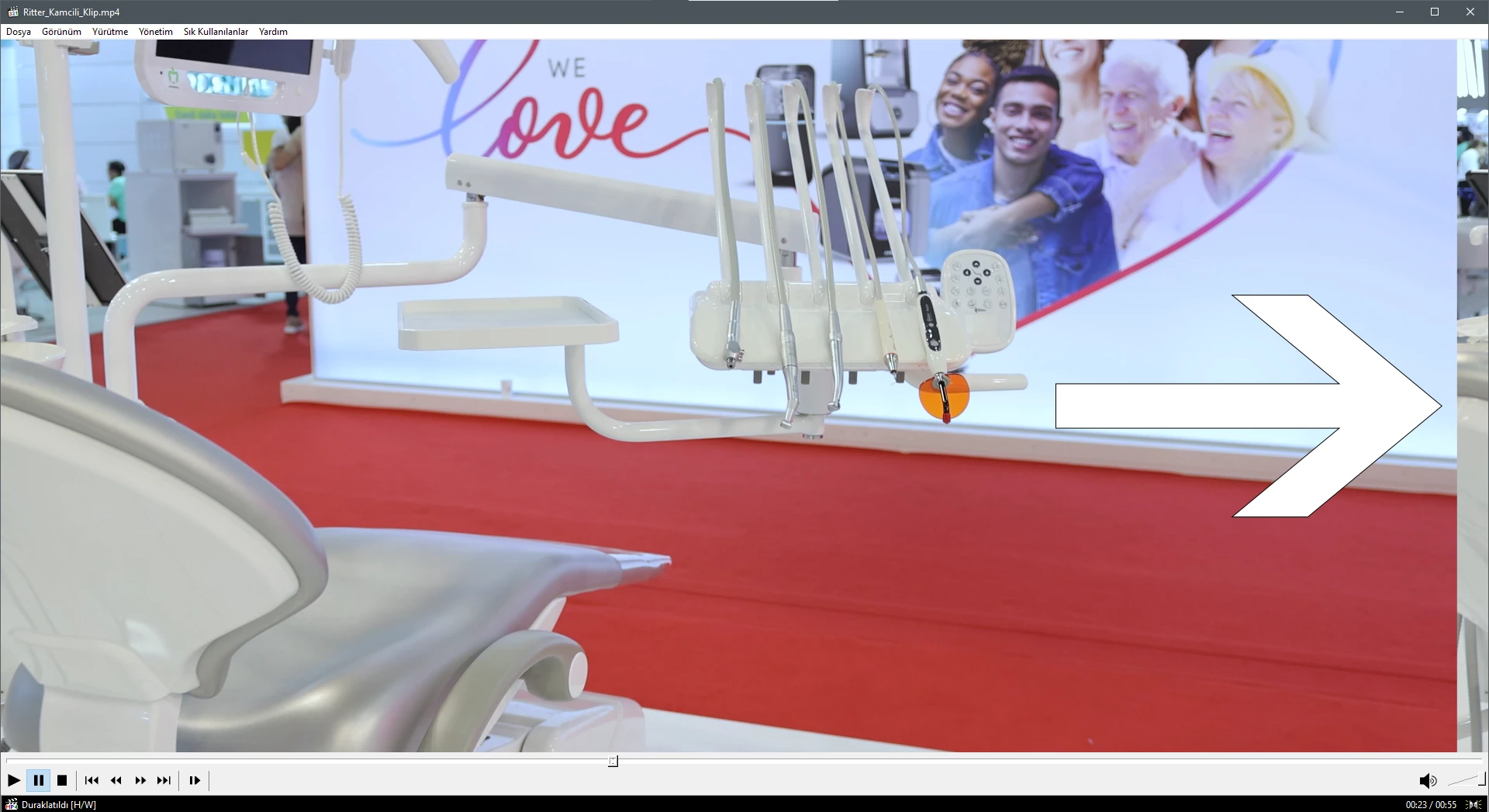
I am editing in Premiere and usually exporting in Media Encoder but last 2 days my all exports has mistake, you can find below screenshots about mistake. As you can see right side of the frame has interesting crop and view. I checked in Premiere, on timeline i am using only 1 video track. If i take export in Premiere there is no problem. Maybe my Media encoder settings wrong somehow. Could you please help? Awaiting for your news.Have a good day.


3 replies

İSKENDER269713945q5z
Known Participant
June 28, 2023

Now i checked and noticed that in creative cloud interface Media Encoder,Lightroom,Camera Raw i can see in "Installed Programs" bar. But no Premiere Pro in there, I didnt understand why?

Now I Installed "Premiere" again and It seems to there is no problem in export, thank you again. Have a good evening.)

İSKENDER269713945q5z
Known Participant
June 28, 2023

Thank you for your quick and kindly interest, i think i am using latest version of these programs but i am not sure, i am not good about using cloud interfaces. Maybe my old computer is the reason because i am using very old i7 2600cpu and geforce gtx1050ti with dd3 32gb ram. About videoside i am using Canon 4k 30fps ipb codec mp4 videos. Before export i am matching import and output setting.

Adobe Employee
June 28, 2023

Seems to be a DynamicLink issue with block sizes. Our team is investigating. So sorry for your inconvenciences.

Please verify if you are using the same versions of AME and Premiere Pro.