


Constant clicking noise in Audition multi track session
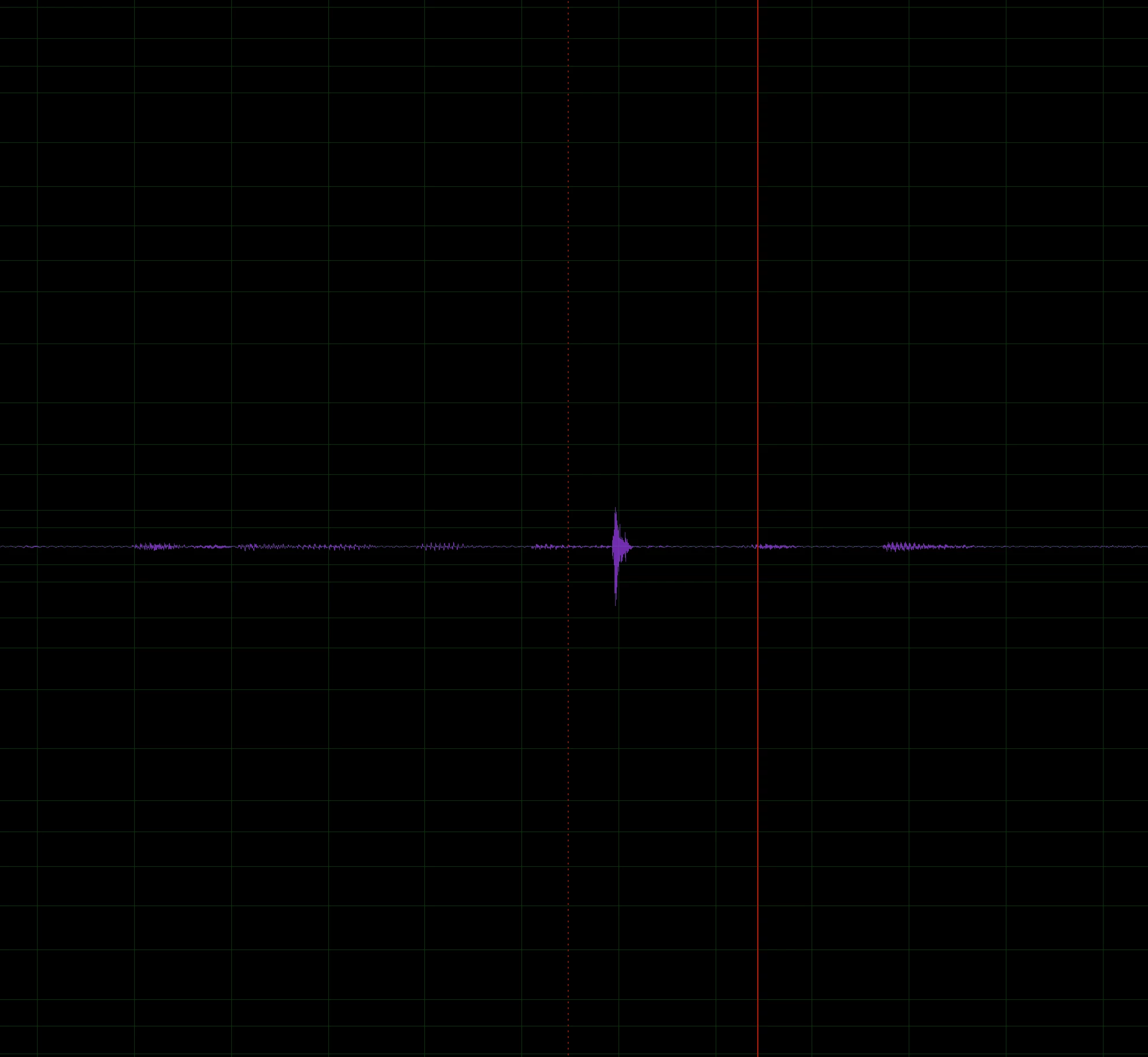
I primarily use Premiere Pro and Audition for my job and a few days ago I updated both apps and I'm having issues with both of them. In regards to Audition (v 24.0.3.3) as well as the Beta, I am seeing clicking in the waveforms throughout my audio tracks. Those didn't originate in the recording but they show up when adding them into an Audition session. They are random on all of my audio tracks and throughout the audio file.
How should I go about trouble shooting this? I fear that there is a setting that is somehow configured incorrectly after the update. Or is it a driver issue? It definitely seems like an issue with my computer not being able to process or write data in the DAW and it's adding these clicks when it glitches. You guys are the experts so please help!
I am working on a 2019 Macbook Pro
2.6 GHz 6-Core Intel Core i7
Graphics:
AMD Radeon Pro 5300M 4 GB
Intel UHD Graphics 630 1536 MB
Memory: 32 GB 2667 MHz DDR4
MacOS Sonoma 14.3
 AdChoices