


Participant
May 12, 2023

Rare and useless icons on top of the interface

  • May 12, 2023
  • 1 reply
  • 80 views

Hi friends


I have just install Audition and I am new using the app. How can I remove these little icons that get in the way and appear on each of the panels. I can not see claraly all my tools in every corner and it is very uncomfortable. Below you can see a capure. Thanks you very much.
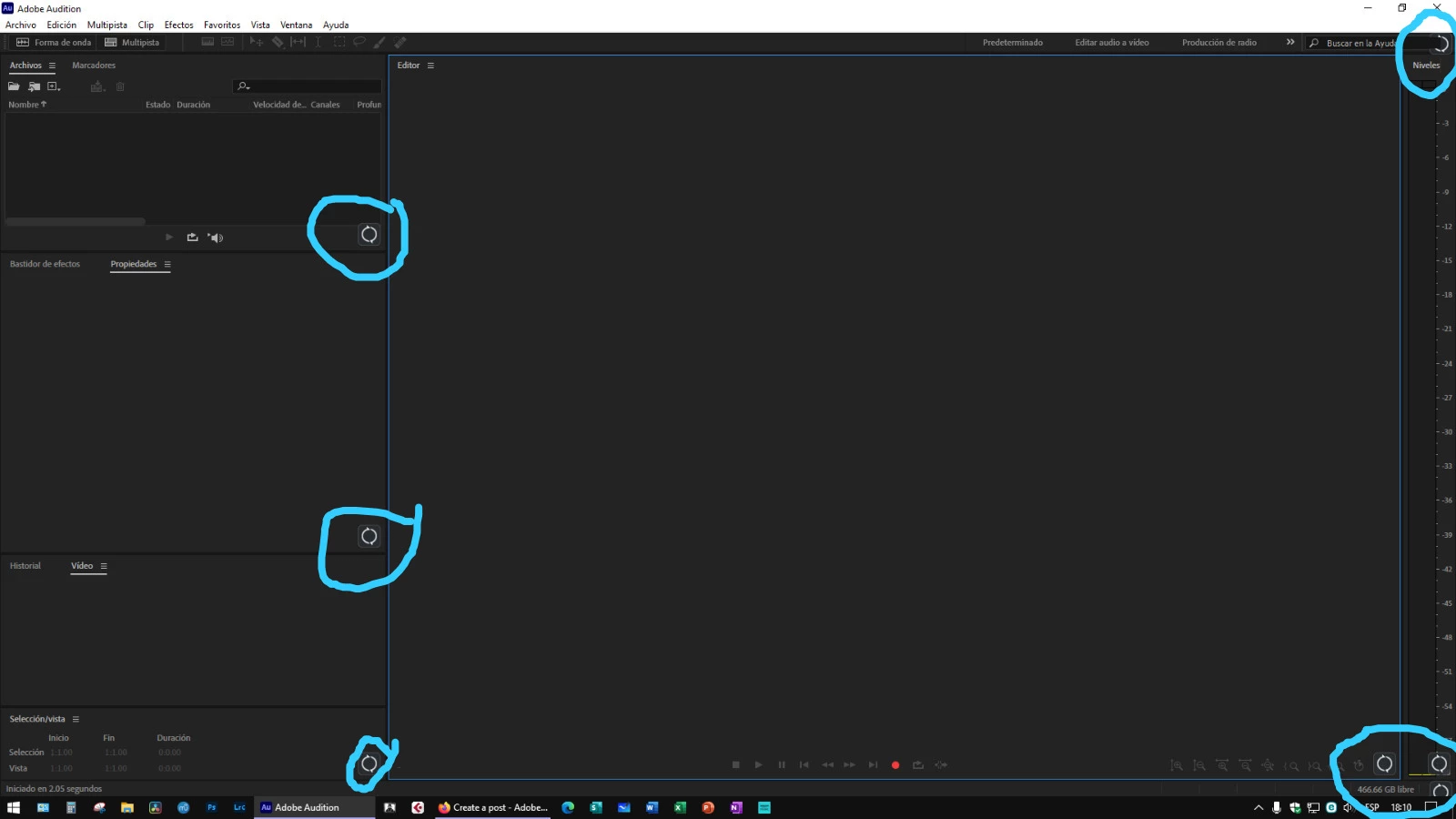


1 reply

SteveG_AudioMasters_
Community Expert
Community Expert
May 12, 2023

Certainly don't get anything like that here. I did a little digging, and as far as I can make out, the only ones I can find like this are caused by OneDrive, and they are the 'pending' icon - that's the only reference to them anywhere that I can find. What they are doing all over Audition is anybody's guess, but I don't think that it's anything Adobe did, or there would be loads of reports of them, and there simply aren't. If you right-click on one, do you get any options or indications?