


The recording cursor is jumping without waveform, and no software including AU can record during AU
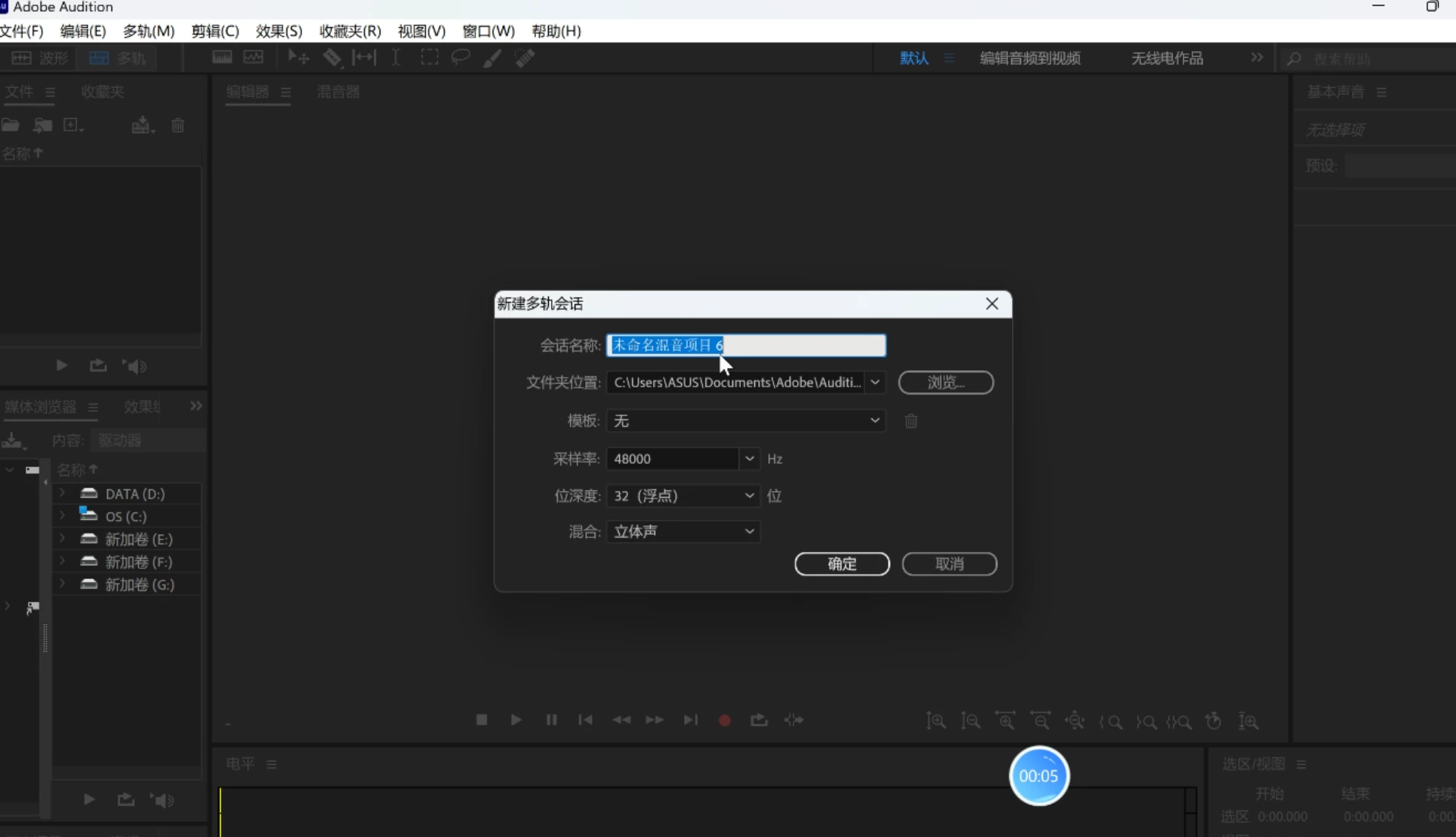
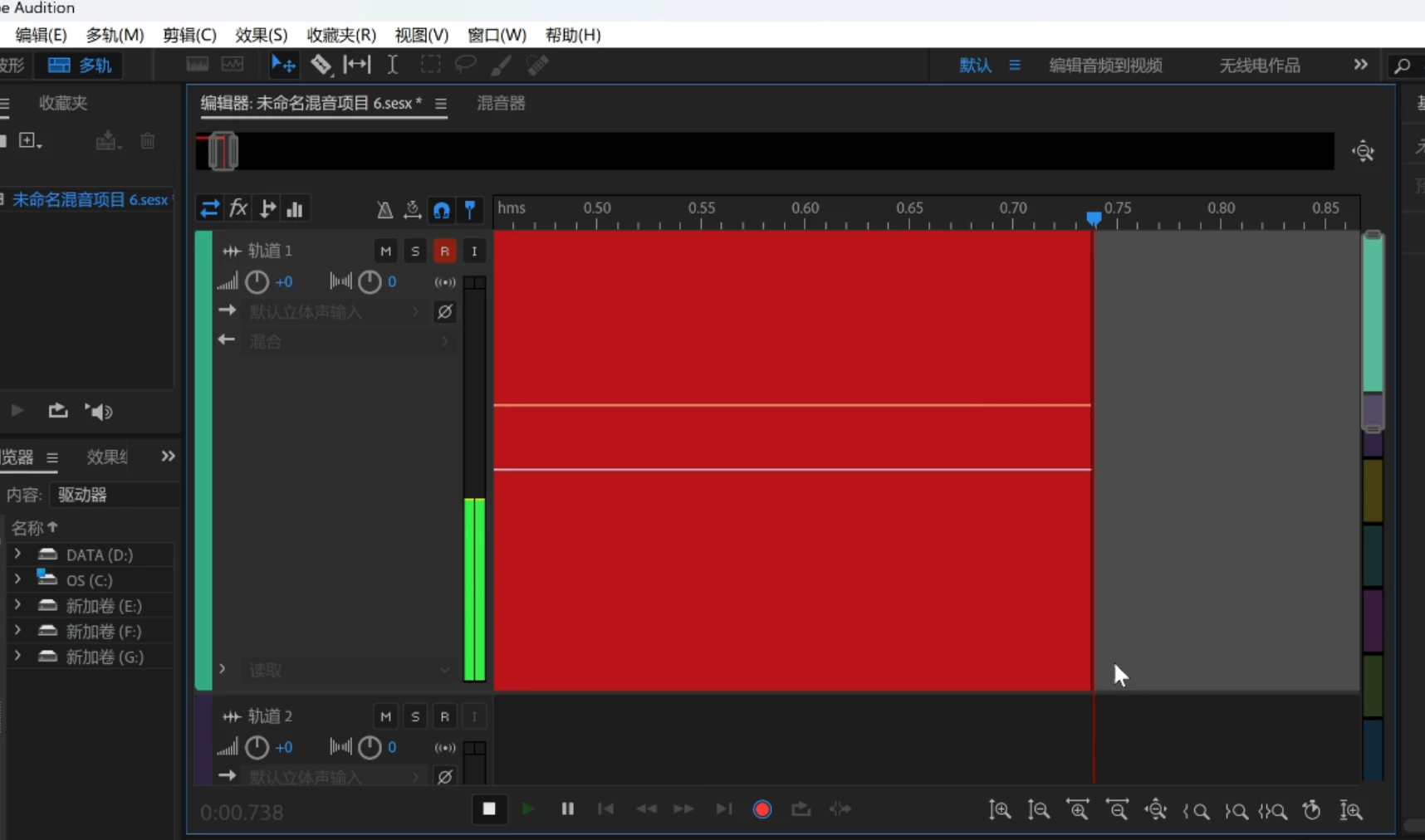
After installing Adobe Audition on my Win11 system, I am unable to record audio properly. When I press the R key, the green audio bar jumps slowly. Once I start recording, the cursor doesn't move smoothly but jumps instead. There is also almost no waveform in the red progress bar, it's almost blank.
I tried to record the screen using a screen recording software, and I found that once Audition starts recording, my screen recording software also can't record any sound. However, when I stop recording in Audition, my screen recording software can then record sound again.
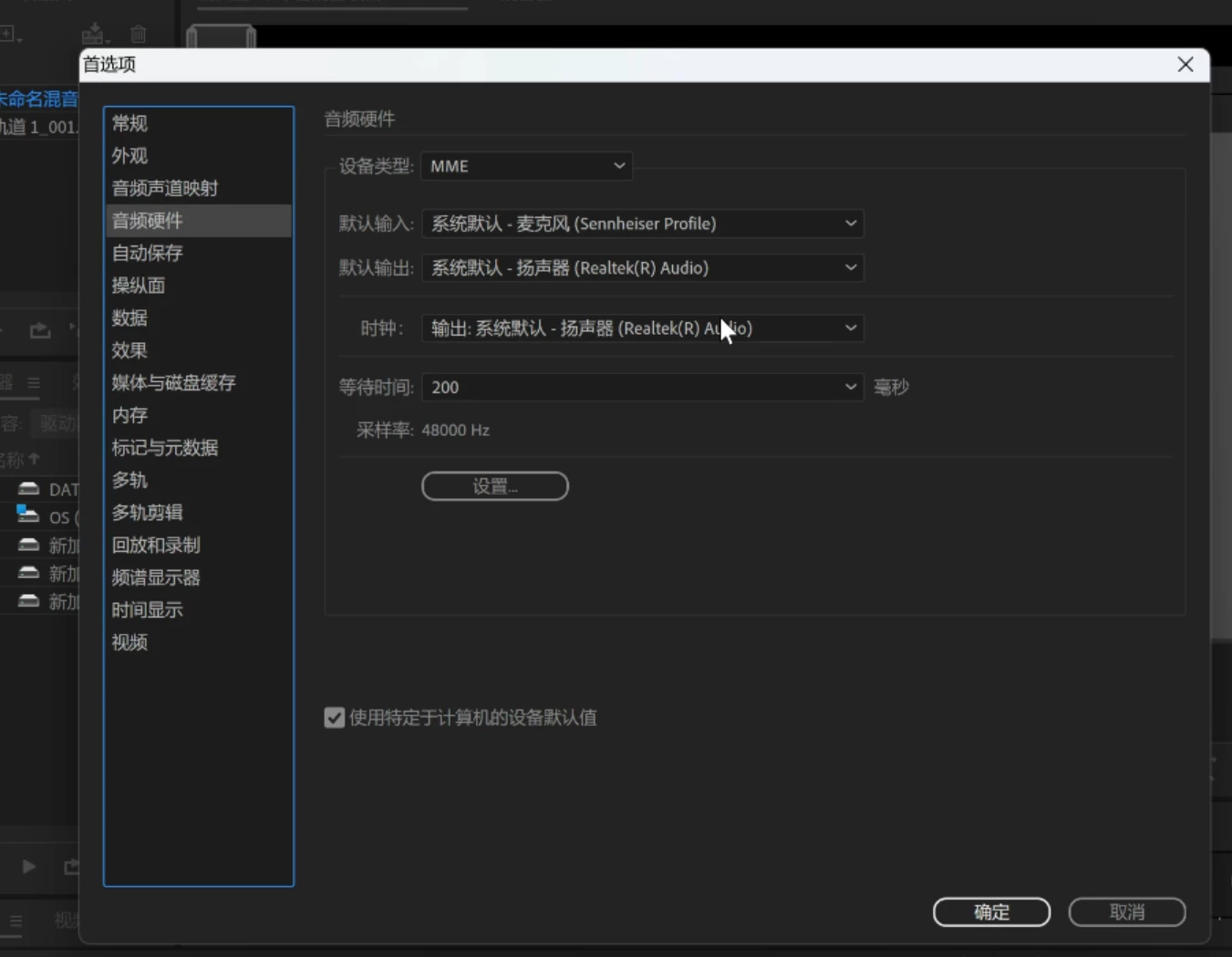
I'm sure that my system audio settings are correct. My computer is a ROG ZEPHYRUS 16 2024 with WIN11, it's a brand new factory system with high configuration. AU is the best software I've ever used and it's very important for my work. I need help to solve this problem. I've tried multiple versions of AU, but the problem persists in every version.
Additional information:
-
I've tried the following troubleshooting steps:
- Checking audio devices
- Adjusting audio settings
- Uninstalling and reinstalling Adobe Audition
-
I've attached a screenshot of the error message I'm getting.
Please help me solve this problem!
Thank you in advance for your assistance.
 AdChoices