


Known Participant
June 24, 2022

Dreamweaver 21 - Westen European not UTF8 when opening files??

  • June 24, 2022
  • 5 replies
  • 257 views

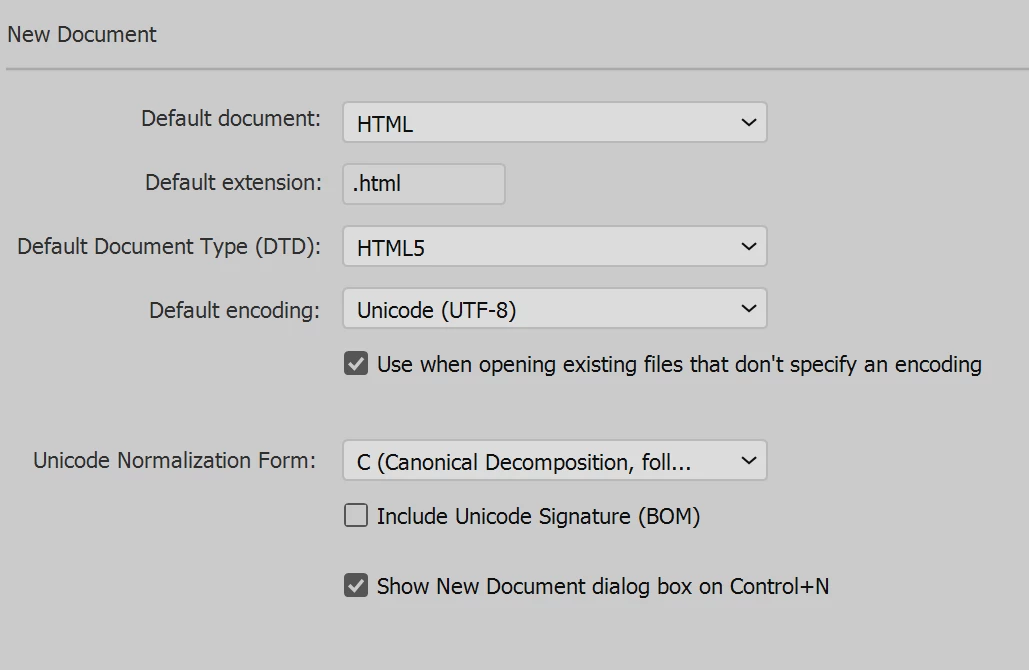
I make a utf8 file - like this: file.js
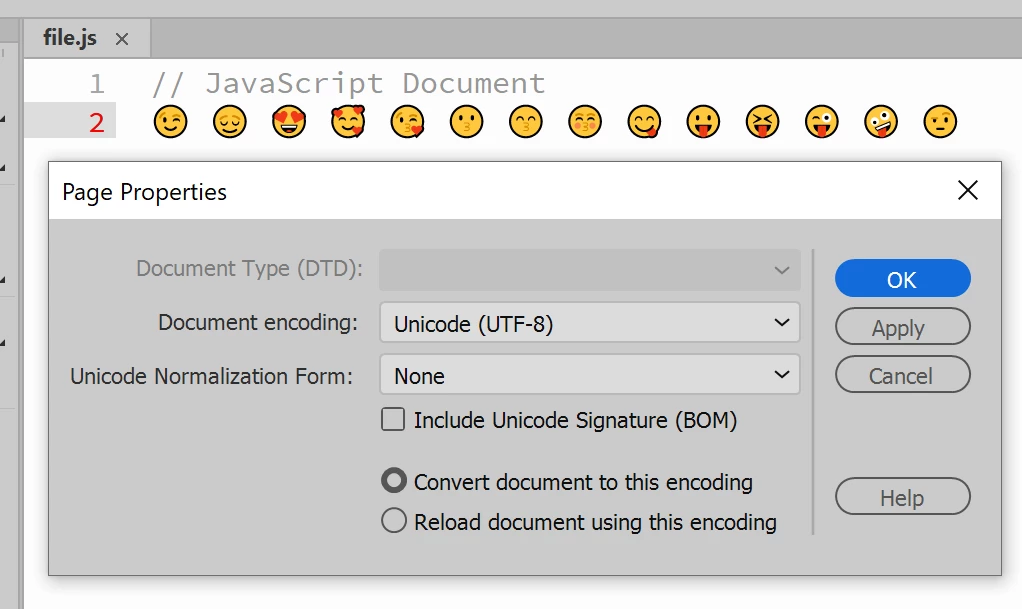
I put some emojis in file.js:


Check "page properties"...
 

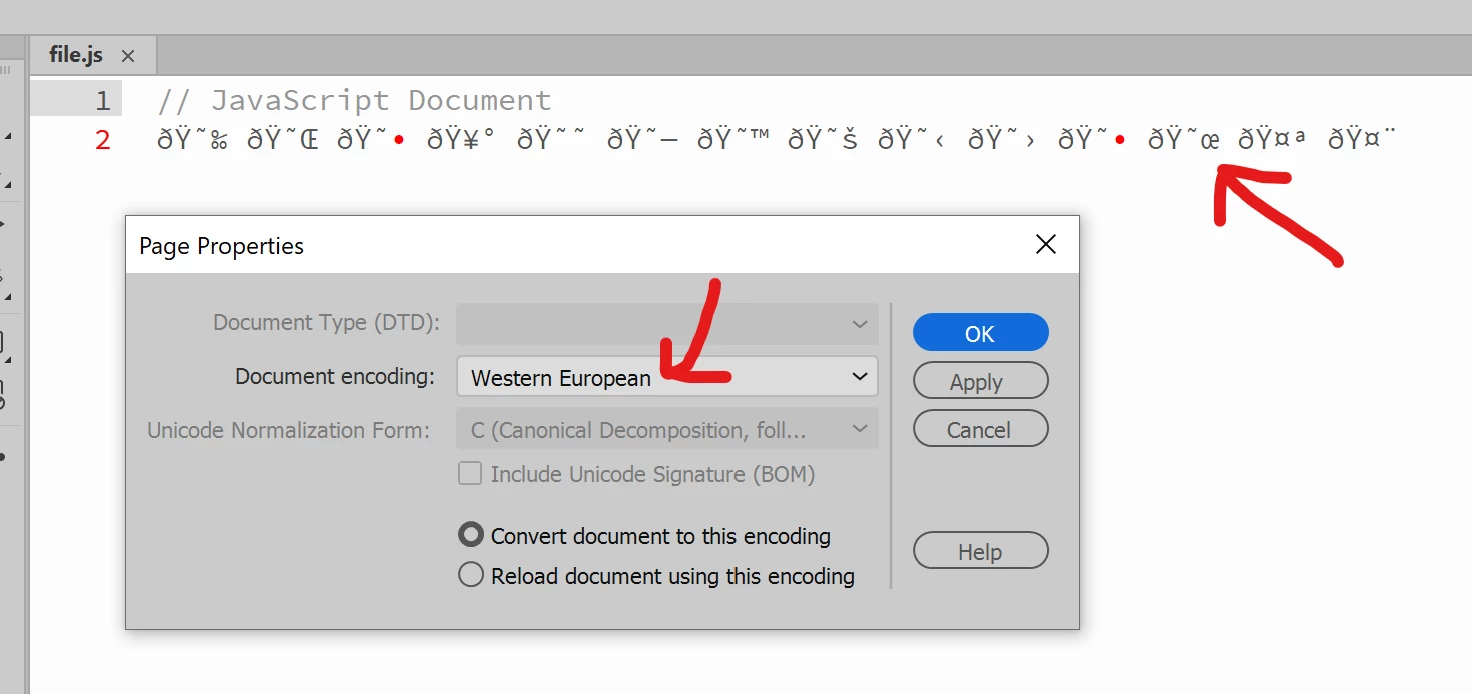
Close file, reopen it, and emojis are gone, and encoding has gone to westen european...
 

Any ideas? Thanks!


5 replies

Community Expert
November 18, 2025

@LeeBow , since we moved to version 21.6 (build 15711), or maybe the one just before, I’m not entirely sure, we’ve noticed that the UTF-8 encoding is no longer always preserved.

It seems to happen mostly when copying and pasting code from another editor. This didn’t occur before, and our workflow hasn’t changed.

So far, the only workaround we’ve found is to close the file, reopen it in Notepad++, and manually re-encode it to UTF-8, since it often reverts to ANSI.

LeeBowAuthor
Known Participant
November 10, 2025

Hi Nancy,


I can confirm it is 100% dreamweaver.


using notepad++ - I am able to open the files, and see the emoji characters.


Dreamweaver does not seem to be able to save/update the document encoding.


The only way to "fix" the issue is setting the BOM with Notepad++

Ideally - Dreamweaver would just open docs now with utf8 - it would support all characters anyway then.


Nancy OShea
Community Expert
Community Expert
November 9, 2025

For troubleshooting purposes, try using Visual Studio Code or Sublime text. 

If it continues to be a problem, the issue isn't with Dreamweaver.


The likely culprit are the Emojis and how they're expressed in Unicode.


Nancy O'Shea— Product User & Community Expert
LeeBowAuthor
Known Participant
November 9, 2025

This still is not fixed! 

Dreamweaver does not remember the Document encoding

Nancy OShea
Community Expert
Community Expert
June 24, 2022
Nancy O'Shea— Product User & Community Expert