



Sudhir Joil ICICI-Lombard
Participant
January 21, 2026

Dreamweaver some times seems useless for simple task- can't see code in code view or other

  • January 21, 2026
  • 2 replies
  • 33 views

Dreamweaver sometimes act wierd I want to see code view but it do not load code Screenshot 2026-01-22 at 12.52.41 AM.png
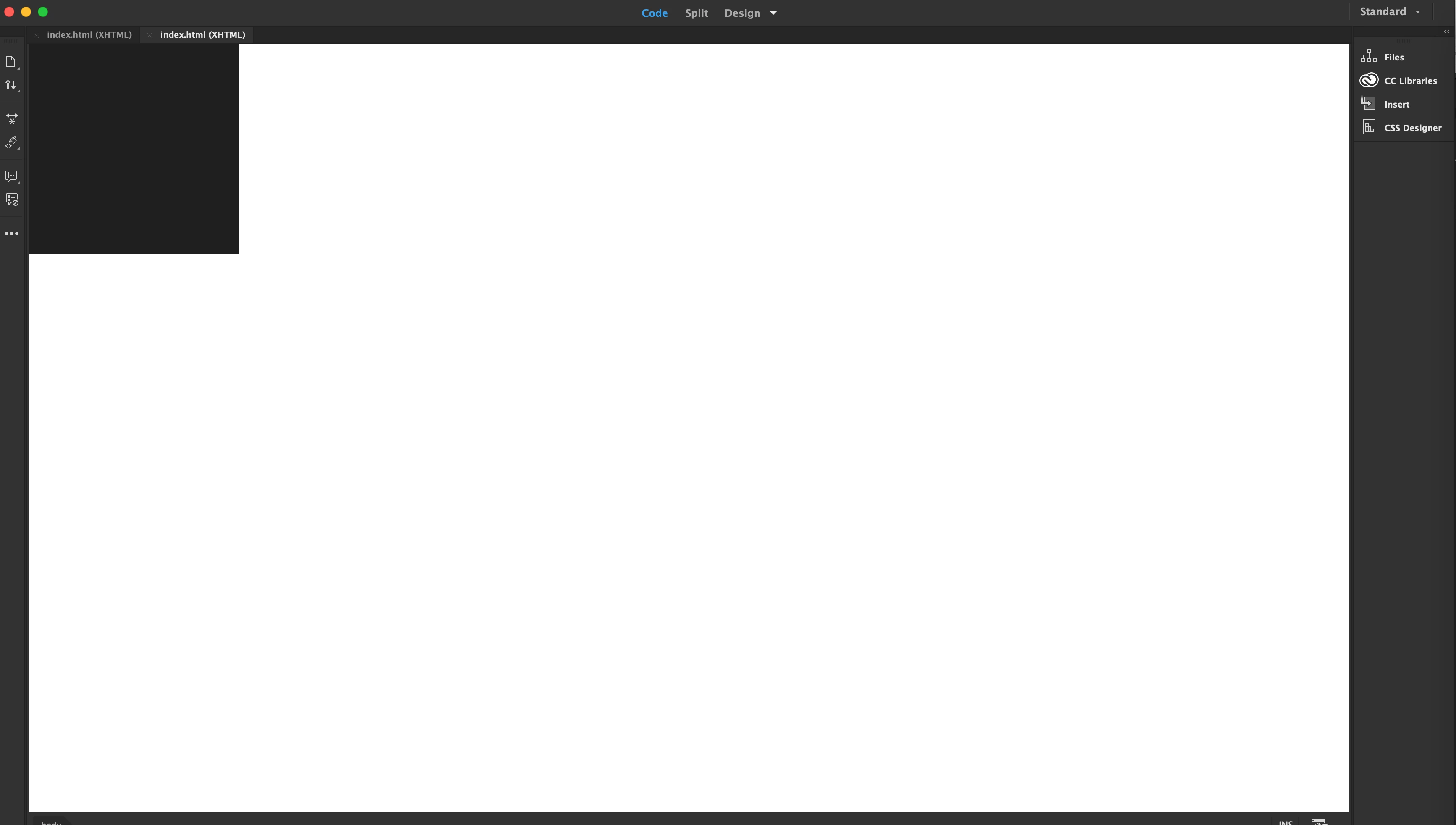
so i think notepad on windows is better for a simple task I want to perform I want to copy a some portion of code from file A to file B

Suggestion to dreamweaver developer add one more tab in the view>View Mode> Use as Notepad which can improve a speed because it do not have to add any color or formating.
why dreamweaver hangs in macbook
Macbook which can run photoshop, Aftereffect like softwares on same time hangs with only browser and photoshop,  and dreamweaver is open
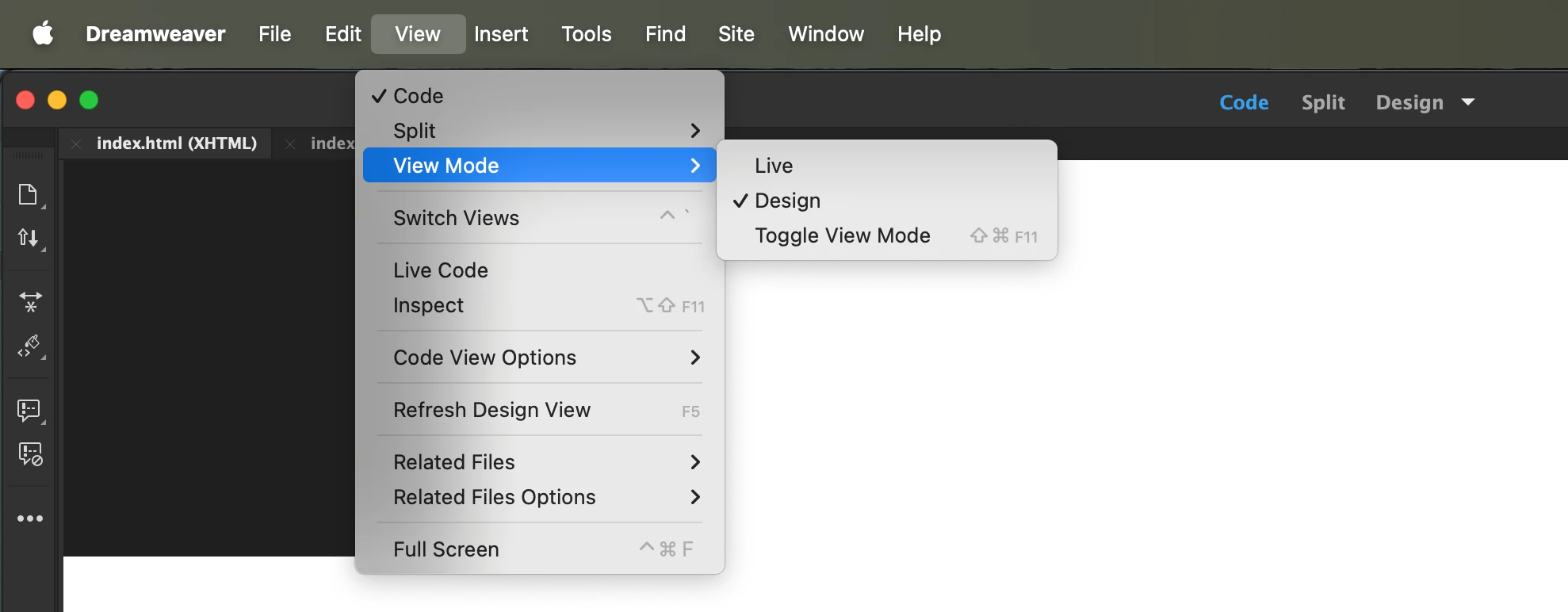
Screenshot 2026-01-22 at 1.02.26 AM.png

2 replies

Community Expert
January 22, 2026

Dreamweaver is currently in a minimal maintenance phase, so new editor features such as a "raw / notepad mode" are unlikely to be added, even if the idea itself is reasonable.


Performance issues like code view hanging are usually related to Dreamweaver’s internal parsing and site indexing rather than hardware limitations.


A simple workaround already exists: in Preferences > File Types / Editors, specific file types can be associated with an external editor such as Notepad++ (often preferable to Windows Notepad due to better encoding support).

Lena_0-1769063576848.png


After that, a right click on a file in the Files panel allows editing it directly in the external editor, bypassing Dreamweaver’s rendering and validation layers.

Lena_1-1769063599606.png


This approach keeps Dreamweaver for site management and structure, while using a lightweight editor for fast, raw text operations.

However, depending on the context, what you are looking for, and your working habits, there are various other approaches in DW for transferring code from one file to another... snippets, code comparison, not docking document windows...

Nancy OShea
Community Expert
Community Expert
January 21, 2026

This forum is unusable right now. It times out constantly during replies. 👿

Hopefully Adobe switches over to the new forum platform soon. 


Are you working within a defined local site folder on your computer's primary hard drive?  For example, C:\MyTestSite\

If not, Dreamweaver can't properly manage assets for you. 


Validate your code to ensure it contains no errors. DW chokes on code errors.


Hit F5 to refresh your screen. 


As a companion app, try using Visual Studio Code alongside Dreamweaver. It's free. 


Nancy O'Shea— Product User & Community Expert