Participant
April 20, 2025

Dreamweaver Won't Open

  • April 20, 2025
  • 4 replies
  • 395 views

I currently have Adobe  Dreamweaver 2024 version 21.4 on my Mac computer.


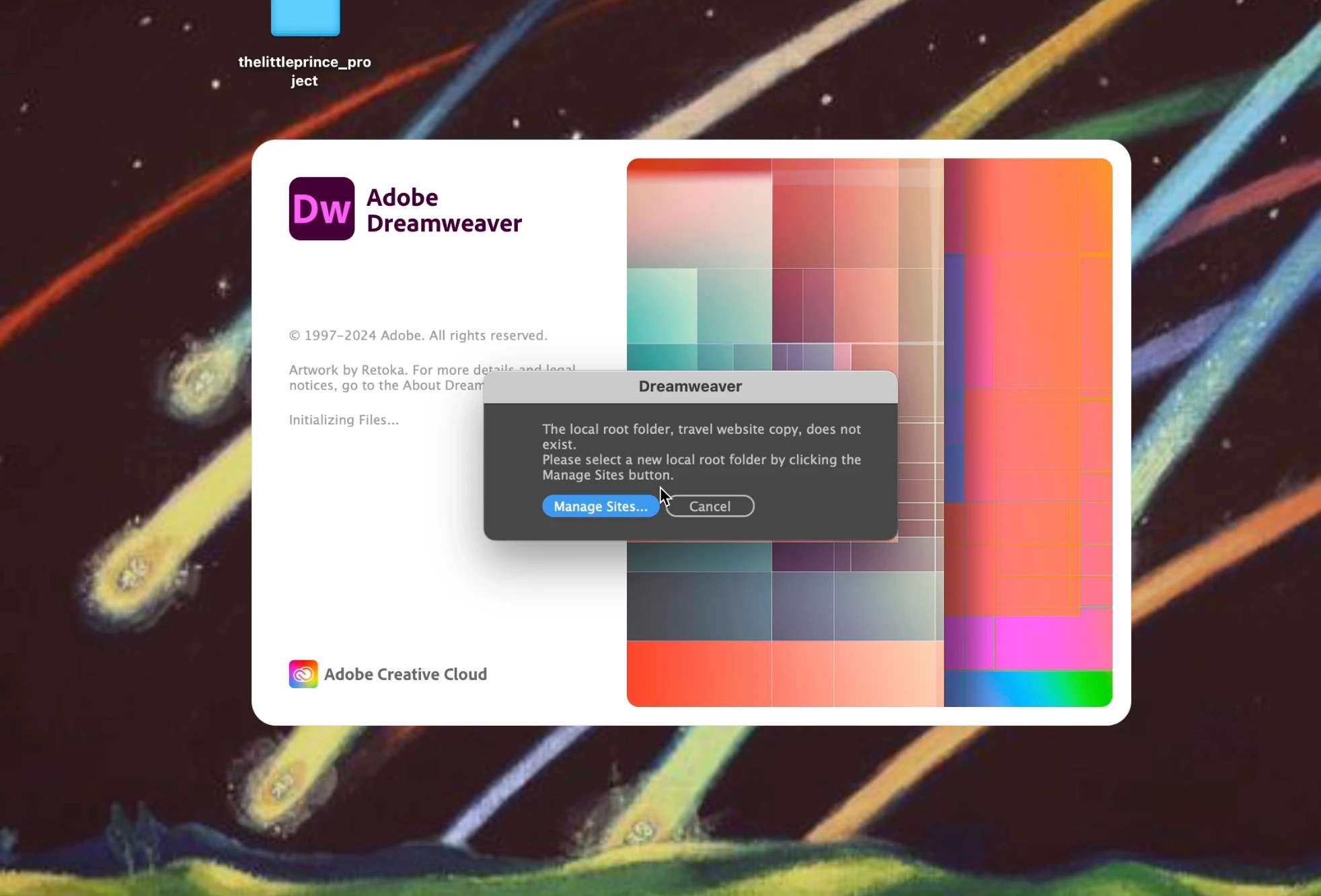
I am trying to open a dreamweaver on my computer, it keeps being frozen and stuck on the  "Initializing Files" screen and never loads. I've tried Force quitting and restarting the program, resetting the preferences and site settings, uninstalling it and installing it again, deleting all library > preferences and application support files and reinstalling my mac computer. I provided a screenshot. After its stuck on the start up, a prompt will pop up that says " Manage sites " and " csncel " but then it quickly dissapears and is just a blank gray box. 


What do I do? 

4 replies

Nancy OShea
Community Expert
Community Expert
April 22, 2025

Troubleshooting requires feedback.

You're not giving us much to go on.


The Nuclear Option:

1. Run the Adobe Cleaner tool to wipe old Adobe apps from your system.
https://helpx.adobe.com/creative-cloud/kb/cc-cleaner-tool-installation-problems.html

2. Restart your computer.

3. Download & reinstall Creative Cloud Desktop App, followed by Dreamweaver.


Nancy O'Shea— Product User & Community Expert
Participant
April 22, 2025

edit: I was to use Dreamweaver once before for a school project, so i know my computer has no problem running the program, I just don't know why it's not wokring 

Community Expert
April 22, 2025

What Mac OS? There were many issues with the 14.x branch until 14.3 from what I recall. Also, if you are able to, you can try logging in as an alternate user on the computer to see if there is a deeper OS issue related to the specific user.

Nancy OShea
Community Expert
Community Expert
April 21, 2025

Which operating system?

Did you re-define your Local Site Folder from the Manage Sites panel?


Most Creative Cloud apps work on these systems, no more than 2 versions back:

  • Windows 11 (64-bit) versions 24H2, 23H2; Windows 10 versions 22H2, 21H2;
  • MacOS 15 (Sequoia), 14.7 (Sonoma), 13.6.7 (Ventura).

- https://helpx.adobe.com/creative-cloud/system-requirements.html
- https://helpx.adobe.com/dreamweaver/system-requirements.html

For best results, your local site folder should reside on your primary hard drive and be read/write accessible by your operating system and computer user account.


Nancy O'Shea— Product User & Community Expert