


Participating Frequently
March 18, 2025

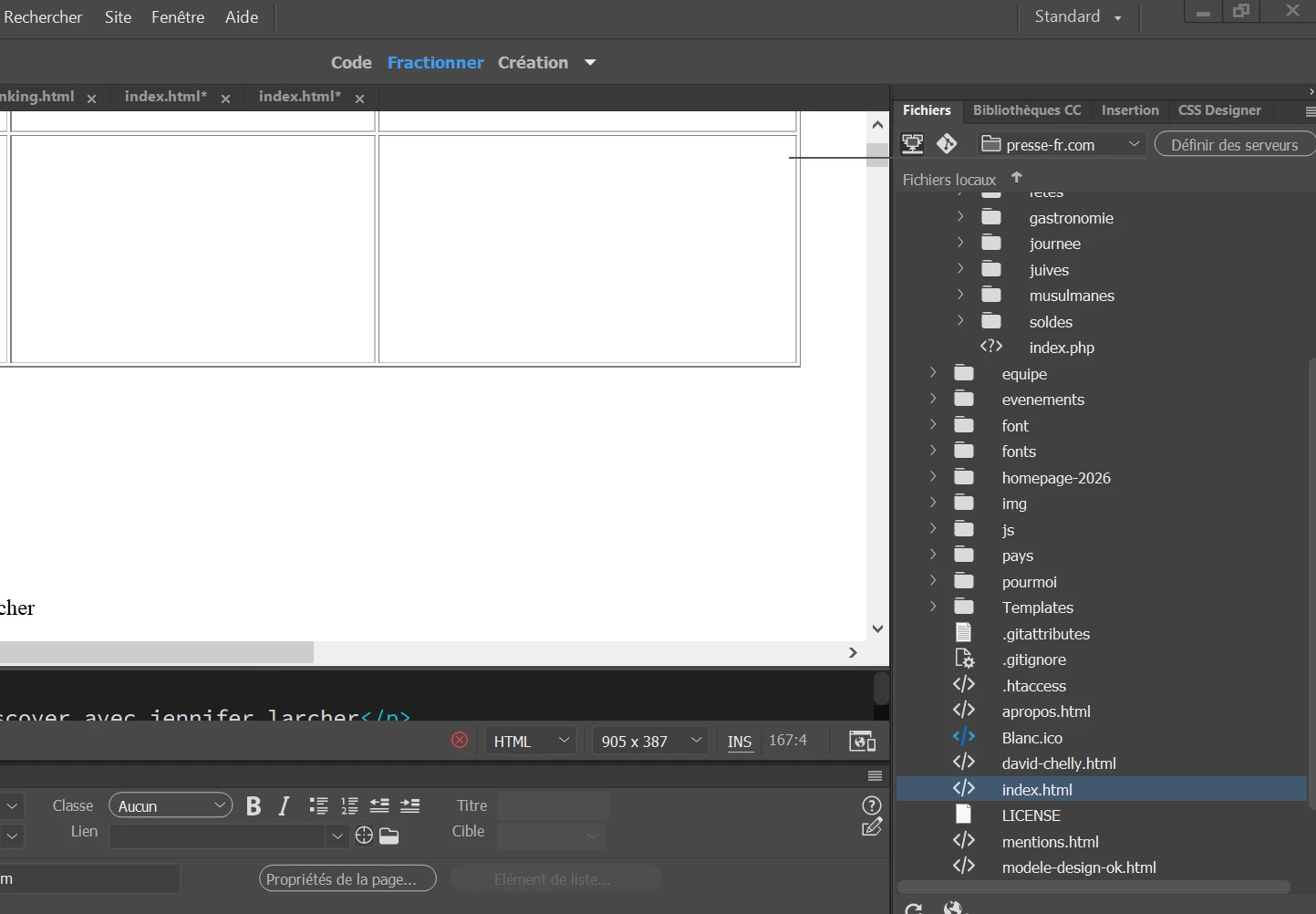
Impossible to open websites from Window - Files bar

  • March 18, 2025
  • 11 replies
  • 420 views

Hello,
I've got 2000 websites installed and I can not anymore pass from one to another with the Files bar.
How to fix that please, or to access a site in 1 click ?
Currently, I must do Sites - manage websites - click on Done

Thanks
 

11 replies

Nancy OShea
Community Expert
Community Expert
March 20, 2025

OK.  Restore Preferences.  See if that helps.

https://helpx.adobe.com/dreamweaver/kb/restore-preferences-dreamweaver.html


Nancy O'Shea— Product User & Community Expert
Participating Frequently
March 19, 2025

I did not change version, it has stopped working recently. I'm using 21.4

Nancy OShea
Community Expert
Community Expert
March 19, 2025

Which version of Dreamweaver did you use previously?


In DW 21.4 on my Windows machine, the drop-list in my Files panel displays my desktop, a couple of drives and 5 defined websites (which is all I need).


Nancy O'Shea— Product User & Community Expert
Participating Frequently
March 19, 2025

thanks but I've never heard of Adobe Experience Manager
and I hope my problem can be solved
I've always managed thousands of sites with dreamweaver

Nancy OShea
Community Expert
Community Expert
March 19, 2025

To be honest, I don't know how many sites the Files Panel is capable of displaying. I've never tested its limits.  But to be fair, most Dreamweaver users have no more than 10 websites, probably less.  


If you're managing more than 100 websites at once, I'd expect you to be using a Digital Assets Management platform like Adobe Experience Manager. 


Nancy O'Shea— Product User & Community Expert
Participating Frequently
March 19, 2025

yes, the sites do appear  when I go to "manage sites". But I need 3 clicks to access them, instead of 1.


So you say the dropdown from the files panel does not work because there are too many sites?
That would be disappointing id Dreamweaver can not handle a few thousands websites

Participating Frequently
March 19, 2025

thanks, I'm not available at the moment
I'll go back to you on Monday, if the problem has not been solved

Nancy OShea
Community Expert
Community Expert
March 19, 2025

2000 sites is a LOT of site definitions! Far more than can fit in your Files Panel.

Clicking on Manage Sites will open up a larger display of sites to choose from.

Is that the gist of your problem?


Nancy O'Shea— Product User & Community Expert
Nayan_Kankariya
Community Manager
Community Manager
March 19, 2025

Hi @helenachelly,


Thanks for the confirmation. We have written an email to you for remote connect session for investigating the behavior. Please revert to our email.


Have a pleasant day!


Regards,

Nayan

Dreamweaver Team

Participating Frequently
March 18, 2025

It does not work, and that's why I've started this message.