



Paul5EB2
Participant
May 4, 2026 2:53 PM UTC
Open for Voting

right click on tab open in browser adds encoded question mark %3F, which breaks the path to the file. If I remove the added query string it works well. But I don't like this inefficient behaviour.
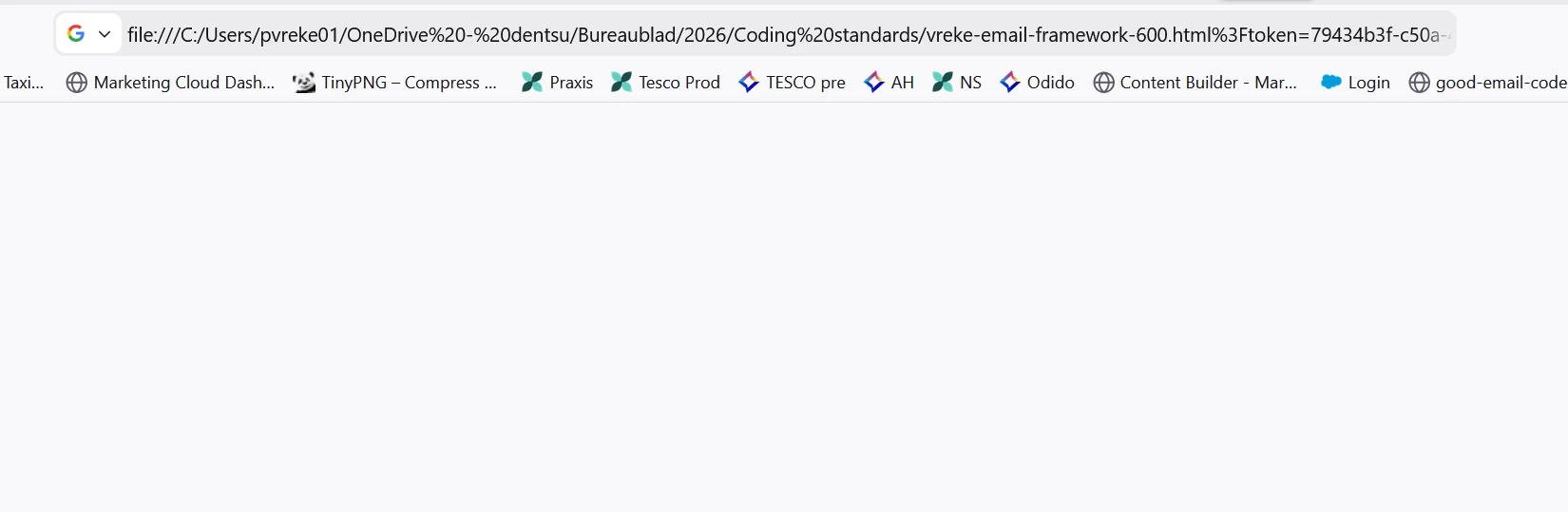
This is what happens with the encrypted question mark.
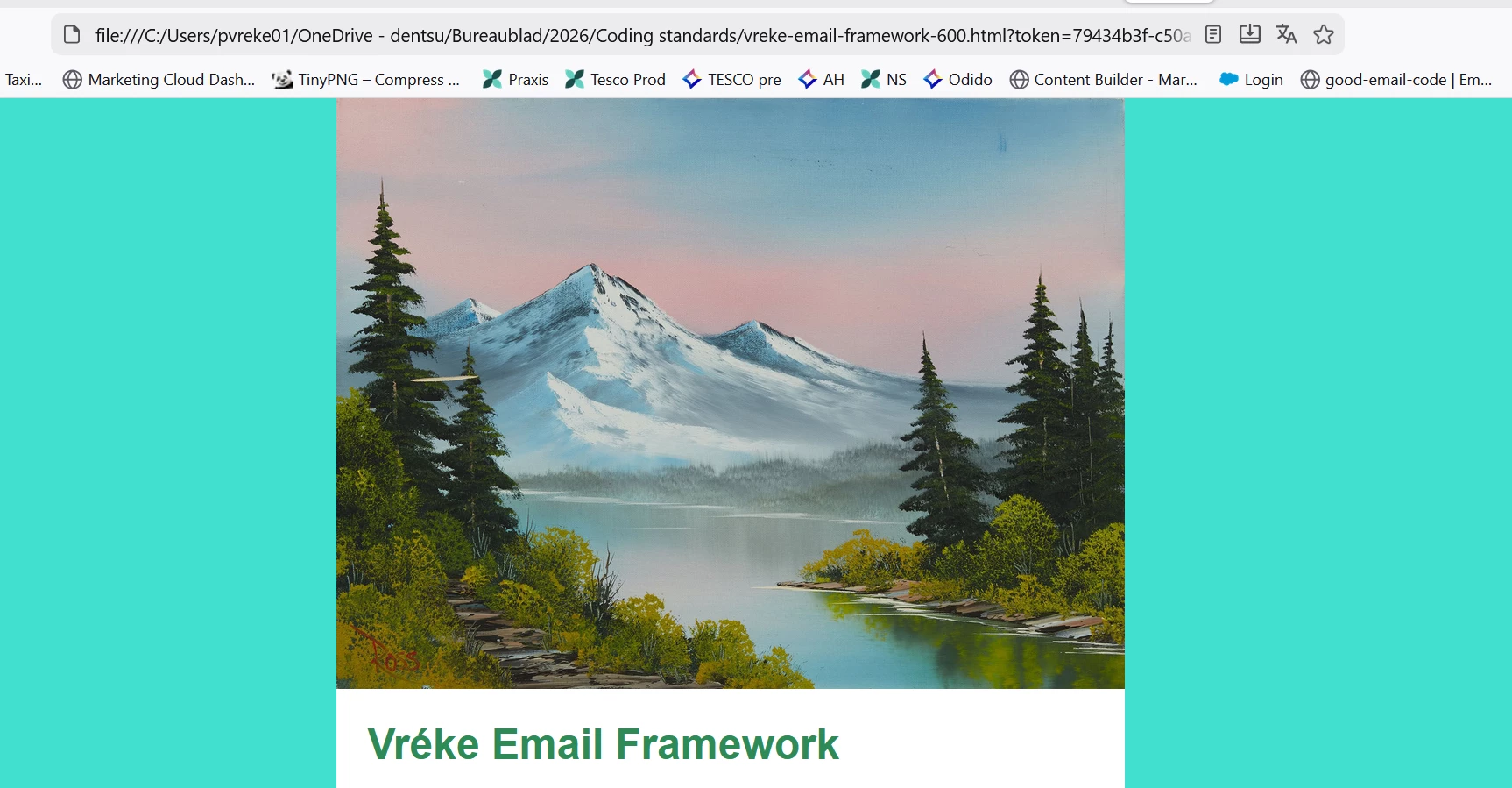
 

 This is with a normal question mark.

I use Dreamweaver for more than 2 decades. This was never a problem. I don't know why the query string is added anyway. In 21.6 this was not added.


    22 replies

    Community Expert
    May 8, 2026 1:26 AM UTC

    hello ​@Paul5EB2 ,

    Just wondering, it looks like you’re working directly from a file:/// path (for example from a local or OneDrive folder),

    Sometimes DW behaves a bit differently when files are opened directly from the file system instead of through a defined site.

    It might be worth checking:

    • if the issue still happens when the project is set up as a proper site in Dreamweaver
    • and possibly when the site is located on a local drive rather than a synced folder


    That could help narrow down whether this is related to the environment or something else.

    Translate
    Participating Frequently
    May 11, 2026 1:40 PM UTC

    Hallo,

    I am using Dreamweaver for more than 10 years.
    Up to 1 week ago preview in browser (Chrome, Firefox) did not cause any trouble.
    Now: 
    added to the file path by Dreamweaver  (?!) automatically a %3Ftoken=…..,(file:///C:/Users/Herbert%20oben/OneDrive/___WieDuMir/TMPw7u1fg.htm%3Ftoken=e0dda0f4-9869-47b7-bdd6-ff6d5b1aac95) which evokes Chrome (and Firefox) to say: ERR_FILE_NOT_FOUND.
    Very annoying.
    Error occurs when using as path for the site:
    OneDrive
    Dropbox
    C:/
    Any idea to prevent this?

    Removing the added expression by the browser: all works well.
    Starting the file from the explorer: all works well.
    Best regards

    Herbert Wagner
     

    Translate
    Nancy OShea
    Community Expert
    Community Expert
    May 11, 2026 8:37 PM UTC

    Yes. Stop using OneDrive or any cloud drive as your local site folder. 


    Ideally, your local site should reside your computer’s primary hard drive-- C:MyTestSite -- and be defined in Dreamweaver’s Site Setup panel. See screenshot.


    Feel free use cloud drives as backups to protect against data loss.


    Hope that helps


    Translate
    Nancy O'Shea— Product User & Community Expert