Participant
October 18, 2024

Substance 3D Blender plugin not working

  • October 18, 2024
  • 1 reply
  • 282 views

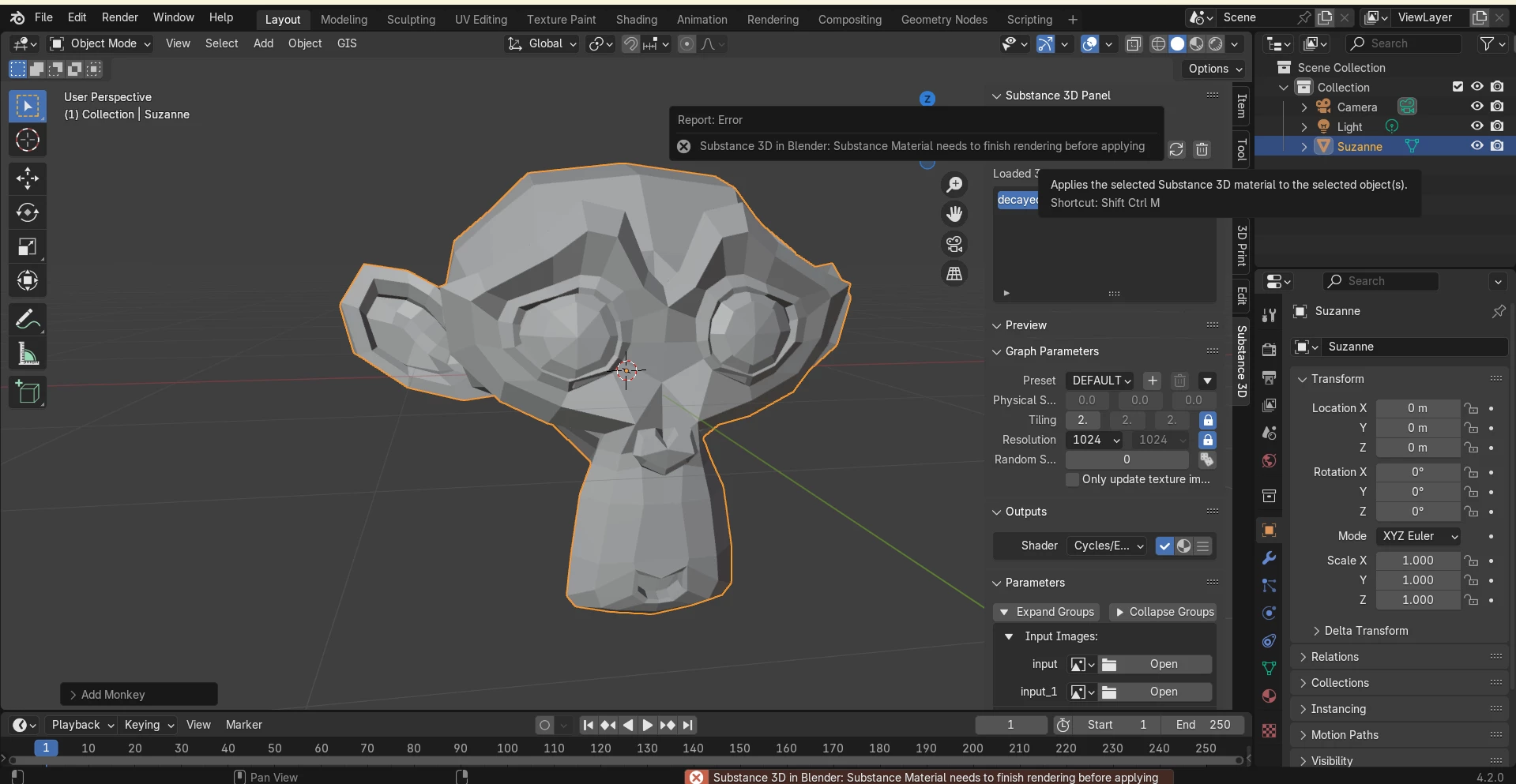
Currently using blender 4.2 and aslo tested the pluggin on blender 4.0 but either version gives the same result, working on an HP Pavillion laptop running windows 11, the plugin is version2.1.1. The sbsar material will load in with all the correct exposed parameters but when clicking apply it always says the material must be rendered first but never does 
1 reply

Adobe Employee
November 5, 2024

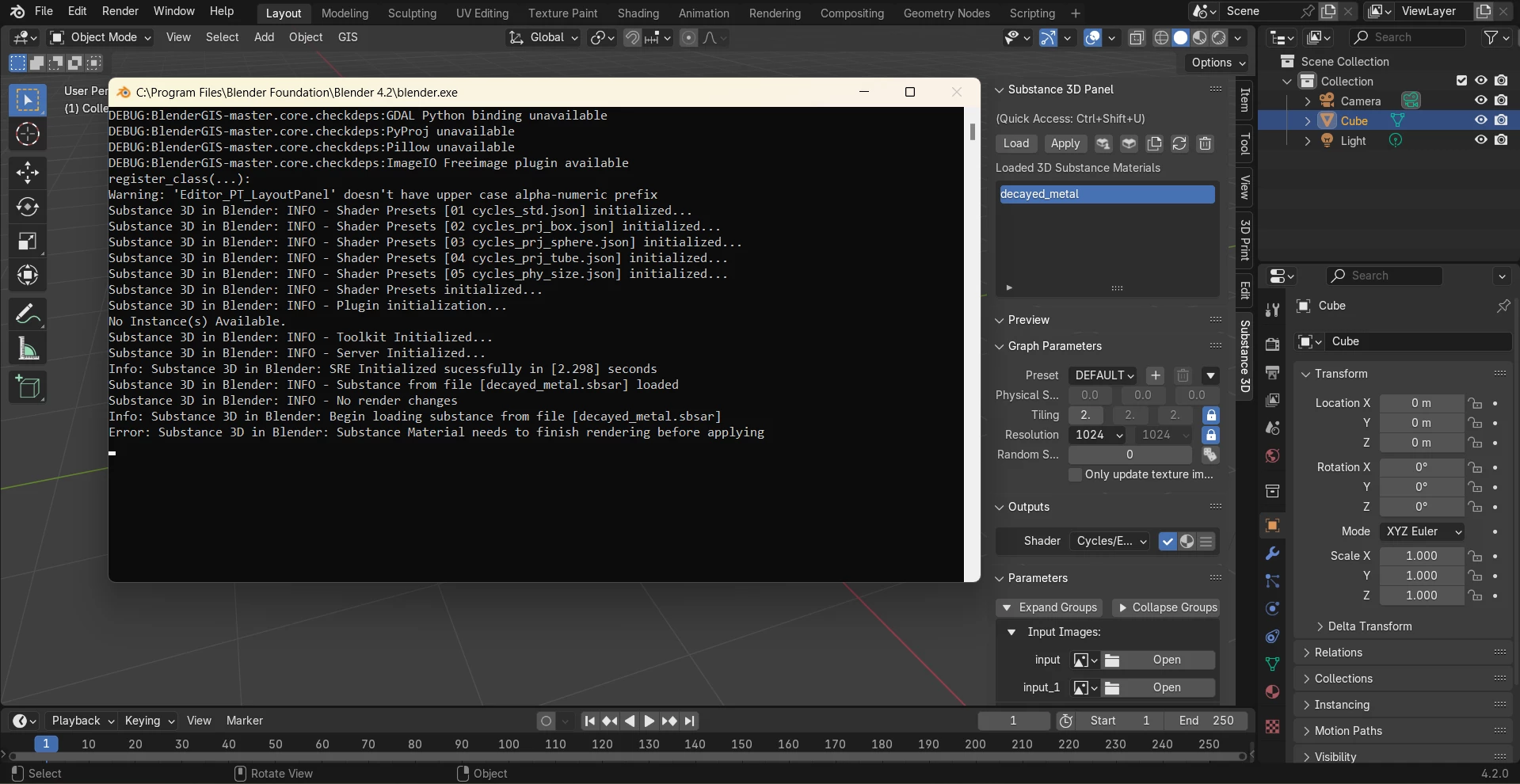
Hi @Kallen36331772yldk , thanks for sharing the system console output here. It does look like the material is loading properly based on the output. Is the issue occuring with this asset specifically? Will any other sbsar files load for you in the plugin?

If the issue persists with other sbsar I would recommend manually removing the integration tools files and reinstalling them using the steps here: https://helpx.adobe.com/substance-3d-integrations/3d-applications/blender/uninstalling-the-add-on.html 

If it is specific to that .sbsar it may be an issue with the graph setup, in which case we can try to diagnose.


Best,
Aldo