Participant
May 18, 2022

Substance implementation in 3ds max 2022 very slow

  • May 18, 2022
  • 4 replies
  • 755 views

I noticed that using "Substance2" node will increase rendertimes from 400%-1000% compared to old "Substance" node. This makes Substance workflow very difficult right now.


I can replicate the effect just by connecting substance map in to the Diffuse slot of a material and rendering.

We use V-ray 5 but the perfomance issue is noticeable with Arnold renderer also.


I have contacted Substance support and have not recieved any solutions.

I have switched Substance engines between GPU and CPU but no difference in render time.


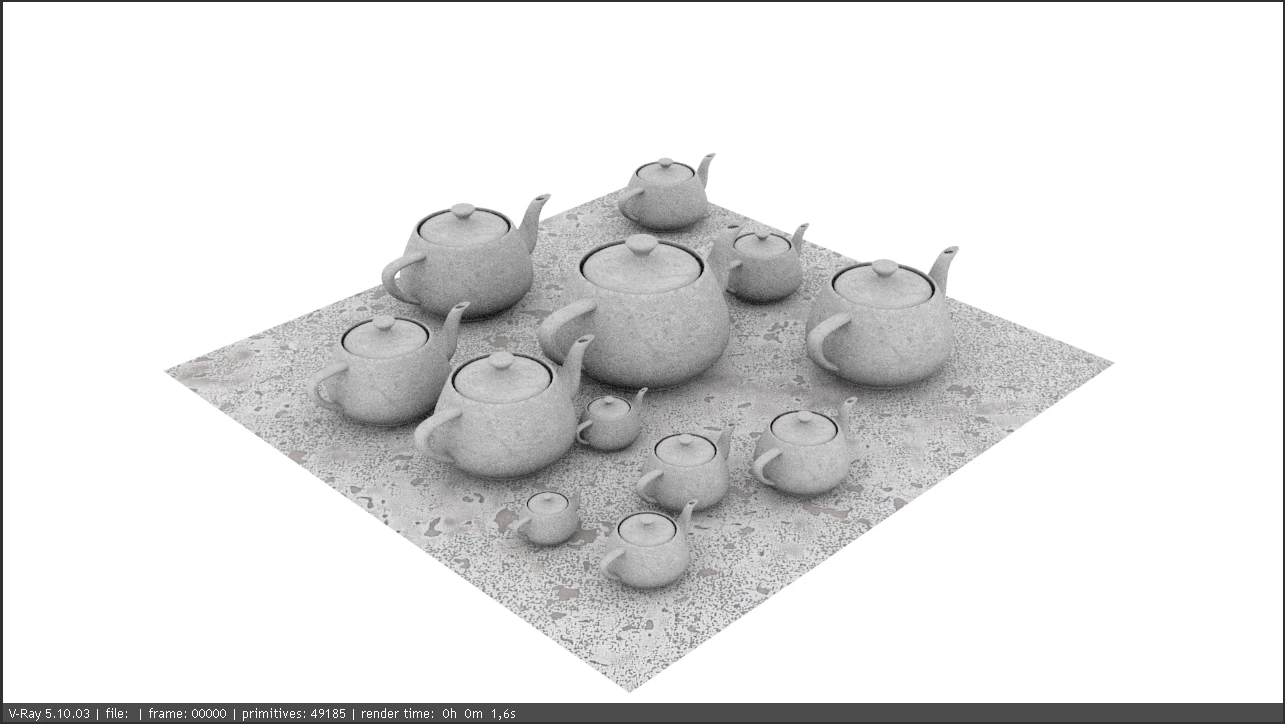
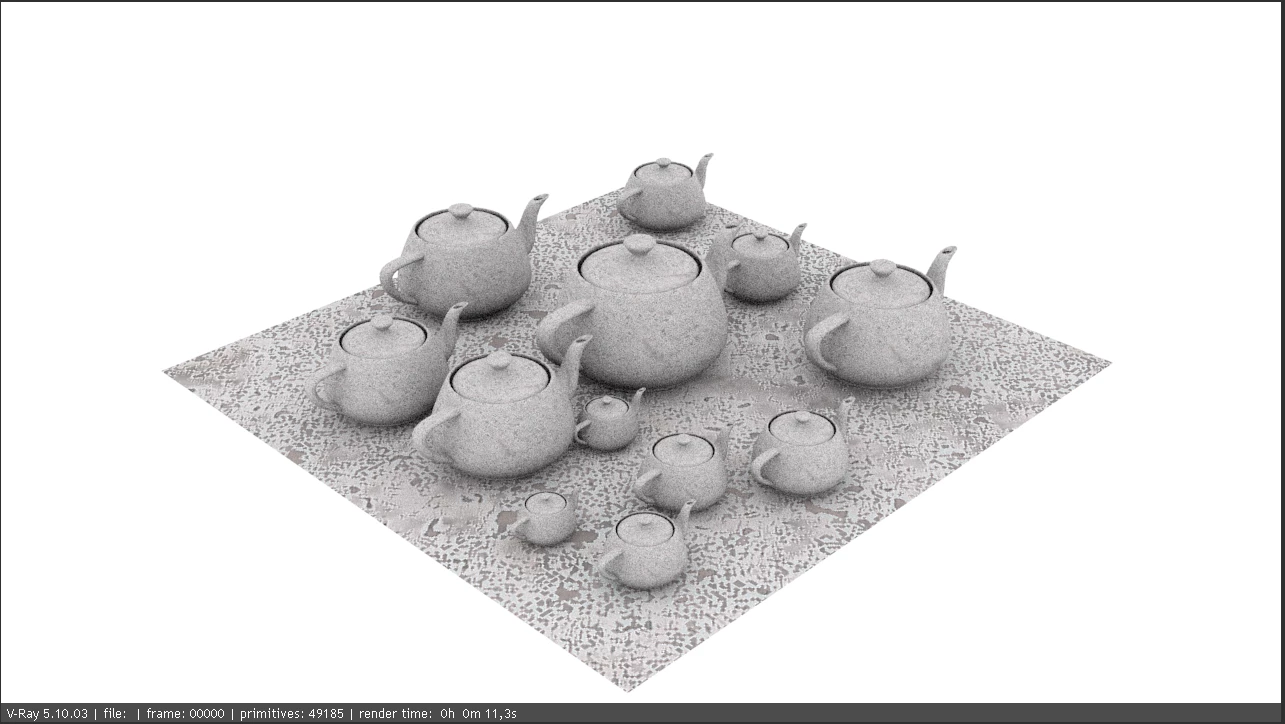
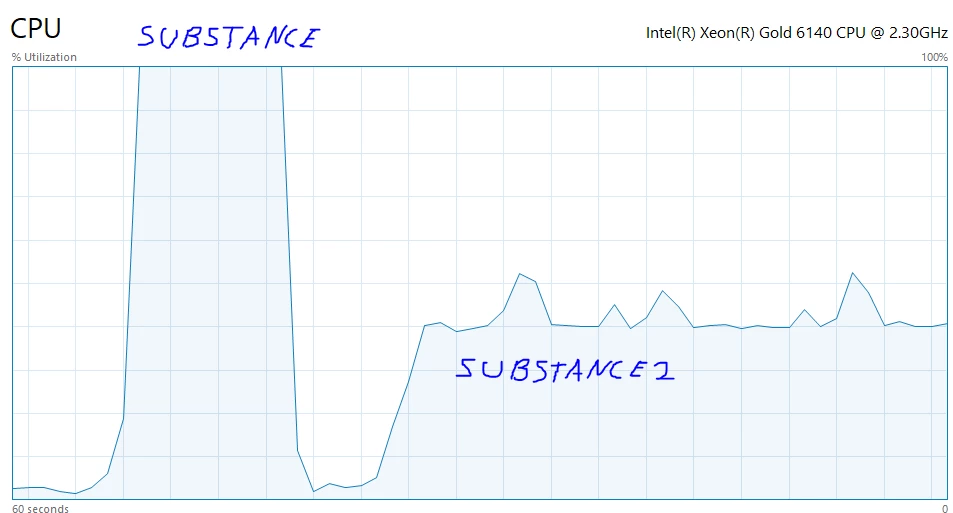
Also noticed that the "Substance2" resource allocation is different than the "Substance". Please see the images  and compare the render times and see the picture from the Task Manager.
 

    4 replies

    Community Manager
    June 4, 2024

    Hi, it looks like this issue was present in 3ds Max 2024. Could you please let us know if you're still experiencing this issue in the latest version of the plugin and the 3ds Max app?

    Inspiring
    April 18, 2024

    Hi, are there any specific assets you are using that you can share for reproduction on our end?

    Participant
    April 18, 2024

    2024 now and the situation is even worse. Max/Vray/Substance 2 is terrible. CPU/GPU and whatever. It hangs the system for 10 seconds when ever you change a parameter. 

    Participant
    July 12, 2022

    Hi


    I've noted this issue also on the Autodesk Arnold forums and it appears to be a slowdown starting with Max 2022 and 2023.  Substance2 is still fast in 2021 (albeit it does not show Arnold Renderview IPR properly but non-IPR is correct and fast). 


    Amazingly at this time there doesn't seem to be an awareness at Autodesk of the issue.  Someone has forwarded it to the MaxToA people so hopefully we will see and update in Max, but I wouldn't hold my breath.