


Participant
August 21, 2023

Using Substance in 3ds Max 2024 leads to large increases in render time vs 3ds Max 2022.

  • August 21, 2023
  • 7 replies
  • 1835 views

Hi all.

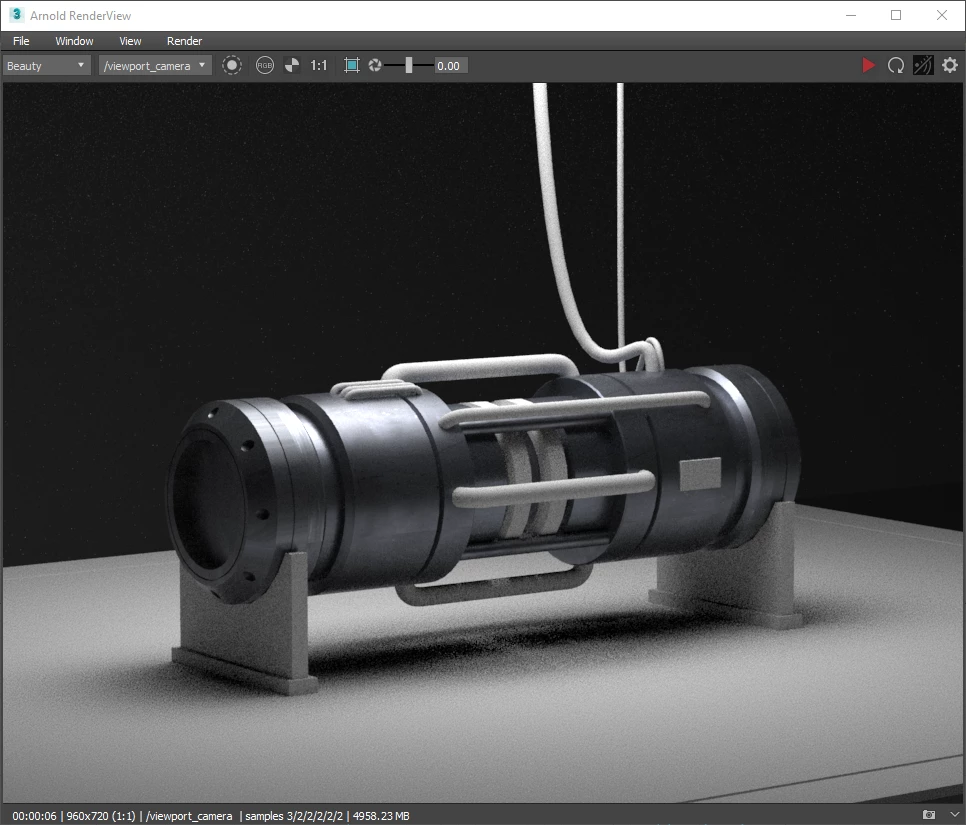
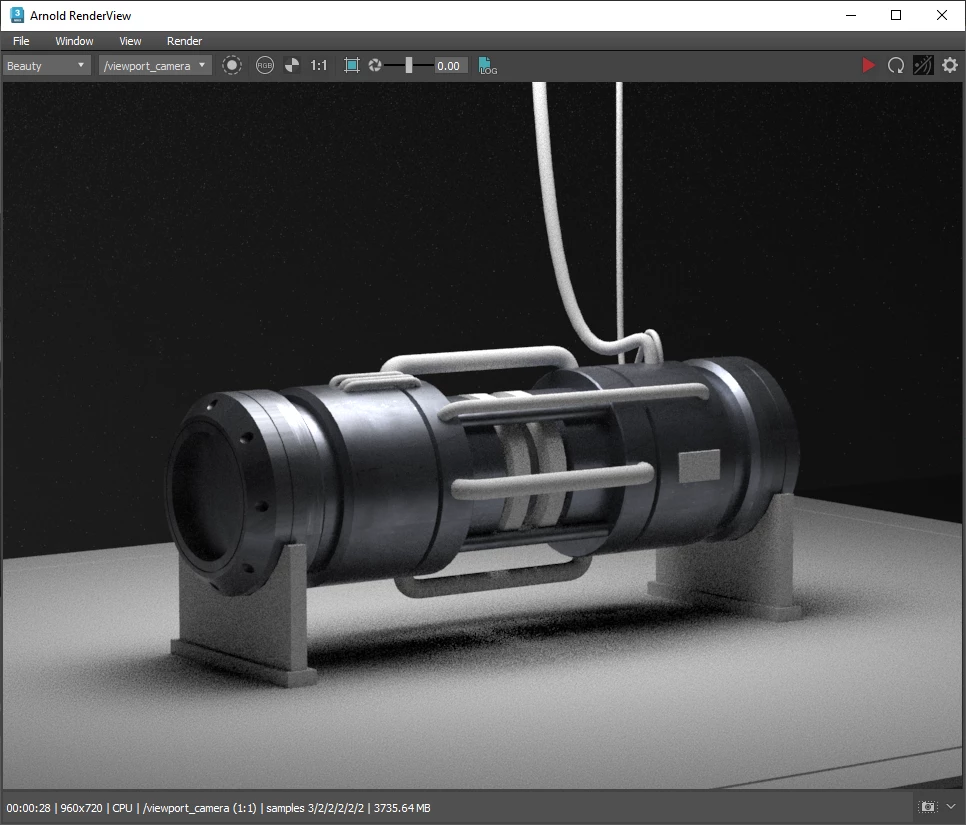
When rendering a scene with a substance2 map, render times are several times slower in 3ds Max 2024 vs 2022.
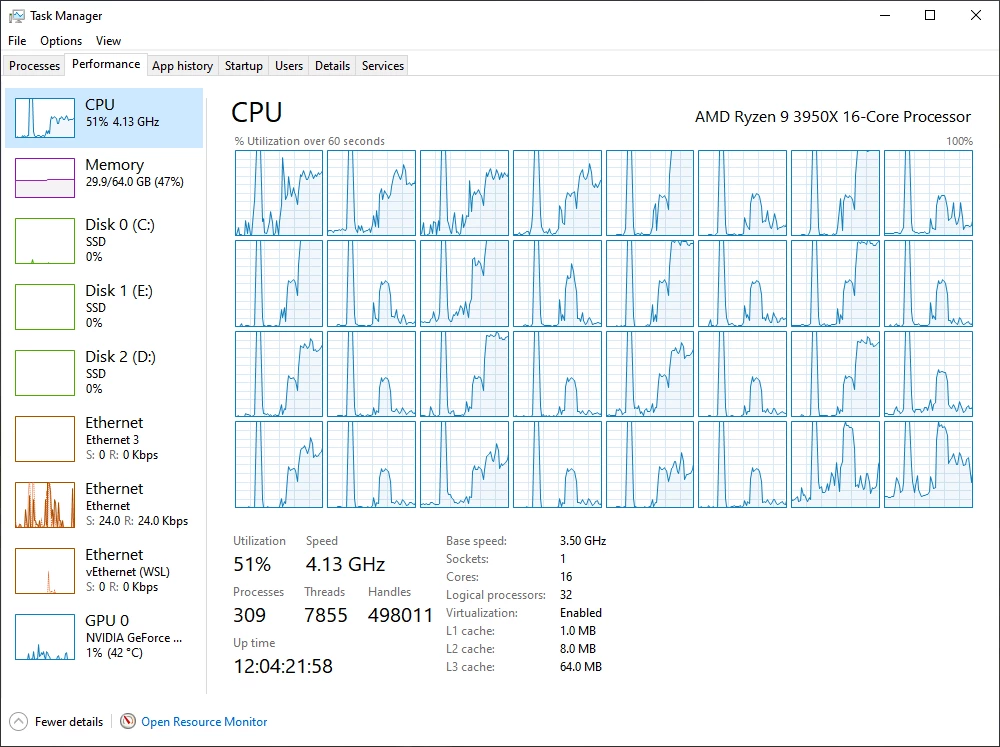
I've attached 2 screenshots from Arnold which show the render times. This issue also occurs with V-Ray. Also, the system also does not appear to be fully utilizing the CPU.

When rendering with Arnold GPU in 2024, the initial render also takes a long time to actually begin the render compared to 2022.  

There is one issue I have with V-Ray that I do not have with Arnold in that the system completely locks up when beginning a render and when a render is finished in 2024. When I contacted Chaos support and they looked into it, they informed me that it was due to the Substance plugin regenerating texture previews, so I assume that is a plugin issue. My full conversation with them is here, if that is of any help.

So far I've tried complete reinstalls of 3ds Max and V-Ray, complete reinstalls of the Nvidia drivers (I tried both the studio and gaming drivers, using DDU to uninstall). Disabling my anti-virus did not help either.


2022 (6 seconds):
 

2024 (28 seconds):
2024 CPU usage during render:
7 replies

Adobe Employee
April 10, 2025

Hi @Risamon1 , thank you for providing your workaround. If the workflow allows, yes baking the textures and using those instead is one way to guarantee that the Substance Engine is not being used after it is no longer needed to process the materials. As the version of 3ds Max has updated to 2026, are you seeing the same behavior on the newer version?

Participant
April 10, 2025

I ran into something similar and noticed that disabling auto-reload for Substances helped reduce the extra render time. Also, switching to baked textures saved a lot of memory. If you wonder how to fix 3ds max thumbnail preview not visible in windows explorer, clearing the icon cache or re-enabling thumbnail previews in File Explorer settings worked for me before. Sometimes a simple reboot after that also helps.

Participant
April 10, 2025

I noticed render times dropped a lot after I baked my Substance materials to regular textures before final renders. Keeping them dynamic seemed to slow things down way more than expected.

Community Manager
October 2, 2023

This is on our roadmap. Our developer encountered some issues with VRay, but we have managed to resolve them. We will continue looking into this issue soon.

Participant
October 1, 2023

Hello. I was wondering if there was any updates on this issue. Thank you.

Participant
August 26, 2023

Hello. Yes. It occurs with about the dozen or so that I have tried, all of which were downloaded from Substance 3D Assets. Unfortunately I was unable to attach the .sbsar to this comment, even in a zip file. The one in the screen shot is the Tempered Steel material from Substance 3D Assets. I have not made any changes to it. 

https://substance3d.adobe.com/assets/allassets/925646df901a19d131a23843b612b0432575ca83?q=tempered%20steel&sort=-searchScore


Community Manager
August 25, 2023

Thanks for reporting this issue. We'll investigate this issue on our end. Does this happen with every sbsar file that you have used? Also, could you please share a sample sbsar file that we can use to test this on our end?