
Issue with Exporting Line Art in Illustrator for Web Beta
Description of the Issue: I have recently completed a line art project using the Adobe Illustrator for Web Beta. However, I am experiencing difficulties exporting my finished work. Despite multiple attempts over the course of approximately 30 minutes, the application has consistently failed to successfully export the file. This issue persists regardless of the file format selected for export.
Steps to Reproduce:
- Open Adobe Illustrator for Web Beta.
- Create line art or open an existing line art project.
- Attempt to export the project (File > Export > [Select format]).
- Observe the failure to export.
Expected Behavior: The application should allow for the seamless export of the artwork in the chosen format.
Actual Behavior: The export process either does not initiate or fails to complete, with no file being created or an error message being displayed.
Troubleshooting Attempts:
- Tried different file formats for export (e.g., PNG, JPEG, SVG).
- Restarted the application and retried the export process.
- Checked for any pending updates for the Beta version.
Environment Details:
- Illustrator for Web Beta Version
- Operating System and Version: Mac M1 Ventura
- Browser Name and Version: Microsoft Edge Version 118.0.2088.76 (Official build)
- Network conditions at the time of the issue (5G stable).
Attachments:
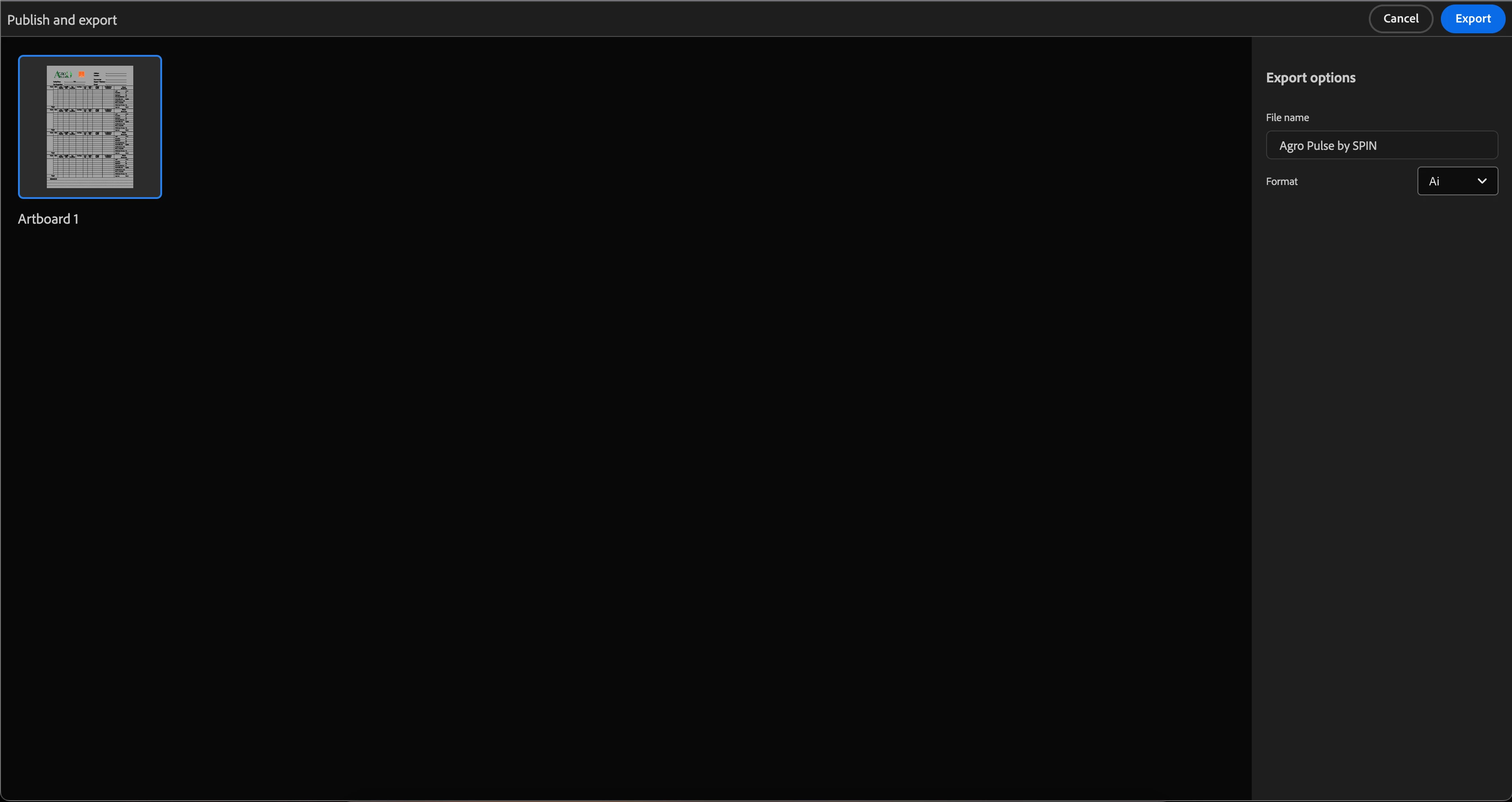
Additional Comments: Considering that even Beta versions of applications should support fundamental functionalities like saving and exporting projects, this issue significantly hampers the usability of the software. Any guidance or fixes would be greatly appreciated.
 AdChoices