number1muzicguy
Participant
Nov 11, 2026 12:44 PM UTC
Open for Voting

In version 16.0 the Remove no longer highlights all dust specks you click on. It only highlights the first one.
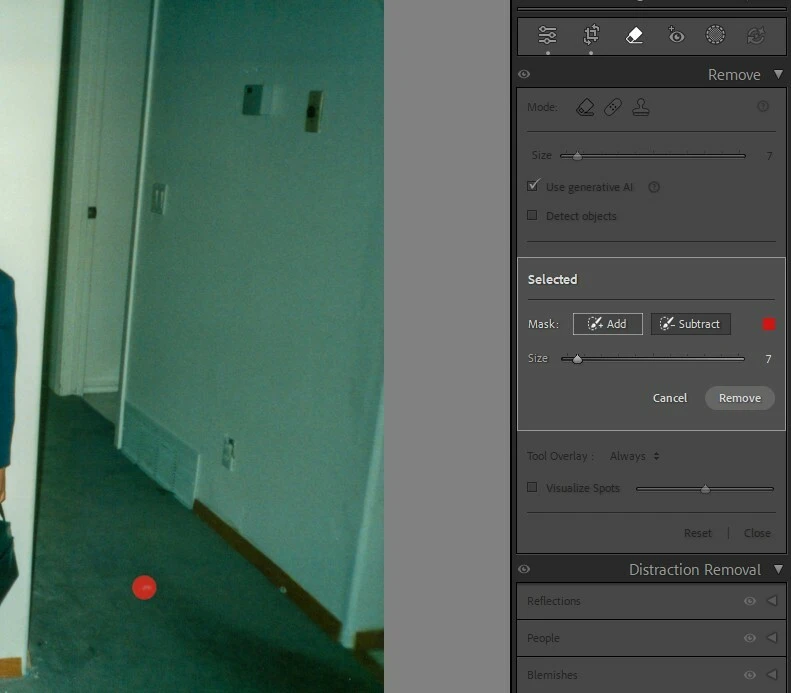
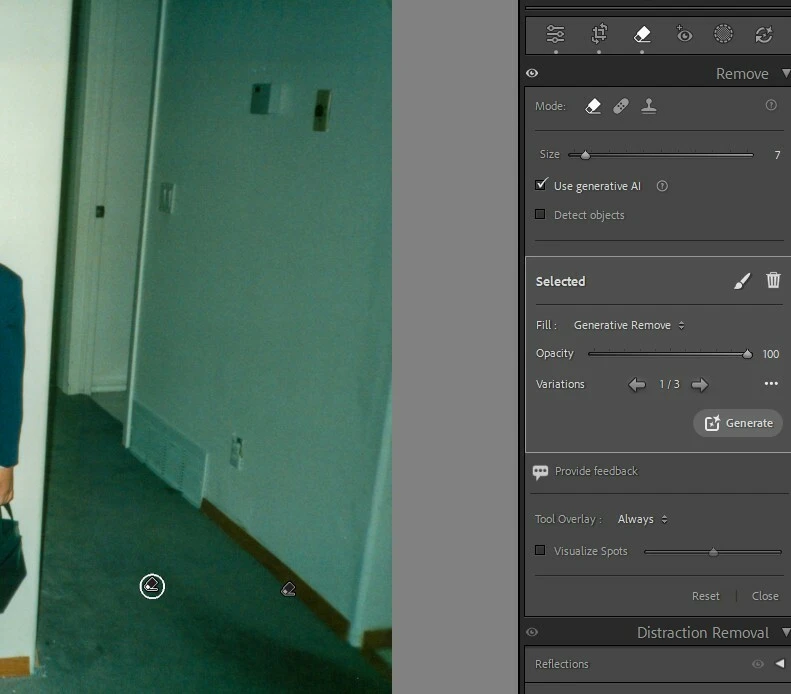
I clicked on both specks - before
after


    7 replies

    Participant
    Nov 12, 2026 9:31 PM UTC

    Workaround: Press the A key to display the highlights.

    Translate
    johnrellis
    Legend
    Nov 12, 2026 4:40 AM UTC

    Note that Content-Aware Remove (uncheck Use Generative AI) is much faster and often does a better job than Generative AI Remove at removing dust spots and small blemishes.

    Translate
    johnrellis
    Legend
    Nov 12, 2026 4:38 AM UTC

    Here’s a screen recording of LR 16.0 / Mac OS 26.6.2 showing the buggy highlighting of the Generative AI Remove brush selections.Clearly a bug.

    Translate
    number1muzicguy
    Participant
    Nov 12, 2026 3:06 AM UTC

    The worst part is having to do everything over again because they never finish so you have to kill the app and start over again.

    Translate
    number1muzicguy
    Participant
    Nov 12, 2026 2:17 AM UTC

    Another issue. The program is not clearing memory and is now prone to locking up. This is the first time I’m getting errors about running tasks when I try to close the program to allow me to delete files from my local machine.

    Translate
    johnrellis
    Legend
    Nov 12, 2026 4:41 AM UTC

    It’s best to have one problem per top-level post rather than mixing issues together.

    Translate
    number1muzicguy
    Participant
    Nov 11, 2026 12:59 PM UTC

    One more piece of info. If you just click it doesn’t show the red outline but if you draw a line to remove something, it does show it then.

    Translate
