
P: Book Module: Export to PDF hangs/never completes; some pages are blank
Lightroom Classic v9.1 on MacOS Mojave 10.14.4
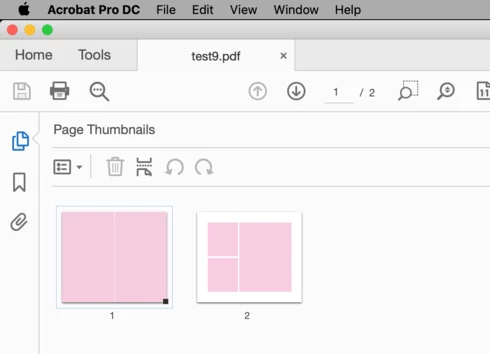
Trying to export a book to PDF. 13x11 size, no cover. PDF will be created with most pages, but pages using specific custom pages are skipped/left blank. In LR, the progress bar still says "exporting book to PDF," and that process is never completed. 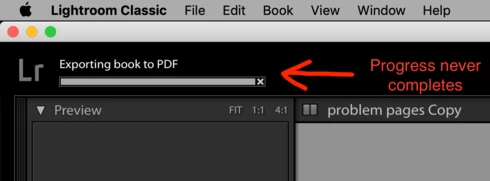
I made a copy of the book and eliminated all pages except the two problem pages. Same result, cannot export those two pages to PDF, progress never completes.
I changed the images for those two pages. Same result.
I changed those two pages to use one of LR's templates and different images. The PDF now includes actual pages (not blank ones), but the process never completes.
I exported this book to a new catalog. Tried different PDF settings (quality, color space, etc). I deleted preferences. Deleted all custom templates I created. Rebooted. Etc. Problem persists.
I CAN, however, export this book to JPEG, but that is a more time consuming workflow.
Does anyone have any other recommendations?
Using custom layouts: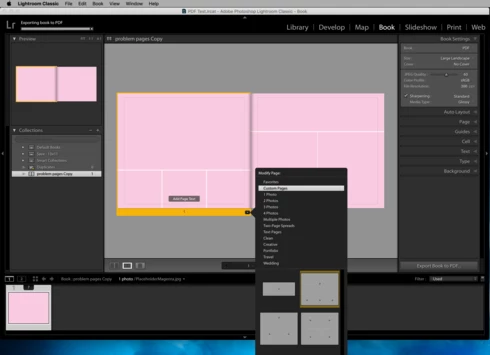
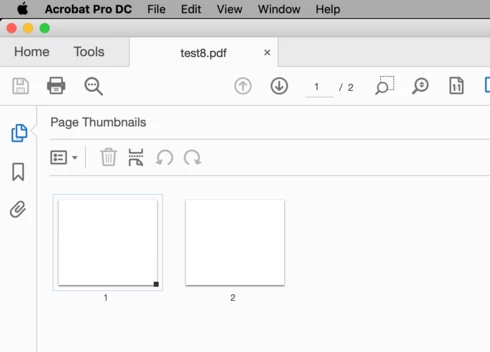
Using LR's own default page layouts: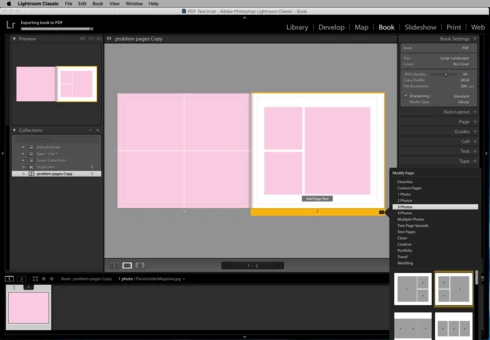


 AdChoices