Inspiring
July 4, 2017

P: Camera Raw, Lightroom Classic: Internal math error on export
  • July 4, 2017
  • 62 replies
  • 7370 views

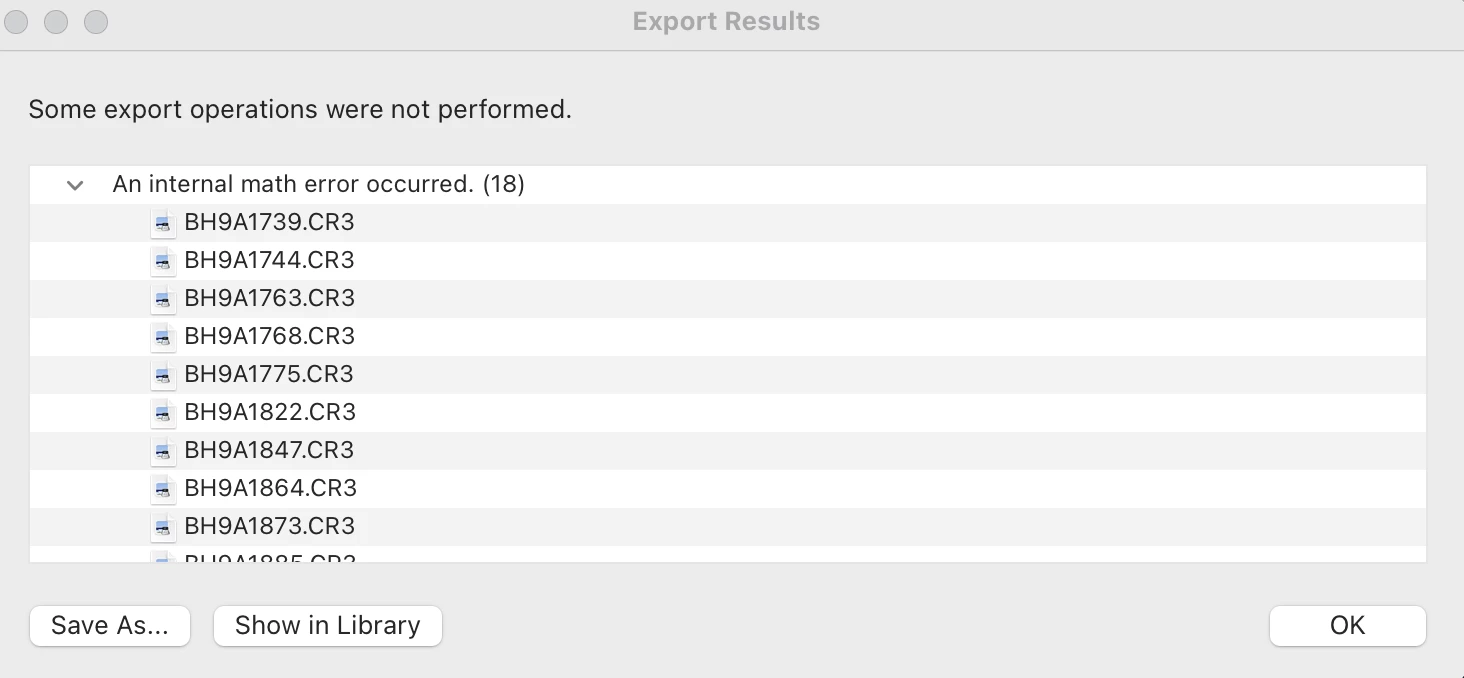
After exporting this error report populates and states that an internal math error has occurred for 18 of the images. I'm not sure how to fix this. Can someone help me out? 

This topic has been closed for replies.

62 replies

johnrellis
Legend
December 29, 2019

I suggest you post a bug report in the official Adobe feedback forum, where Adobe wants all bug reports and feature suggestions: 

https://feedback.photoshop.com/photoshop_family/categories/photoshop_family_photoshop_lightroom .


Be sure to include the first ten lines of the menu command Help > System Info.  Provide all the details, rather than linking back to this thread -- experience shows that Adobe developers tend not follow the links. Also, upload one of the photos causing the error to Dropbox or similar and include the sharing link. That will ensure Adobe can reproduce the problem, making it more likely they'll fix it.


[Use the reply button under the first post to ensure replies sort properly.]

gnrd
Participant
July 4, 2017

I was batch exporting some images from Lightroom and at the end of the Export I received a Dialog box saying there had been an internal Math Error on 1 of my images.   The image itself was a copy so I thought maybe something was wrong with the copy.  As I had made changes to the copy, I tried to Sync the Develop Settings to the original image.   When I hit D for Develop, I received a blue image with a white x running through it.  I could still execute the sync but It had no effect on the original version of the image.  I then tried to sync the develop settings of another image (that didn't seem to have the problem of a blue image) and copy that to the original image and again no effect.   It seems that this blue screen with x only is effecting 2-3 images out of the 400.   I went to Preference>Performance>and deselected Use Graphics Processor but now the images effected are just black when I try to edit them in Develop and the Develop settings are all greyed out.   Tried to contact Adobe support but they won't give me the option to chat.  Any help would be greatly appreciated. I'm using latest version of Lightroom CC on a iMac retina 5k late 2014 i7 4GHz processor 32GB RAM AMD Radeon R9 295X 4GB

Mohit Goyal
Community Manager
Community Manager
July 14, 2017

Hi gnrd,

You may try and reset the Lightroom preferences back to default for the "Internal Math error" also, the images are showing black are you able to export those images out? because it's possible that the images are missing from Lightroom and you may need to relocate their locations in Lightroom.

Reset Preferences: Preference file and other file locations | Lightroom CC and 6

Relocate missing images: How to find missing photos in Photoshop Lightroom

Regards,

Mohit

TheLandOfDustin
Participating Frequently
June 3, 2019

does not work.