
Participant
Mar 13, 2022 7:42 PM UTC
Open for Voting

P: Crop Marks not printed when printing from LRC

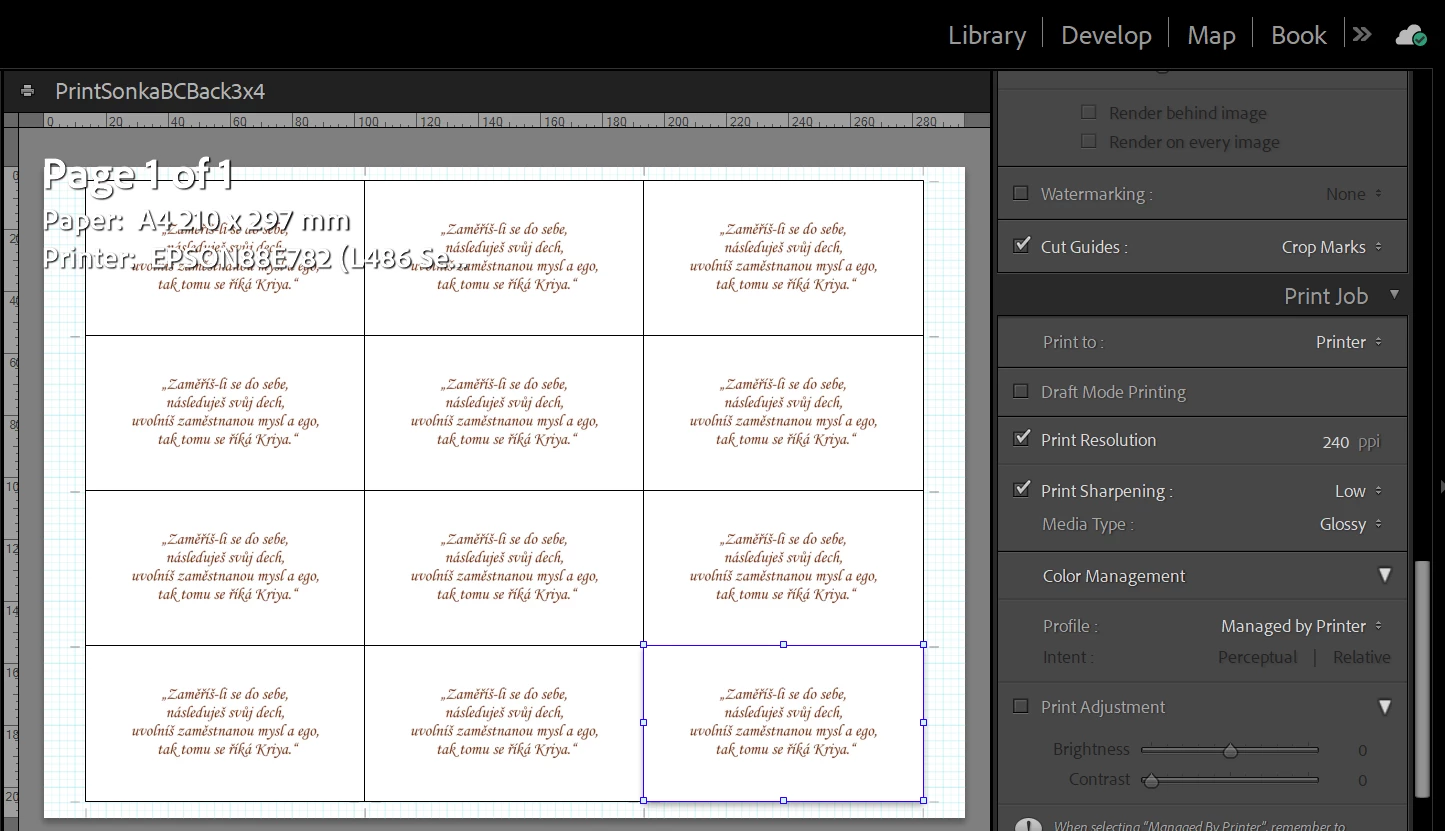
I'm using LRC's print module with a layout of 12 cells at one A4 sheet. All cells contain the same image.

I have Cut Guides: Crop Marks active. The crop marks are displayed on screen but not printed eventually.

What could be wrong?

Thanks, Jan
 

3 replies

TheDigitalDog
Inspiring
Mar 13, 2022 8:49 PM UTC

I filled a bug report to Adobe. 

Translate
Author “Color Management for Photographers" & "Photoshop CC Color Management/pluralsight"
Bob Somrak
Legend
Mar 13, 2022 8:41 PM UTC

I dont see the crop marks in the print either using the Picture Package option.  They do print using a Contact Sheet.  Definately a bug  when using Picture Package.

Translate
M4 Pro Mac Mini. 48GB
TheDigitalDog
Inspiring
Mar 13, 2022 7:58 PM UTC

You're not doing anything wrong that I can see. This appears to be a bug; I can't get any of the guides to print. They should.

Translate
Author “Color Management for Photographers" & "Photoshop CC Color Management/pluralsight"