
Participating Frequently
August 18, 2022

P: Graphical Watermarks are rendering in low resolution.

  • August 18, 2022
  • 3 replies
  • 1548 views

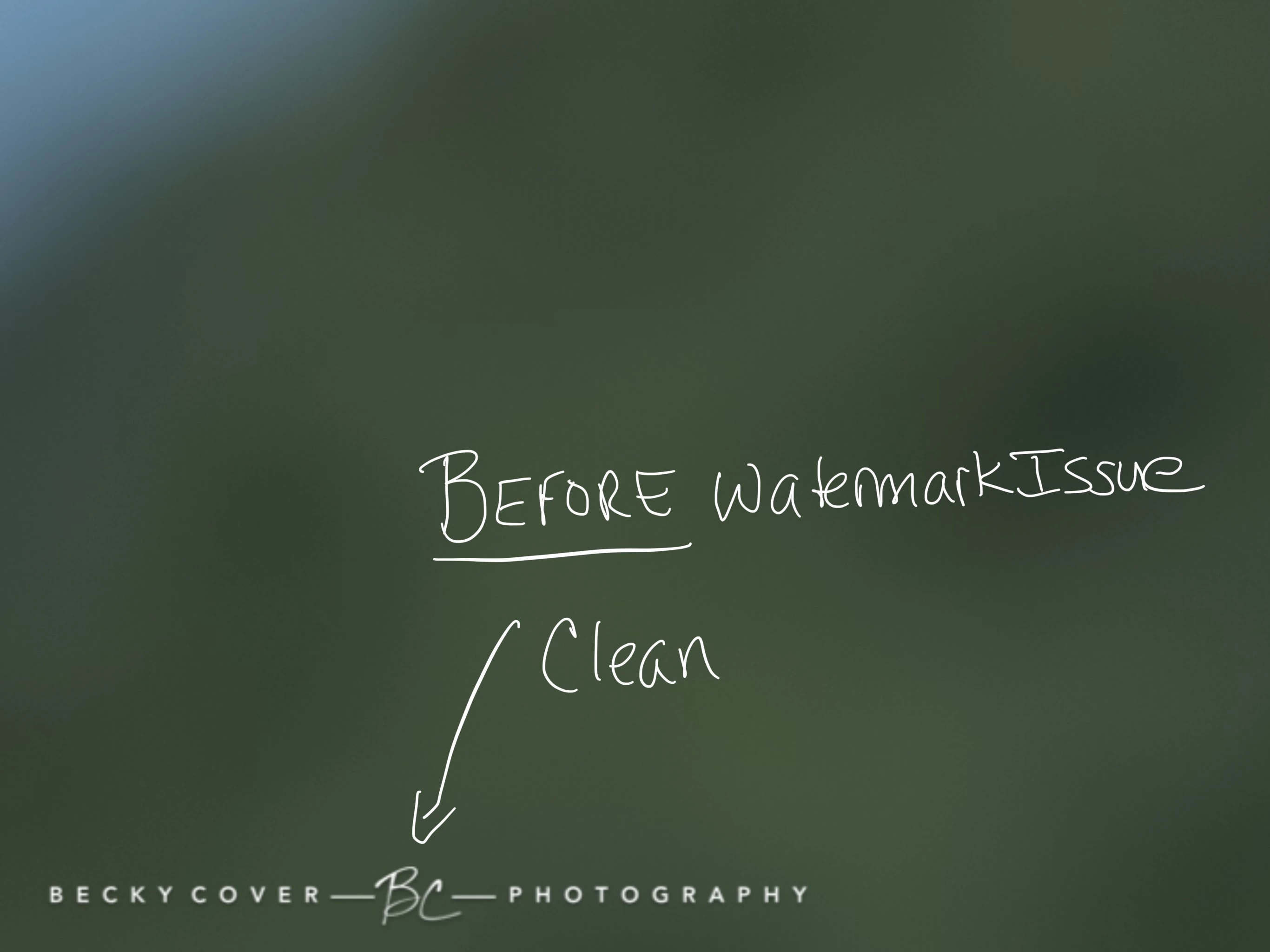
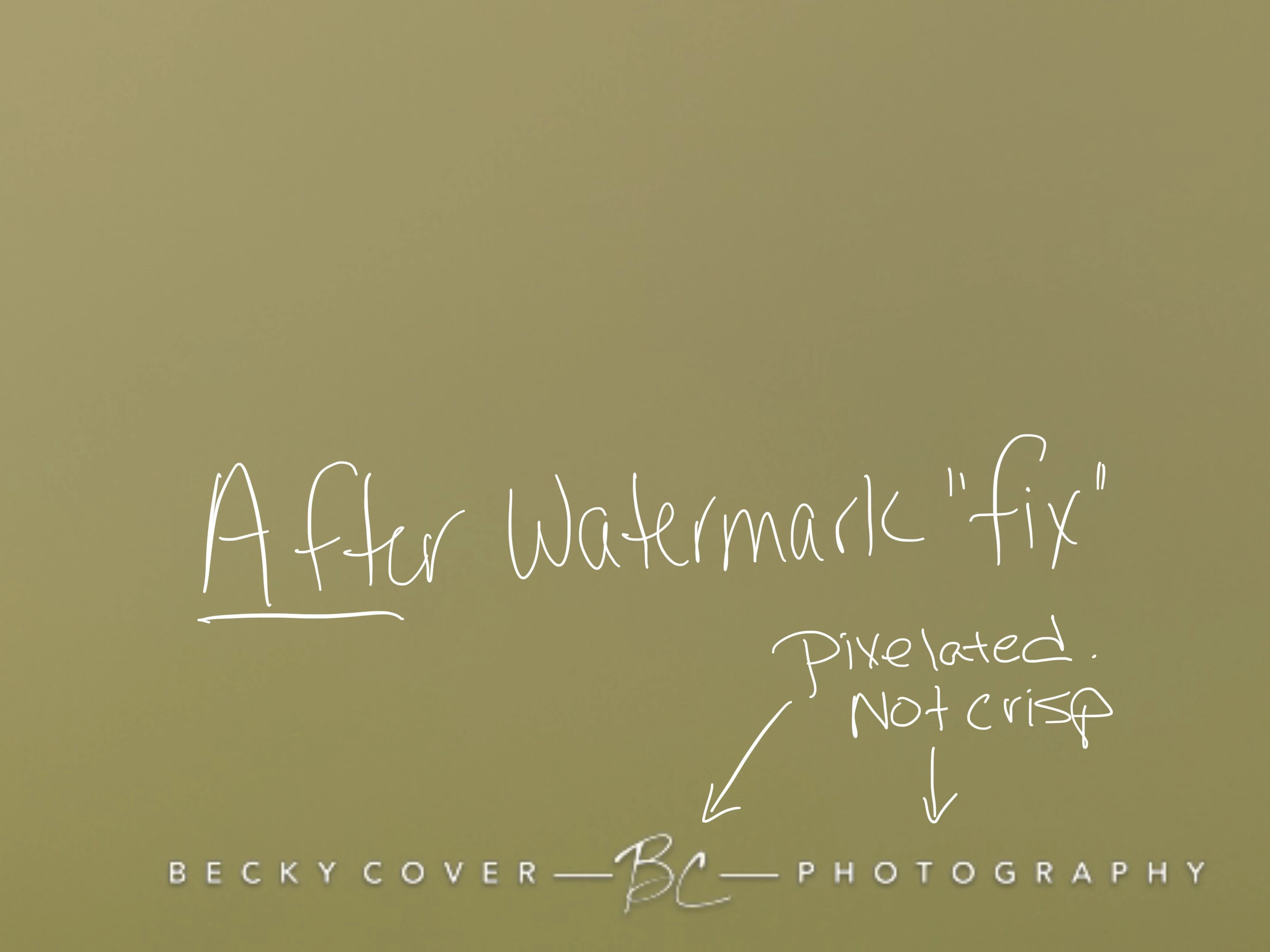
As a followup to my previous reply, I'm providing screenshots of before the watermark problem, and now after the fix. It is still looking pixelated. I doesn't seem as gray as before, but still not the quality I had before the last major LR Classic update. See Screenshots. Disappointed.
This topic has been closed for replies.

3 replies

Participant
August 18, 2023

Morning Rikk.


I'm running the newest update for Lightroom and I'm still experiencing this logo pixelation/distortion issue on my iMac.


The logo looks great when working in the watermark screen to place and size it. When the watermark is applied, the result is not good. Also, I noticed that the anchor points aren't working properly either. The horizontal variation between them is basically the center point of the image and slightly left and right.


Any ideas for a solution?

Rikk Flohr_Photography
Community Manager
February 14, 2023

Greetings all,


Updates for Adobe Photography products have been released.  The February 2023  updates contain a fix for this issue. 

If you do not see the update in your Creative Cloud Application, you can refresh it by hitting [Ctrl/Cmd]+[Alt/Opt]+[ R ].

Note: It may take up to 24 hours for your update to be available in your Creative Cloud app.


Thank you for your patience.

Rikk Flohr: Adobe Photography Org
Rikk Flohr_Photography
Community Manager
August 19, 2022

Moved to a new thread and investigating 

Rikk Flohr: Adobe Photography Org