
P: In-camera double exposure colors have changed dramatically
Hi Guys,
I have a problem with the RAW file of an in-camera double exposure that has changed colour dramatically and I'd appreciate any advice.
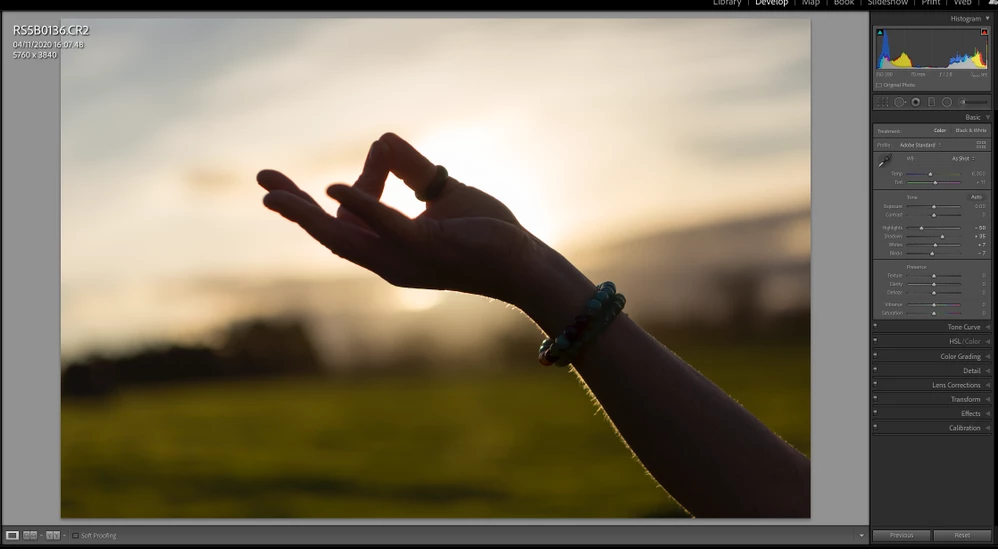
Image 1. - this is the base image for the double exposure.
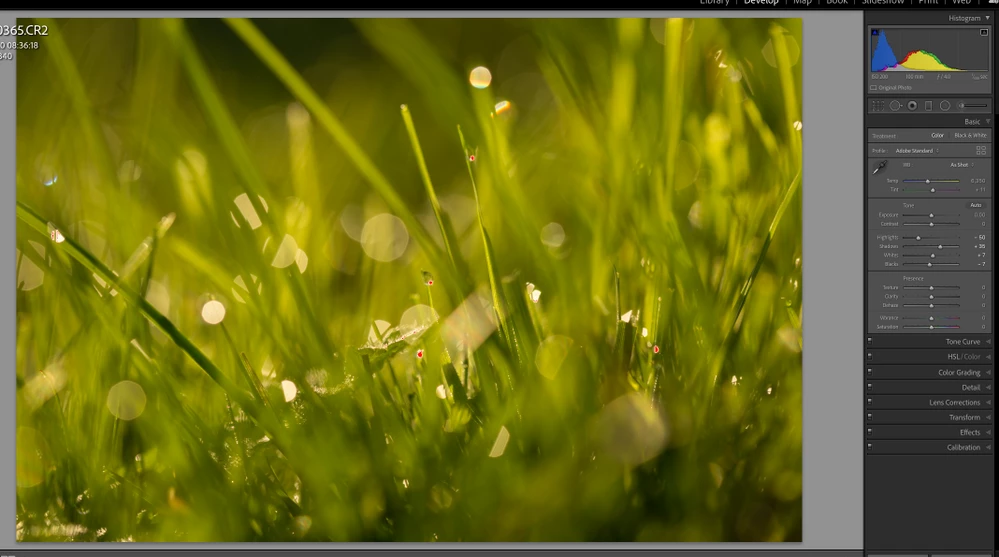
This is image 2 of the double exposure:

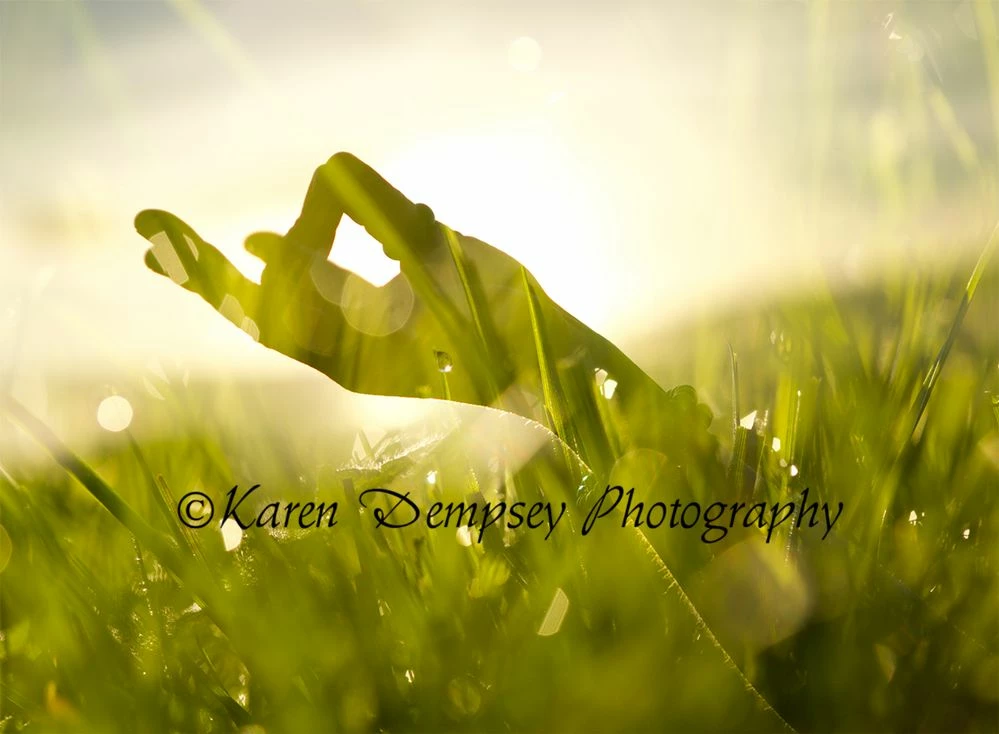
This is image 3: - the in-camera merged double exposure. The image below is SOOC and exported directly from Lightroom last week and these are the colours I would like to keep. This image is a low res jpg and is all I have left of the original colours as the RAW version in Lr has changed to nuclear Yellow.
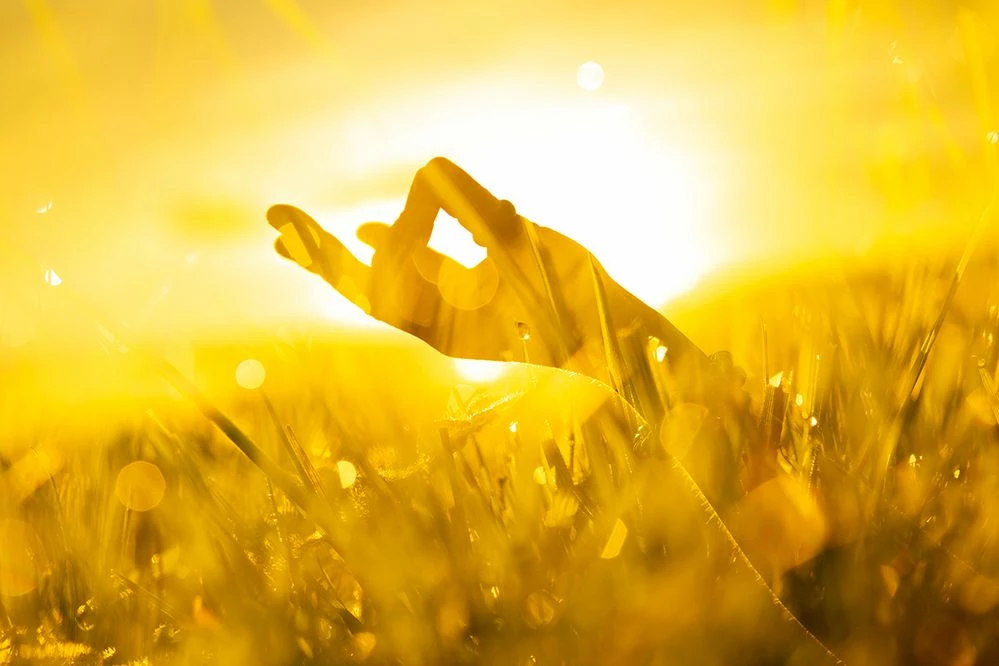
This is the RAW file showing now as funky, nuclear yellow. Despite resetting all the settings and even reimporting the files I am stuck with the yellow and can't get the original colouring back. I can get it to revert to green by using Auto WB in Lr but it's not the same as the original.
There has been a long discussion in The Adobe Support Community and the thread for that can be read here:
The RAW file may also be downloaded here: https://we.tl/t-6LcQqFhZnw
I would be very grateful for any help.
Kind Regards
Karen


 AdChoices