
nilsohman
Known Participant
February 27, 2013

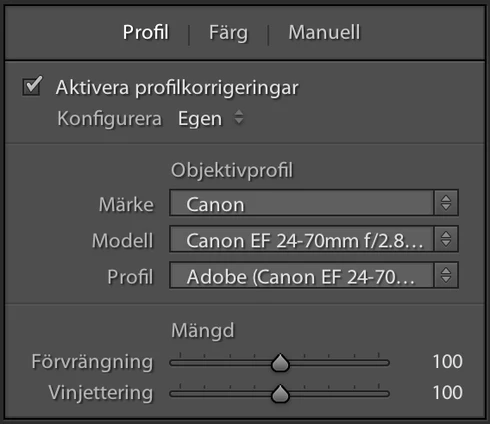
P: Lens profile for Canon 24-70/f4 i missing

  • February 27, 2013
  • 4 replies
  • 405 views

According to listing on
http://labs.adobe.com/technologies/li...
there should now be support for
Canon 24-70 f/4L IS

When I try this out I can't find the lens i the list.
This topic has been closed for replies.

4 replies

Legend
March 22, 2017
This was fixed in Lightroom 4.4 or later.
nilsohman
nilsohmanAuthor
Known Participant
February 27, 2013
Thanks! Workaround worked.
Community Manager
February 27, 2013
Yeah, sorry about that. 🙂 We'll get that fixed, but in the meantime, here's a workaround you can use if you want (these instructions are for Mac, steps on Win are similar, let me know if you need me to provide them):

1. Quit Lightroom.
2. In your applications directory, right-click (control-click) on Lightroom 4.4 RC and choose "Show Package Contents".
3. Navigate to Contents/Resources/LensProfiles/1.0/Canon.
4. Select the file Canon EOS-1Ds Mark III (Canon EF 24-70mm f4L IS USM) - RAW.lcp and copy it to this directory: /Users//Library/Application Support/Adobe/CameraRaw/LensProfiles.
5. Restart Lightroom.

The profile should now show up correctly.

-Ben
Legend
February 27, 2013
Looks like the team is aware of this and it's in our bug system. Thanks.
