Inspiring
October 21, 2020

P: Lightroom Classic: Editing raw file in PS from LR loses profile

  • October 21, 2020
  • 146 replies
  • 4311 views

[See here for how to reproduce the bug and an easy workaround:

https://feedback.photoshop.com/conversations/lightroom-classic/lightroom-classic-editing-cr3-files-in-ps-from-lr-lose-color-profile/5f9043b035f40c2520b9e964?commentId=5fb3495d014b4c3c8a0da305 -- John Ellis]


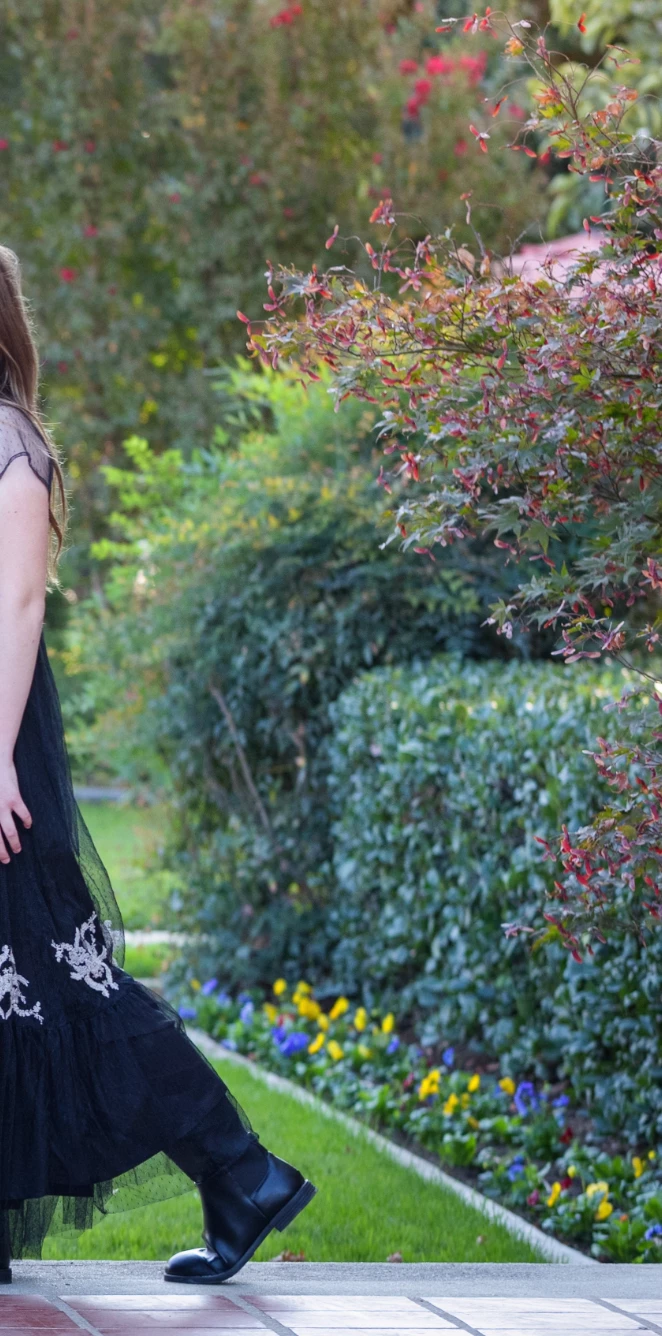
Editing a picture in Photoshop 2021 from within LR 10.0 makes the color profile disappear and the image loses all it's vibrancy... Any idea how to fix that? Top image is what I see in LR. Bottom is how it shows up in Photoshop... 
This topic has been closed for replies.

146 replies

Inspiring
November 13, 2020

And this mismatch color only happen when you use LR preset with custome Camera Profile i think. It work normal when you switch to Adobe Camera Profile (Adobe Color, Adobe Portrait... etc)

Inspiring
November 13, 2020

i don't think this is a PC setting or monitor profile problem. Because this issue doesn't happen with Photoshop CC 2020. With the same working color space setting as 2021.

Participating Frequently
November 13, 2020

No.  It is a gaming-class desktop PC (tower) put together by my son for me specifically for photo work.  All high quality, high performance components, not running over-clocked or anything like that though.  Haven't ever had a lick of trouble with it in 2+ years and it runs LR and PS very efficiently.

TheDigitalDog
Inspiring
November 13, 2020

Sorry, Mac guy but is this a Surface?

Author “Color Management for Photographers" & "Photoshop CC Color Management/pluralsight"
Participating Frequently
November 13, 2020

@foodieadam Yes.  I tried that the other day and it didn't help.  I shut it off and removed the .xmp files just to save my poor backup system from dealing with thousands of new little files.  However, I tried again today with ctrl-S to create .xmp files just for the image I wanted to open in PS before I opened from LR.  Didn't help.  😞

Participating Frequently
November 13, 2020

@andrew_rodney   Specs attached

Participant
November 12, 2020

@dprosk have you tried selecting 'Automatically write changes into XMP' in 'Catalog Settings' in Lightroom? The color profile works when for me exporting to Photoshop.

TheDigitalDog
Inspiring
November 12, 2020

what type of hardware are you using?

Author “Color Management for Photographers" & "Photoshop CC Color Management/pluralsight"
Participating Frequently
November 12, 2020

@andrew_rodney  I tried switching between the sRGB and BenQ ICC profiles (rebooting between - not sure that was strictly required), but it didn't make any difference.  I do appreciate that link though, in general.  Something else I need to learn about!

I'm not that surprised that the system setting wouldn't solve the issue of the ACR in Photoshop not showing the embedded camera profile though?  But better to rule things out!

Any other ideas?

Participating Frequently
November 12, 2020

No.  I have never dipped my toes into monitor calibration.  Right now I am trying switching between different color profiles to see if using a different one changes the behavior of this issue.  Hang on a few minutes, I'll report back what I find.  Windows, yes.  Thanks for the link.