An update for Lightroom Classic version 16.0.1 is now available through the Creative Cloud desktop app. This update includes a fix for the issue discussed here.
Please note that it may take up to 24 hours for the update to appear in your Creative Cloud app. If you do not see the update, you can refresh the app by pressing [Ctrl/Cmd] + [Alt/Opt] + [R].
An update for Lightroom Classic version 16.0.1 is now available through the Creative Cloud desktop app. This update includes a fix for the issue discussed here.
Please note that it may take up to 24 hours for the update to appear in your Creative Cloud app. If you do not see the update, you can refresh the app by pressing [Ctrl/Cmd] + [Alt/Opt] + [R].
Hi All! Thanks for the details, and @johnrellis for adding the video. I can recreate this, and have shared with the team to review. During my tests, I found the following workaround:
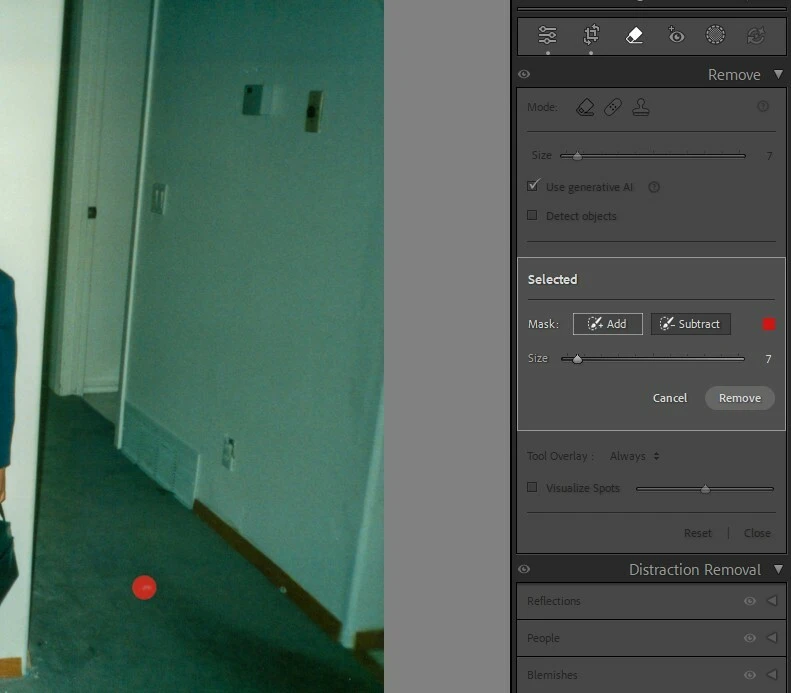
Use a even smaller Brush size, and draw, instead of clicking at spots.
Once you’ve made selections, use the Color picker to change the color of the Remove Tool’s overlay.
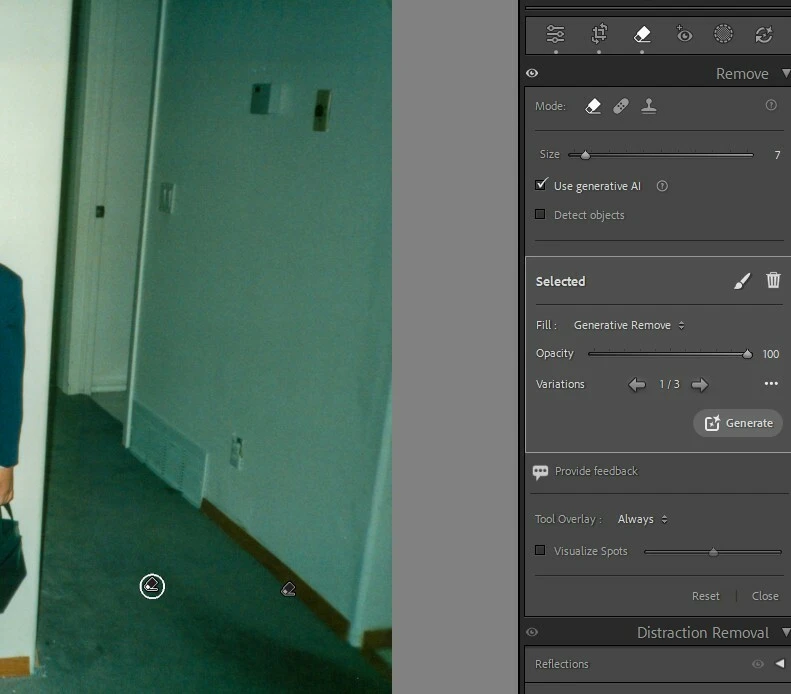
The click has taken effect, but the brush stroke just isn’t being shown as highlighted. As a workaround, type the “a” key twice.
Note that Content-Aware Remove (uncheck Use Generative AI) is much faster and often does a better job than Generative AI Remove at removing dust spots and small blemishes.
Yep i noticed that afterwards but its still hard to see what you’ve done and not done. I’ve left it to do in PS afterwards. I need content aware at times as sometimes its marks around labels with writing etc and more complex stuff! thanks!
I want to remove some dust and specks on a bottle.
I click on the remove tool and click the first piece of dust.
I then try to click on another piece of dust but nothing happens. I have to slide the mouse over the area rather than just click to get it to highlight the dust.
Note that Content-Aware Remove (uncheck Use Generative AI) is much faster and often does a better job than Generative AI Remove at removing dust spots and small blemishes.


 AdChoices