Participant
January 23, 2024

P: Panorama cylinder merge adding odd color tint depending upon Active (most selected) Image

  • January 23, 2024
  • 7 replies
  • 1849 views

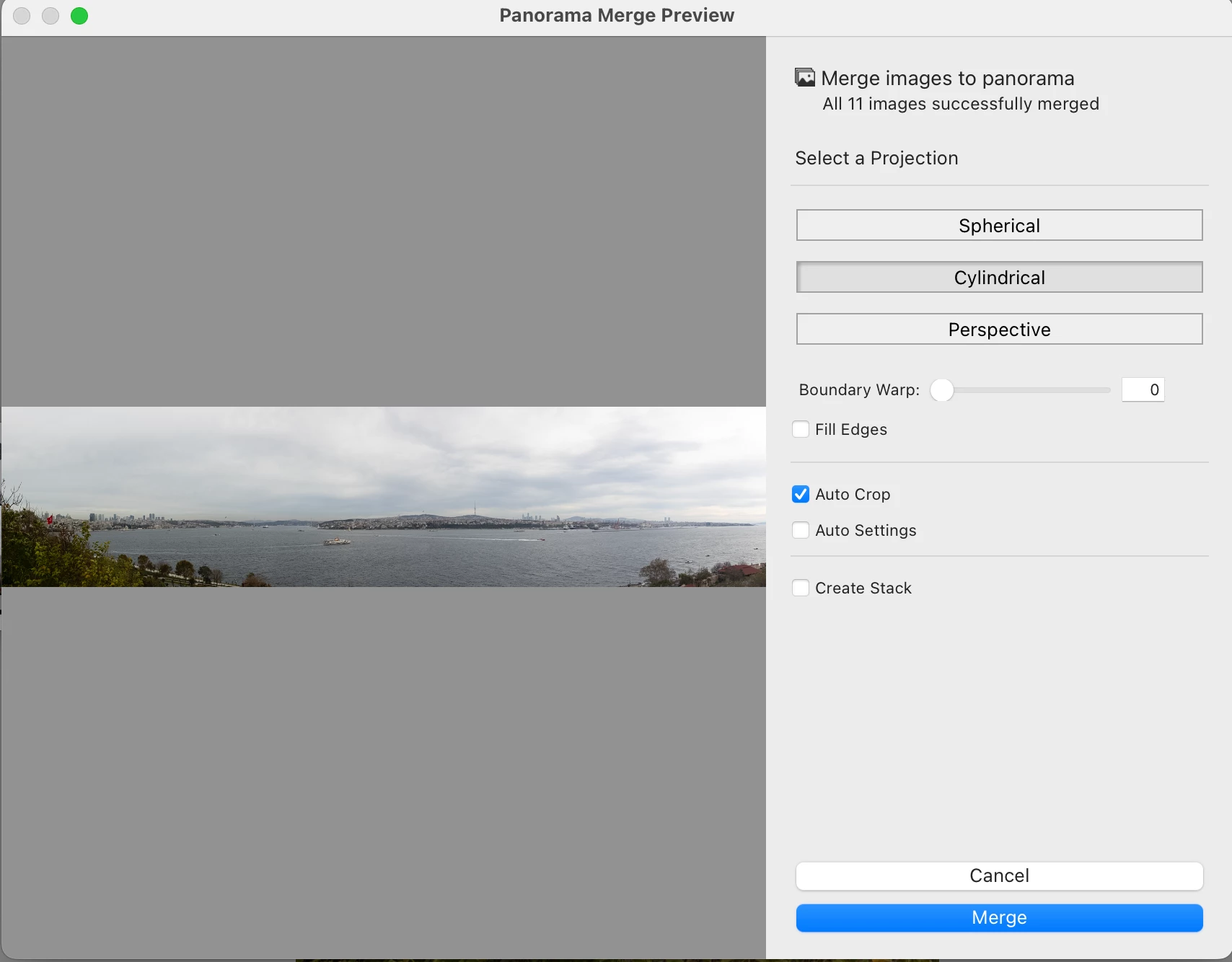
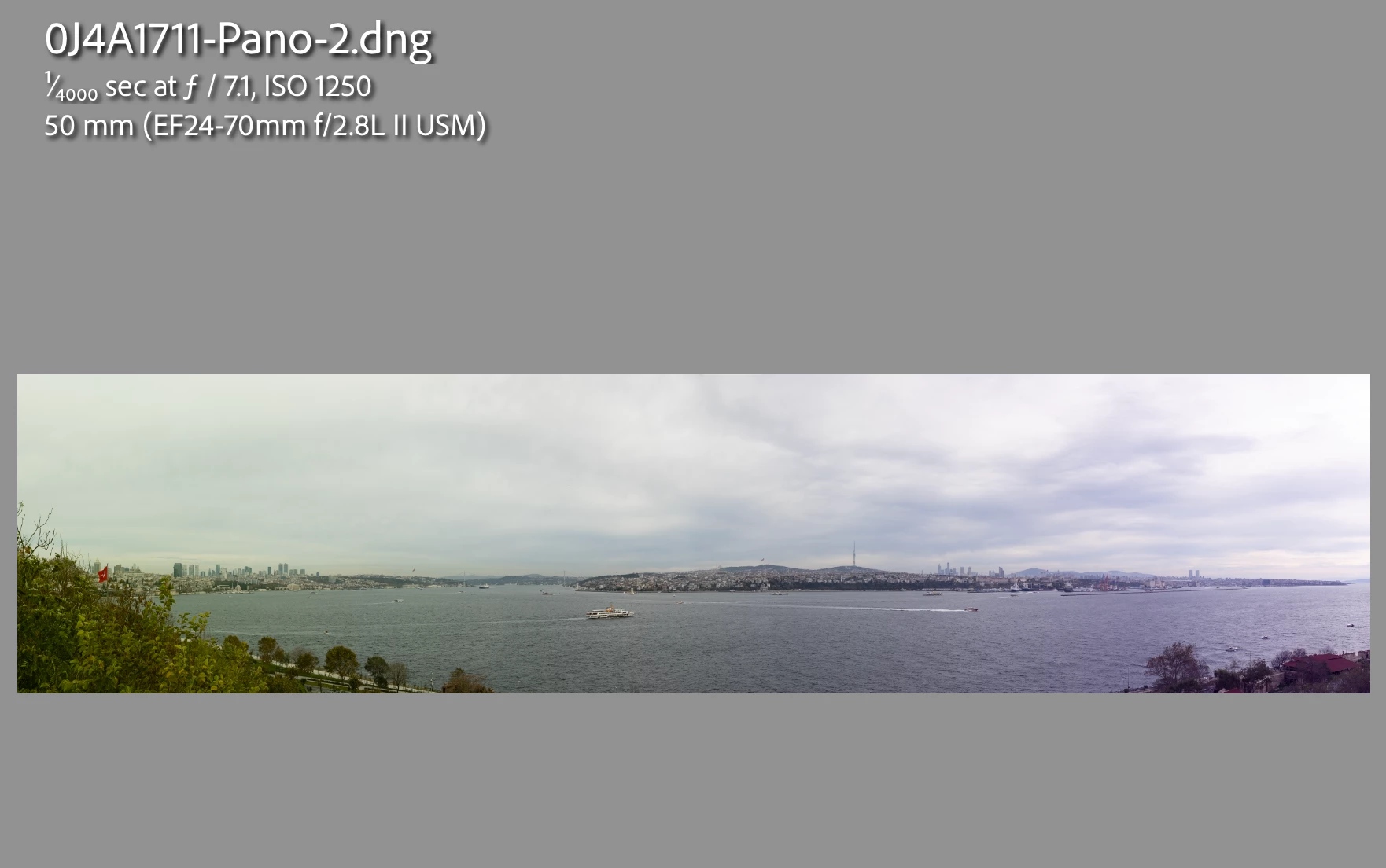
Issue: Lightroom's Panorama merge feature is adding a strange and changing color tint to the final merged photo. The photo looks fine when viewing the preview for different panorama merge types, but once selected, the merged photo comes out with an odd tint. 

  • Lightroom Classic Version Number: 13.1 
  • OS Version Number: macOS Sonoma 14.2.1 (23C71)


Steps to reproduce:

  1. Select a few photos to merge (11 in my case)
  2. Select cylinder projection merge, auto crop, and merge
  3. View merged photo

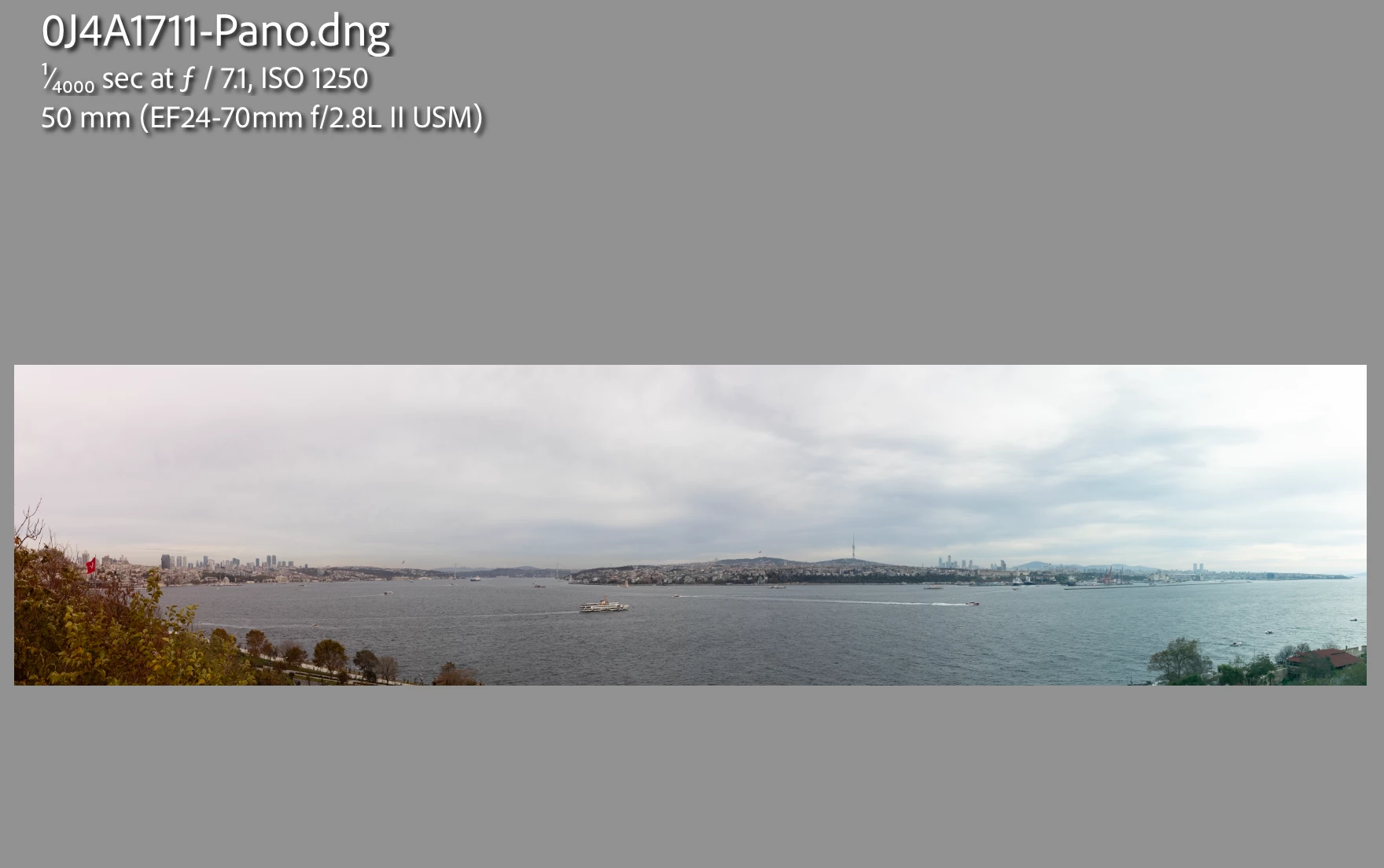
Expected result


Actual result


7 replies

Participant
December 11, 2024

Any progress regarding this issues and its investigation? I have serval sets of images that lead to these kind of results. Trying to manually fix the tint with gradients is cumbersome and hardly every leads to satisfying results...

Bob Somrak
Legend
February 10, 2024

@Zaman3249580226kv 

I don't know why it didn't work for you.  It worked for me picking a photo closer to the middle as you can see by the screen clip.  Its a bug that will hopefully get resolved.

M4 Pro Mac Mini. 48GB
Participant
February 9, 2024

@Bob Somrak Not sure how you got it to work but selecting the center photo when starting the merge in LrC didn't work for me, sadly.  Hopefully a full bug fix is in the works and is released soon. 

Rikk Flohr_Photography
Community Manager
Community Manager
January 26, 2024

Thanks for the added info.  I've opened a ticket to investigate and attached @Zaman3249580226kv  's files to the bug. 

Rikk Flohr: Adobe Photography Org
Bob Somrak
Legend
January 24, 2024

@Zaman3249580226kv 


I see the SAME issue.  The preview looks ok but my completed Pano looks exactly like yours.

M4 Pro Mac Mini. 48GB
johnrellis
Genius
January 24, 2024

I too see the issue when doing Photo Merge > Panorama, Cylindrical on your sample photos. However, I don't see it when using Spherical or doing Photo > Edit In > Merge To Panorama In Photoshop, Cylindrical.


I've attached labeled JPEG exports of the the three merges. 

johnrellis
Genius
January 24, 2024

@Rikk Flohr: Photography, please consider moving to Bugs. Three of us get the same bad results with the provided sample files.

Participant
January 24, 2024

Link to the example 11 files below. Note: I've had this issue with other panoramas as well, not just the files below. 


https://drive.google.com/drive/folders/15cmBEE4nM1LmfoIUQGEOC1qcs7WpYLrf?usp=sharing

johnrellis
Genius
January 23, 2024

Upload the 11 originals to Dropbox, Google Drive, or similar and post the sharing link here. If it is a bug, Adobe will need access to the originals.

Participant
January 24, 2024

Thank you, creating a link now.