
Inspiring
October 21, 2020

P: Poor photo in the library and develop module - smart previews

  • October 21, 2020
  • 162 replies
  • 9592 views

I have a problem with version 10.0,
the photo is of poor quality in the library and in the develop module. I use smart previews (the disk with the original photos is disconnected).
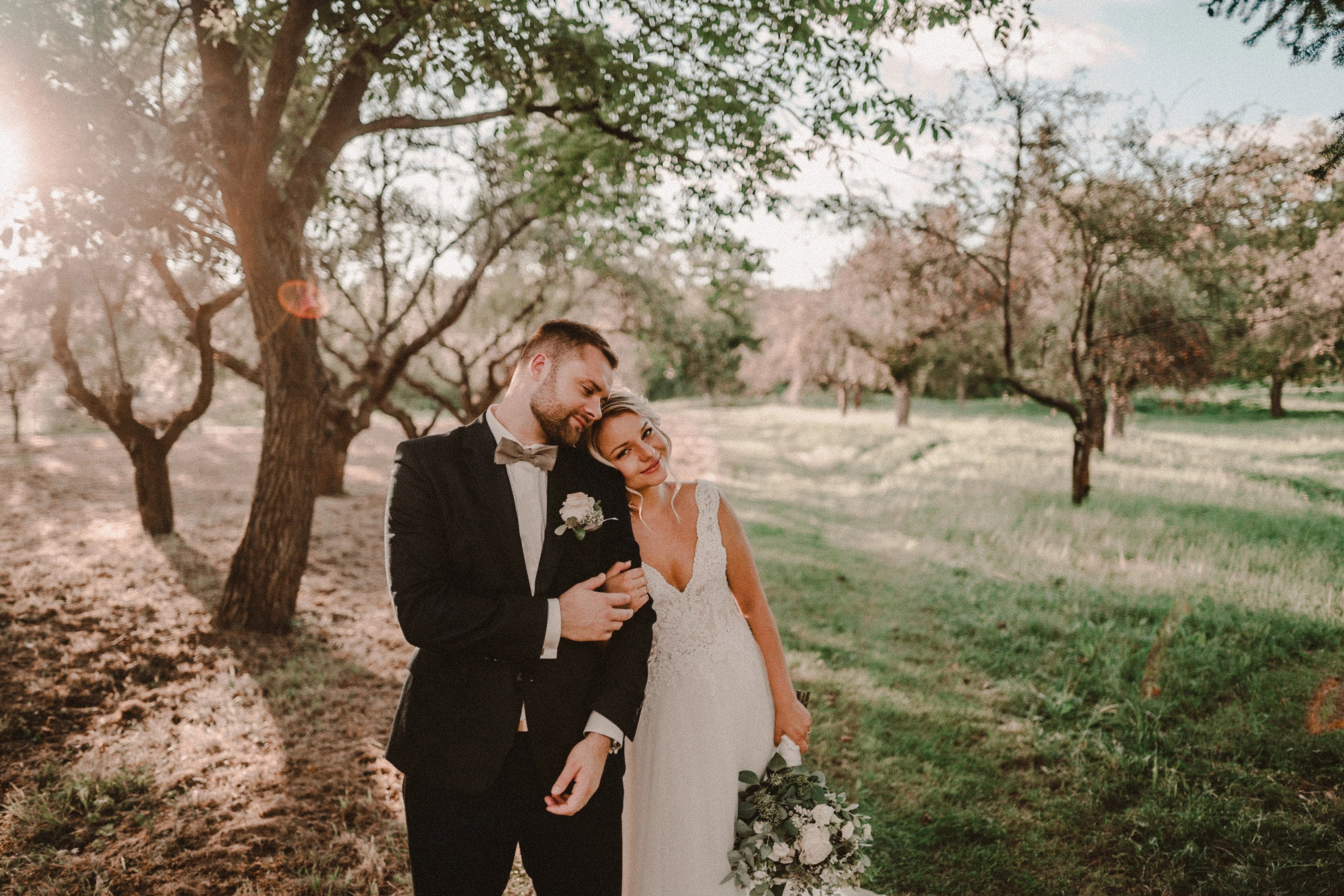
smart previews in version 10.0 have poorer quality than in version 9.4
When I install the older version (9.4), the same photo with the same preset is of better quality (also smart previews).

It looks like there is a higher grain in the photo
Here are photos exported from smart previews.

Tested on: Mac pro 2013 (6core, 16gb ram, D500)

Macbook Pro 2014 2,7 ghz 4 core, 16gb ram


10.0:
9.4:
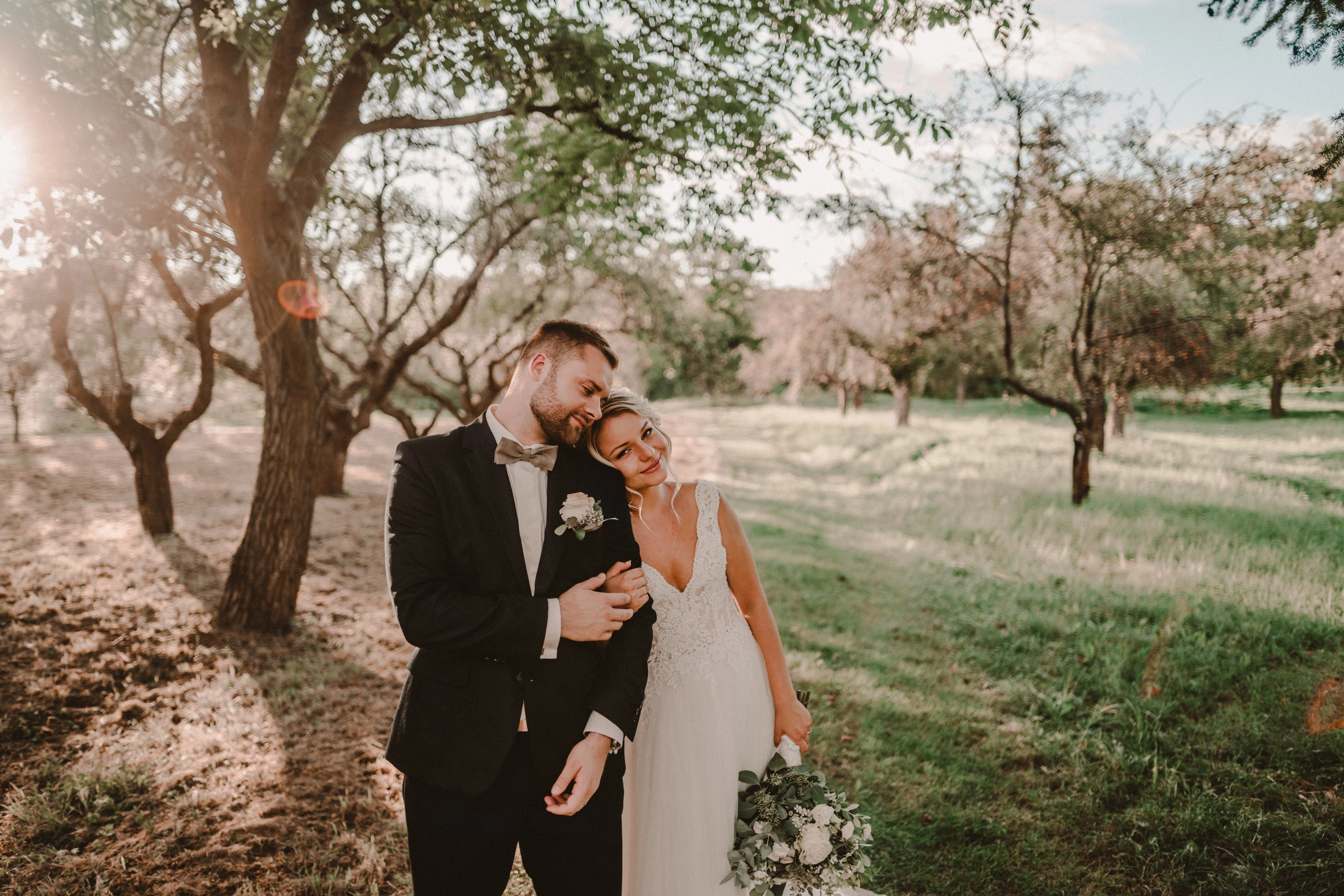
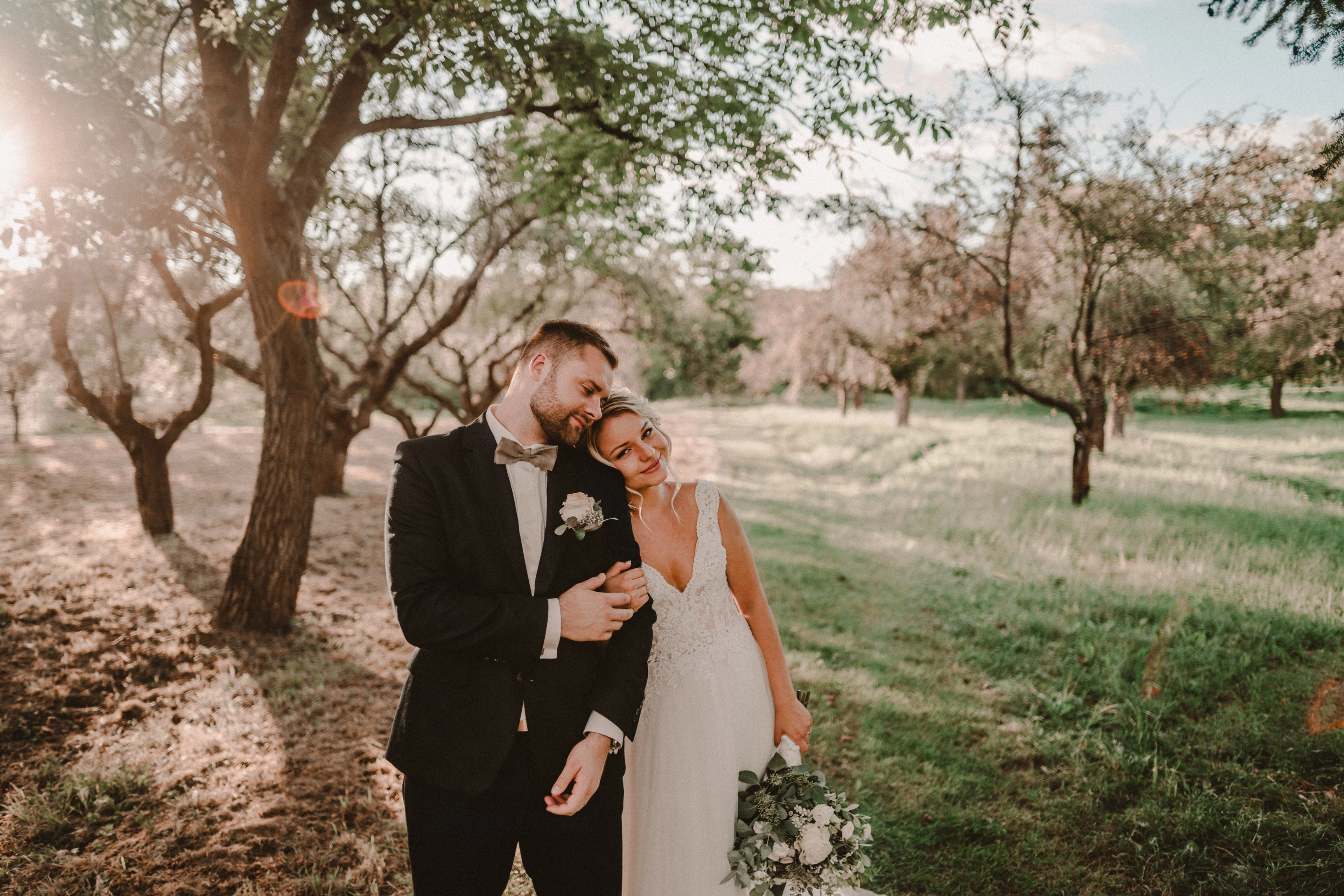
Photo exported after attaching a disk with the original photo:
This topic has been closed for replies.

162 replies

Rikk Flohr_Photography
Community Manager
March 17, 2021

Thanks Todd, I will grab it. 

Rikk Flohr: Adobe Photography Org
fatoldsunz
Participating Frequently
March 17, 2021

Seems that the new lightroom 10.2 fixes this problem !

Participating Frequently
March 16, 2021

I've got no idea. I'm not a techy. I'm just a photographer who's tired of their Lightroom not working properly ha. 

Todd Shaner
Legend
March 16, 2021

I've created a new problem report for the LrC 10.2 Develop module Grain Effects preview rendering issue. This is separate from the Smart Previews rendering issue.

https://feedback.photoshop.com/conversations/lightroom-classic/lrc-102-grain-effects-render-incorrectly-in-develop-module/60511d813facef17f7f33996

Participating Frequently
March 16, 2021

Rikk taking absolutely no nonsense ha. 

Regardless, I still have the same issues with previews of grain for the first few seconds before my computer renders the file correctly (I don't use Smart Previews anymore because I was advised not to here before so this is on normal previews). 

It does seem faster than before to load out of the issue but it's still there when it wasn't on previous versions of LR.

Here's a screen recording all the way from the import screen to what I see to show you.

https://youtu.be/J2iC_1bjrWs

Basically if I apply a preset with grain on import the grain will process incorrectly until I zoom into the image, I then have to wait for it to fully load before zooming back out to see it normally. If I import the photos without a preset and then add one afterwards this isn't the case, but this is obviously an irritating workaround.

Thanks!

Rikk Flohr_Photography
Community Manager
March 16, 2021

It belongs on a different thread regardless. 

Rikk Flohr: Adobe Photography Org
Todd Shaner
Legend
March 16, 2021

Rikk, I respectfully disagree. What's being discussed here concerns rendering issues with the Grain Effects tool. Previously, this only occurred when using Smart Previews. That appears to be fixed in LrC 10.2, but now preview rendering with the full-size original image file is displaying the Smart Preview rendering issue. That is the Develop module preview appears to have less Grain Effect applied than the Library module preview and exported files.

My guess is the changes made to correct the Smart Preview Grain Effects issue has caused this new issue.

Rikk Flohr_Photography
Community Manager
March 16, 2021

This should probably be on a new thread, Todd.

Rikk Flohr: Adobe Photography Org
Todd Shaner
Legend
March 16, 2021

Rikk, The Smart Preview difference in Grain rendering appears to be improved, but a new issue has been introduced. The Develop module no longer properly renders the Grain settings, which appear much more pronounced in the Library module and exported files. This is without using Smart Previews. I tested with GPU enabled and set to Off with LrC restarted and the issue persists.

The below screenshots are with LrC 10.2 using Grain settings Amount 100, Size 50, and Roughness 100.

Rikk Flohr_Photography
Community Manager
March 16, 2021

Updates to Lightroom Classic and the Lightroom Ecosystem products for Desktop, Mobile and Web were released today and contain a fix for this issue.

Please refresh your Creative Cloud application and install your update when it becomes available. Thank you for your patience.

Rikk Flohr: Adobe Photography Org