
Inspiring
October 21, 2020

P: Poor photo in the library and develop module - smart previews

  • October 21, 2020
  • 162 replies
  • 9592 views

I have a problem with version 10.0,
the photo is of poor quality in the library and in the develop module. I use smart previews (the disk with the original photos is disconnected).
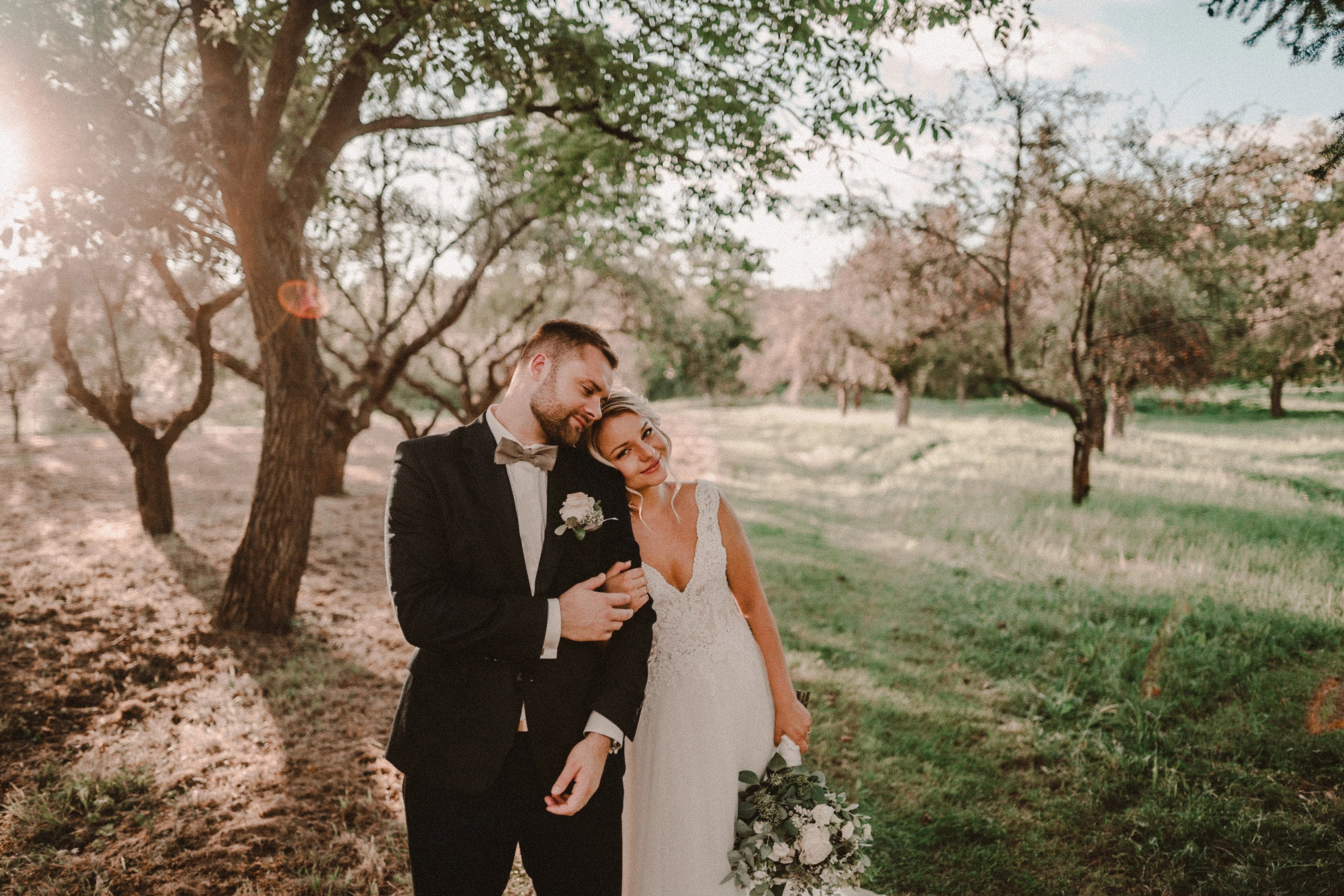
smart previews in version 10.0 have poorer quality than in version 9.4
When I install the older version (9.4), the same photo with the same preset is of better quality (also smart previews).

It looks like there is a higher grain in the photo
Here are photos exported from smart previews.

Tested on: Mac pro 2013 (6core, 16gb ram, D500)

Macbook Pro 2014 2,7 ghz 4 core, 16gb ram


10.0:
9.4:
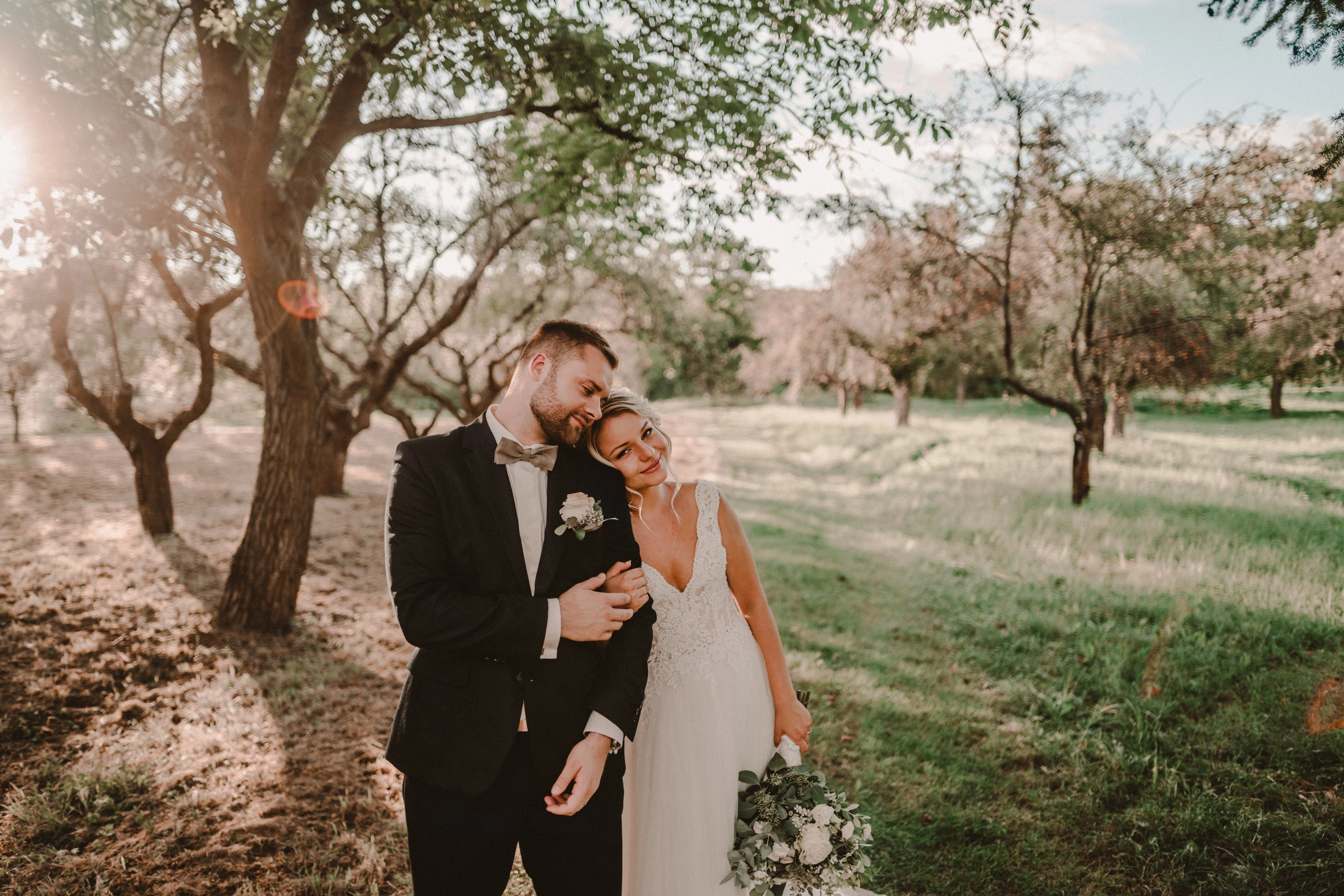
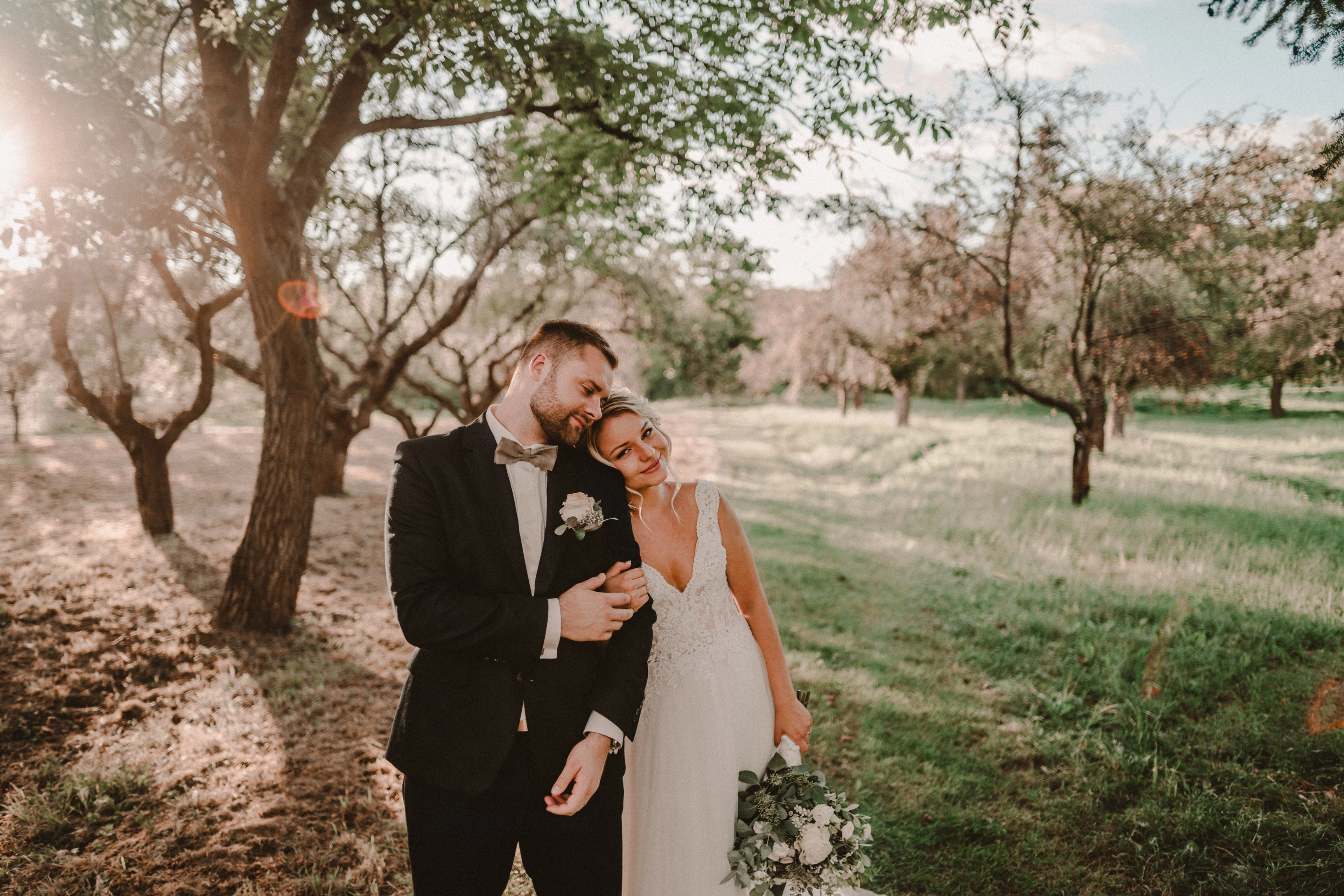
Photo exported after attaching a disk with the original photo:
This topic has been closed for replies.

162 replies

TheDigitalDog
Inspiring
October 22, 2020

I did try and NO I don't see it. 

You want help, find a fix or just complain? 

My core belief is that if you're complaining about something for more than three minutes, two minutes ago you should have done something about it.“ -Caitlin Moran

Want to do something about it? 

Author “Color Management for Photographers" & "Photoshop CC Color Management/pluralsight"
Known Participant
October 22, 2020

A lot of people in a german Facebook Group for Lightroom has the same problem. And this is the same also: https://feedback.photoshop.com/conversations/lightroom-classic/lightroom-classic-image-previews-with-grain-are-very-very-very-bad/5f90576d35f40c2520b9ea58

Known Participant
October 22, 2020

Ok, you don't try it. This picture is no High Iso. It's taken by ISO 200. I only added a little bit of grain in develop  mode. Try it and you will see it.

TheDigitalDog
Inspiring
October 22, 2020

Here is what I can comprehend: 

It's well know that Library and Develop previews don't always match and that the only accurate way to view your data is in Develop at 1:1. 

What I can comprehend and see is that in Library and Develop, at Fit and Fill, I do NOT see the same disconnect you show with images that have high ISO and thus grain. 

What I can comprehend is that perhaps, there is an issue on your end with previews (how they are built, your display etc). Because again, I comprehend by viewing the same images in the latest version of LR and earlier, they preview pretty much the same. 

Now you want to hunt down a fix for your issue or you're sure this issue affects everyone and thus, it's absolutely Adobe's fault? Maybe give us a better idea of your OS, version, display, video card etc, camera used, ISO, uploading a raw for others to examine etc. 

Author “Color Management for Photographers" & "Photoshop CC Color Management/pluralsight"
Known Participant
October 22, 2020

The same. Can you not comprehend this? Here is always the same on all pc's an mac's i've tested

Known Participant
October 22, 2020

The same. Can you not comprehend this? Here is this the same on all PCs and MACs i have tested. 

TheDigitalDog
Inspiring
October 22, 2020

What if you disable GPU in preferences?

Author “Color Management for Photographers" & "Photoshop CC Color Management/pluralsight"
Known Participant
October 22, 2020

 The same picture in library mode in the old version

Known Participant
October 22, 2020

Sure. I know this. But normaly not so extrem. This is only since the last Version 10.0

TheDigitalDog
Inspiring
October 22, 2020

So you don't see it at 1:1 right? 

When images are zoomed out, in LR or Photoshop (anywhere), all the pixels are subsampled down for the zooming out of the image. You can often see moiré and, in this case, the increase in grain. Which is why the only accurate way to view the image is at 1:1 (100%) which means one image pixel for one display pixel. Or greater. Depending on image content, in this case grain, or in other cases a pattern, a zoomed out appearance can look ugly but it isn't in your actual data. This is just an artifact of the preview process. 

Author “Color Management for Photographers" & "Photoshop CC Color Management/pluralsight"