



P: Synchronize Folder incorrectly shows photos as missing (LR 14.4)
Synchronize Folder sometimes shows photos as missing when they're not. To reproduce in LR 14.4 / Mac OS 15.5.
There was a previously reported bug with similar symptoms fixed in LR 13.5, but that one was related to the option Treat JPEG Files Next To Raw Files As Separate Photos, whereas this instance isn't:
Another person just reported these symptoms as well in LR 14.4 / Mac OS 15:
https://www.lightroomqueen.com/community/threads/synchronising-missing-files-are-not-missing.53034/
1. Download and open this catalog:
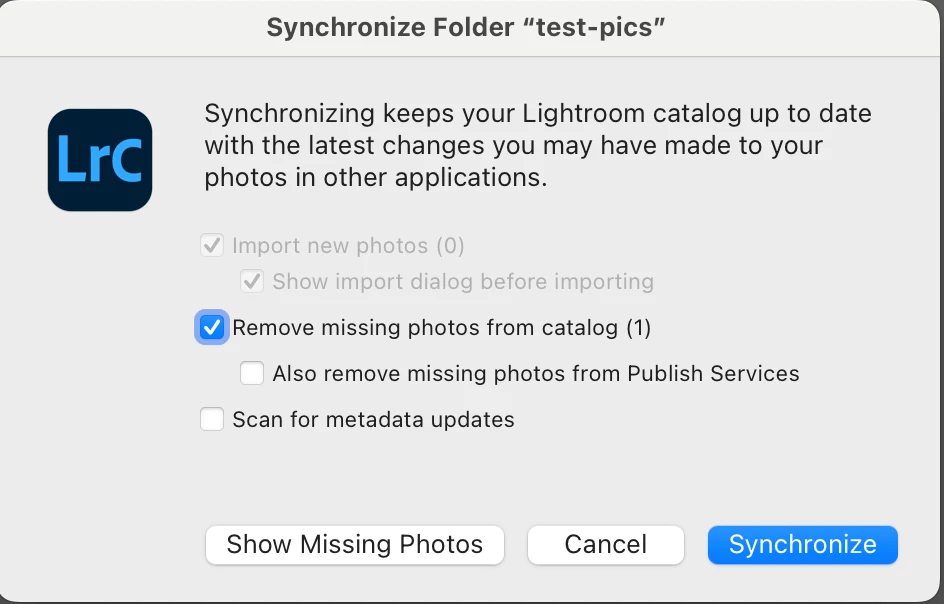
2. In the Folders panel, right-click the folder "test-pics" and do Synchronize Folder. Observe that it reports 1 missing photo:
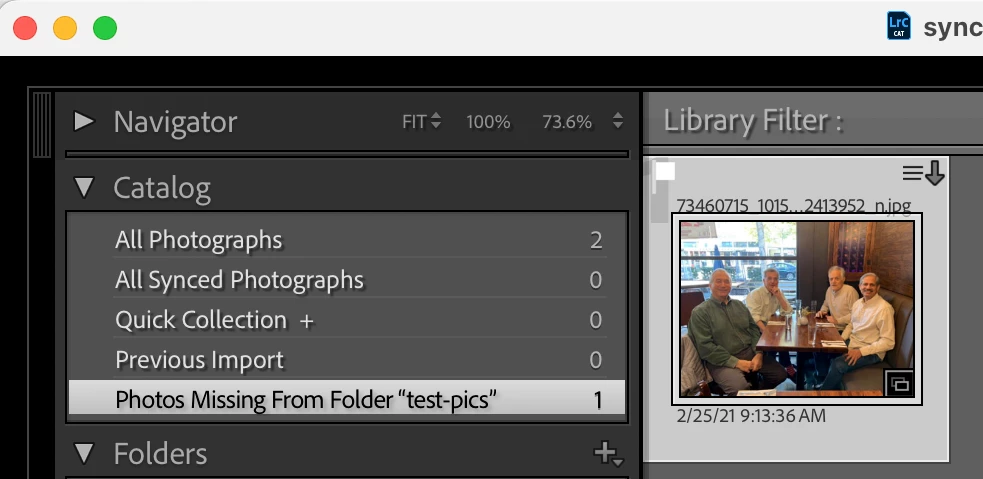
3. Click Show Missing Photos and observe the special collection Photos Missing From Folder "test-pics" contains one photo, though that photo doesn't have the "!" in the upper-right corner:
4. Do the command Library > Find All Missing Photos and observe that it reports no missing photos:

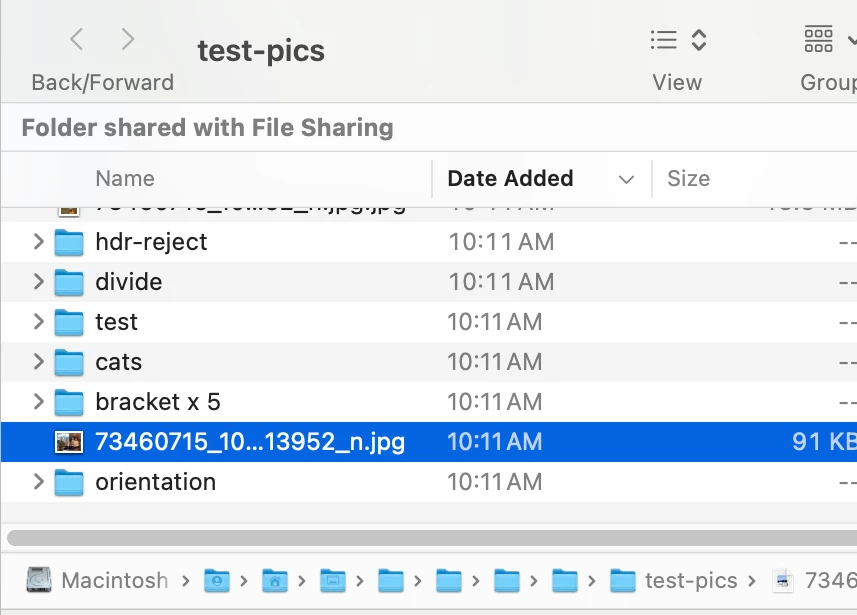
5. Right-click that photo, do Show In Finder, and observe that Finder opens with the photo selected:
 AdChoices