

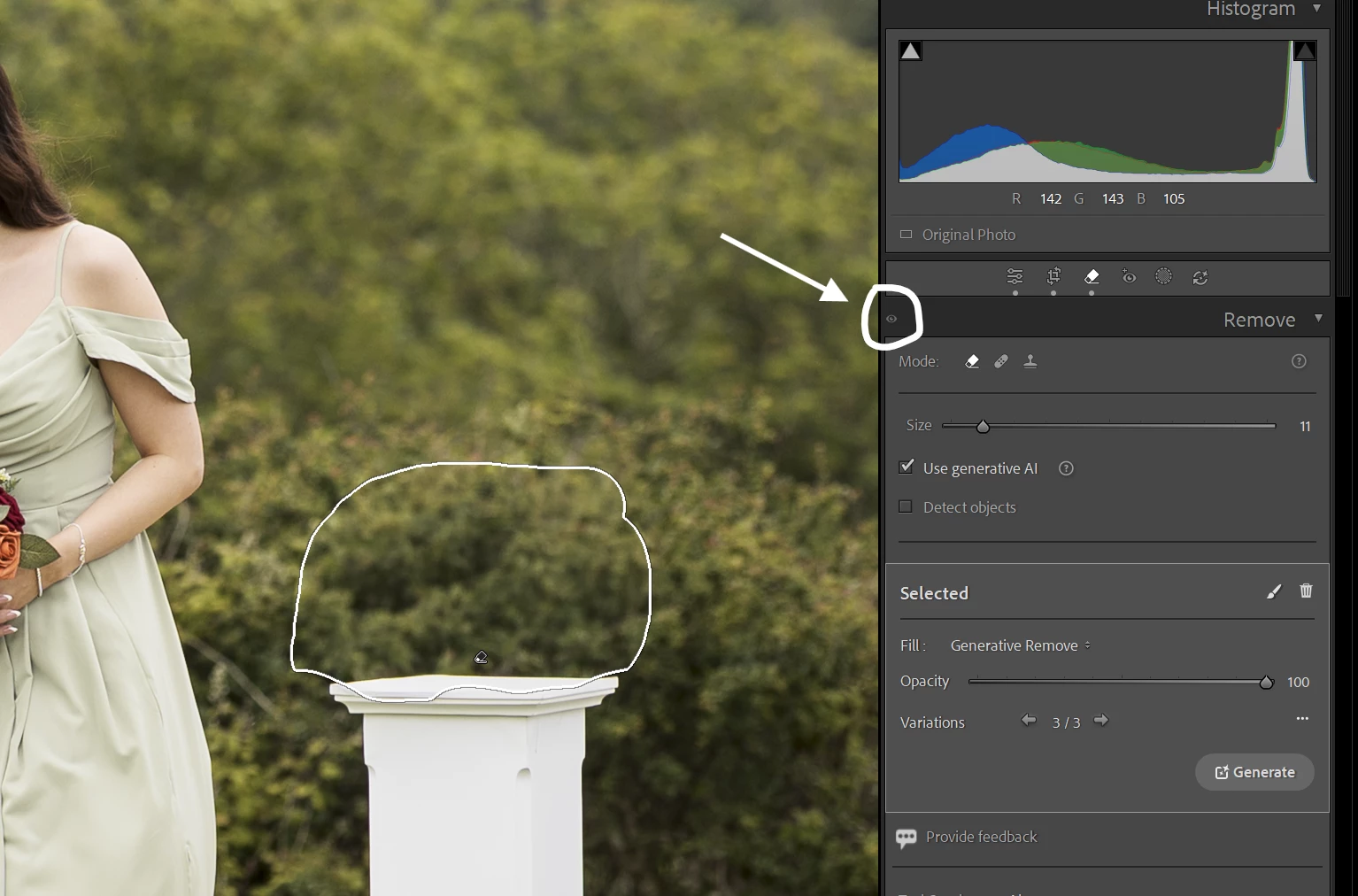
P: The eye icon is always greyed out for the Remove
Description of Issue: The eye icon on the Remove panel stays greyed out.
Lightroom Classic Version Number: 15.4 (June 2026)
OS Version Number: Windows 11 25H2 (up to date)
Camera Model: Canon R6 mk2
Step-by-step Reproduction Instructions: In the develop module use the remove/heal/clone on some part of the image.
The Expected Result: The eye icon should become active so you can hide the edits.
The Actual Result: The eye icon stays greyed out.
Image below shows the result:


 AdChoices