
P: Video metadata lost (.mts &.mov files) and capture dates incorrect
Hi
I use LR Classic 2019 for my photo and video archives.
My Sony RX100mk3 shoots hd video in the MTS format. Adobe says it supports the file format but the recent 2019 LR Classic update has been nothing but trouble. Originally it completely messed up the capture date of the MTS video files. I posted here about the issue and got no response (https://feedback.photoshop.com/photoshop_family/topics/lightroom-still-inconsistent-capture-date-tim...?). In a response to that issue I thought I could try creating a new catalog of the same files/folders. That actually created MORE problems because now all of the metatdata on all videos has been lost as well. And the capture date issue still persists.
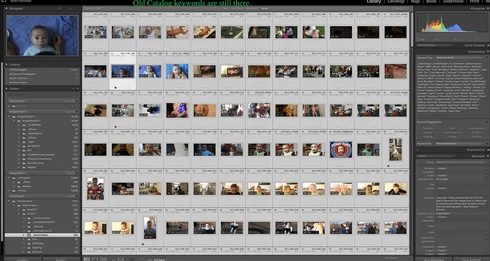
So does ANYONE have any ideas about what the problem is? One thing I thought of is that since you can't technically write metadata to a video file maybe that info is stored elsewhere and was misplaced when I created the new catalog. When I look at the same video files in the old catalog the metadata is still there. (see screen shots below showing the old and new catalog displaying the metadata.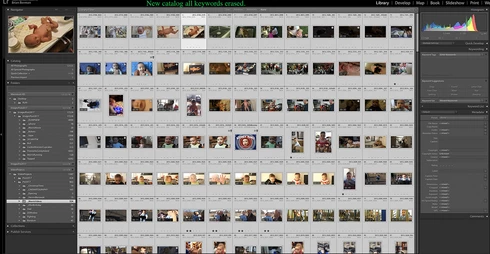


 AdChoices